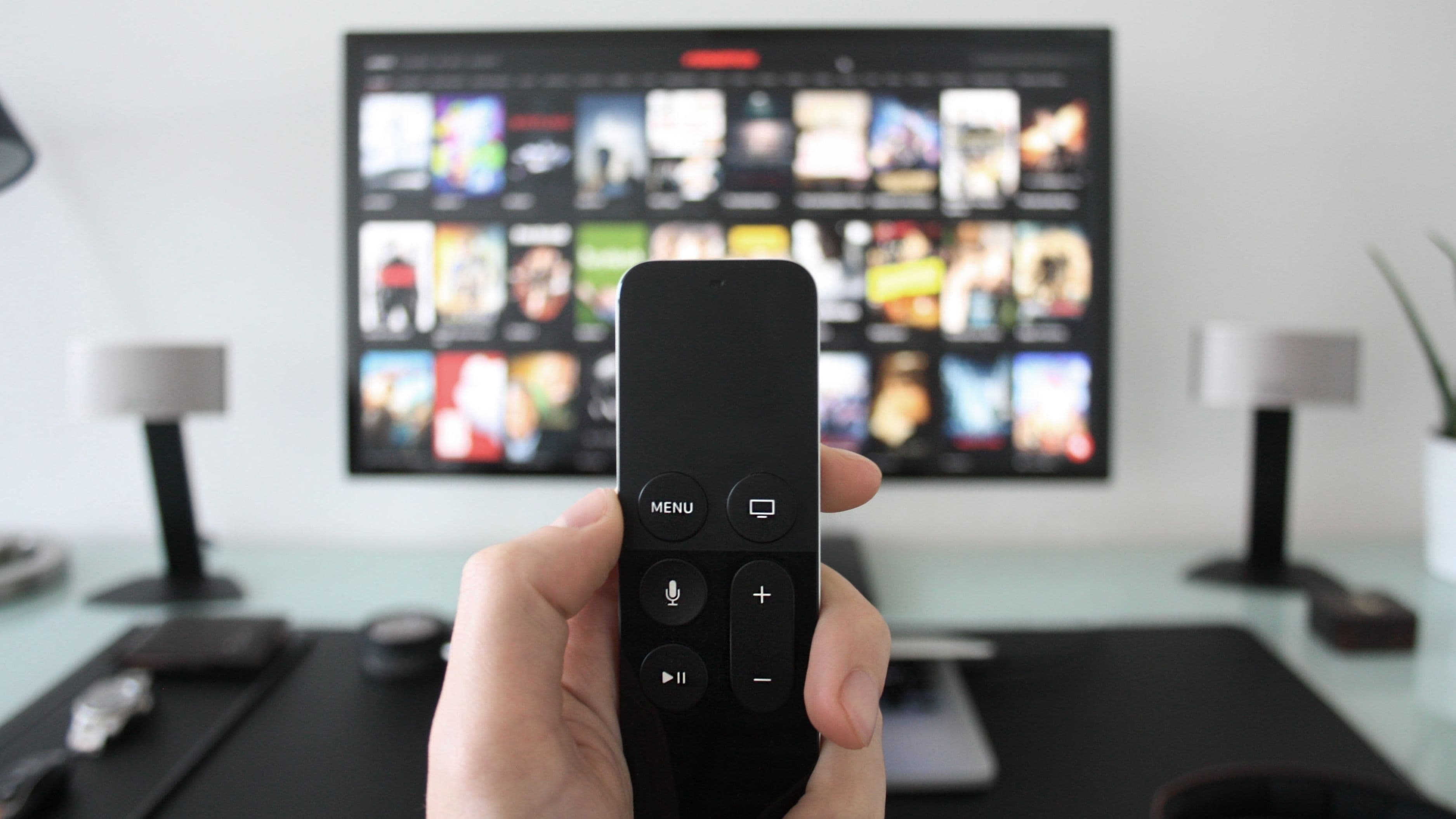
The streaming device market has never been more competitive, which means better options at lower prices than ever before. Whether you want the fastest performance, the best voice control, the simplest setup, or the most affordable entry point, there's a device built for exactly that. Here are the ten best streaming devices you can buy right now — and what makes each one worth considering.
Top 10 at a Glance
Apple TV 4K (3rd Gen) – Best overall performance
Roku Ultra – Best all-around streaming experience
Amazon Fire TV Stick 4K Max – Best for Amazon ecosystem users
Google Chromecast with Google TV (4K) – Best for Android and Google users
NVIDIA SHIELD TV Pro – Best for power users and gamers
Roku Streaming Stick 4K – Best compact stick for most people
Amazon Fire TV Stick Lite – Best budget pick
TiVo Stream 4K – Best for cord-cutters combining live TV and streaming
Apple TV HD – Best for Apple households on a budget
Google Chromecast with Google TV (HD) – Best ultra-affordable HD option
1. Apple TV 4K (3rd Gen)
What it is: Apple's flagship streaming box, powered by the A15 Bionic chip — the same processor found in the iPhone 13. It supports 4K HDR, Dolby Vision, Dolby Atmos, and HDR10+.
Why it matters: The Apple TV 4K is the fastest, smoothest streaming device on the market, full stop. App load times, navigation, and transitions are noticeably snappier than anything else in the category. It also supports AirPlay for seamless content mirroring from your iPhone, iPad, or Mac — a feature that's genuinely useful if you live in the Apple ecosystem.
How to use it: Plug it into any HDMI port, sign in with your Apple ID, and you're running. The Siri Remote includes a clickable touchpad, volume controls, and a dedicated button for Apple TV+. Setup takes about five minutes.
Key benefit: Best-in-class performance, deep Apple ecosystem integration, and the cleanest interface of any streaming device. Thread and HomeKit support also make it a solid smart home hub.
Best for: Apple users who want the premium experience and don't mind paying a premium price.
Heads up: At $129, it's the most expensive device on this list. If you're not in the Apple ecosystem, the price premium is harder to justify.
2. Roku Ultra
What it is: Roku's top-tier streaming box, offering 4K HDR, Dolby Vision, Dolby Atmos, and a private listening feature via the included remote with a headphone jack.
Why it matters: Roku has the most neutral, app-complete streaming platform available. It doesn't favor Amazon, Google, or Apple — it just gives you access to everything, including apps that competing platforms restrict or hide. The Roku Ultra adds a lost remote finder (the remote beeps when you can't find it), ethernet port for wired internet, and USB playback for local media files.
How to use it: Plug in via HDMI, connect to Wi-Fi or ethernet, and the guided setup walks you through the rest. The Roku interface is one of the most beginner-friendly in the category.
Key benefit: No ecosystem bias, deep app library, great remote, and excellent stability. Roku's platform is consistently one of the most reliable in terms of uptime and updates.
Best for: Anyone who wants a complete, unbiased streaming experience without being locked into Amazon or Google's ecosystem.
Pro tip: The private listening feature is underrated — plug headphones directly into the remote for late-night watching without disturbing anyone.
3. Amazon Fire TV Stick 4K Max
What it is: Amazon's most powerful streaming stick, featuring Wi-Fi 6E support, 4K Ultra HD, Dolby Vision, HDR10+, and Dolby Atmos — all in a stick form factor.
Why it matters: If you're an Amazon Prime subscriber, the Fire TV Stick 4K Max is the most seamless way to experience that ecosystem. Alexa is deeply integrated — ask it to find movies, control smart home devices, check the weather, or launch any app. The Wi-Fi 6E support gives it a significant speed advantage in crowded networks compared to older Fire TV sticks.
How to use it: Plug into HDMI, connect to your Amazon account, and you're up. The home screen surfaces your Prime Video content prominently alongside other apps.
Key benefit: Fast performance, excellent voice control via Alexa, and strong 4K picture quality for the price. At around $60, it delivers near-top-tier performance for significantly less than Apple TV or Roku Ultra.
Best for: Amazon Prime subscribers who want the best Fire TV experience and fast Wi-Fi performance.
Heads up: Amazon's interface is heavily ad-driven and surfaces Prime content prominently. If you find that annoying, Roku or Apple TV will feel cleaner.
4. Google Chromecast with Google TV (4K)
What it is: Google's fully featured streaming dongle with a dedicated remote and the Google TV interface, supporting 4K HDR, Dolby Vision, and HDR10+.
Why it matters: The Chromecast with Google TV was a pivotal upgrade from the older cast-only Chromecast — it added a proper remote and a real interface, making it a genuine streaming device rather than just a casting tool. Google TV aggregates recommendations from across your apps into one personalized home screen, so you don't have to jump between Netflix, HBO Max, and Disney+ to find something to watch.
How to use it: Plug into HDMI, sign into your Google account, and your connected apps and Google subscriptions are automatically pulled in. Google Assistant is built in for voice search across apps.
Key benefit: The best cross-app content discovery on any streaming platform. If you subscribe to multiple services and struggle to decide what to watch, Google TV's aggregated recommendation system is genuinely useful.
Best for: Android users, Google One subscribers, and anyone with multiple streaming subscriptions who wants a smarter home screen.
Pro tip: Pair it with a Google Nest speaker for hands-free voice control from across the room.
5. NVIDIA SHIELD TV Pro
What it is: A premium Android TV streaming box with a Tegra X1+ processor, 3GB of RAM, and 16GB of storage — built for people who want the most powerful streaming device available.
Why it matters: The SHIELD TV Pro isn't just a streaming device — it's a full media server, a retro gaming machine, a 4K AI upscaling engine, and a Plex media server host all in one box. NVIDIA's AI upscaling takes 1080p content and upscales it to near-4K quality in real time, which is a noticeable upgrade for older content. It also supports GeForce NOW cloud gaming, letting you stream PC games to your TV.
How to use it: Plug in via HDMI, connect to your network (it has Gigabit ethernet built in), sign into Google, and install apps through the Google Play Store. The included remote has a built-in IR sensor that can control your TV and AV receiver.
Key benefit: Unmatched performance, AI upscaling, and versatility. If you want one box that handles streaming, gaming, local media, and smart home control — this is it.
Best for: Tech enthusiasts, Plex users, gamers, and power users who want maximum flexibility from a single device.
Heads up: At $199, it's the priciest device on this list. Worth every dollar for the right user — total overkill for someone who just wants to watch Netflix.
6. Roku Streaming Stick 4K
What it is: A compact streaming stick version of the Roku platform with 4K HDR, Dolby Vision, and a long-range Wi-Fi receiver built into the stick itself.
Why it matters: The Roku Streaming Stick 4K hits the sweet spot for most households — it's affordable (around $50), performs well, hides cleanly behind your TV, and gives you access to the full Roku platform including all the features that make Roku the most complete neutral streaming OS available.
How to use it: Plug into HDMI, hide the stick behind your TV (it has an HDMI extender cable for tight spaces), and connect to Wi-Fi. The Roku mobile app can also serve as a remote in a pinch.
Key benefit: Roku's full platform in a slim, affordable package. The long-range Wi-Fi antenna means solid performance even if your router is in another room.
Best for: Anyone who wants the Roku experience at a lower price point than the Ultra, especially in rooms where a full box isn't necessary.
7. Amazon Fire TV Stick Lite
What it is: Amazon's most affordable streaming stick, offering 1080p streaming with Dolby Atmos audio support and Alexa voice control.
Why it matters: Not everyone needs 4K. If you have a 1080p TV — or a second or third TV in a bedroom or guest room — paying for a 4K streaming device is unnecessary. The Fire TV Stick Lite gives you the full Fire TV experience, Alexa voice control, and access to every major streaming app for around $30.
How to use it: Plug into HDMI, connect to your Amazon account, and you're streaming in under five minutes. Alexa works for voice search, smart home control, and playing music through connected speakers.
Key benefit: The most affordable way to get a smart, capable streaming stick on a non-4K TV. Alexa integration means it doubles as a basic smart home hub.
Best for: Budget-conscious buyers, secondary TVs, guest rooms, kids' rooms, and anyone upgrading from a 1080p TV that doesn't have a smart interface.
Heads up: The Lite remote doesn't include TV volume or power buttons, unlike the standard Fire TV Stick remote. Minor inconvenience, but worth knowing.
8. TiVo Stream 4K
What it is: A 4K streaming stick that aggregates live TV (with an antenna or pay-TV subscription) and streaming apps into a single interface — TiVo's attempt to unify the fragmented TV experience.
Why it matters: TiVo Stream 4K is the best option for cord-cutters who want to combine over-the-air broadcast channels with their streaming services. The interface brings live TV, on-demand content, and streaming apps into one universal guide — so you're not constantly jumping between apps to find something. It supports 4K HDR and Dolby Atmos, and runs on Android TV for access to the full Google Play app library.
How to use it: Plug into HDMI, connect to Wi-Fi, and sign in. For live TV, connect an antenna to your TV's built-in tuner or a HDHomeRun tuner connected to your network.
Key benefit: The most unified experience for people who still watch broadcast TV alongside streaming. TiVo's guide logic for finding content across platforms is genuinely smart.
Best for: Cord-cutters who haven't fully abandoned live TV and want one interface to rule all their content sources.
9. Apple TV HD
What it is: The previous-generation Apple streaming box, supporting 1080p HD output (not 4K) with the same tvOS interface, App Store access, and AirPlay support as its 4K sibling.
Why it matters: If you have a 1080p TV and want the Apple TV experience without the premium price tag of the 4K model, the Apple TV HD delivers the same polished interface, smooth performance, and Apple ecosystem integration at a lower cost. It's fully supported with the latest tvOS updates and will be for years to come.
How to use it: Same setup as the Apple TV 4K — plug in, sign in with your Apple ID, and go. AirPlay works identically, Siri Remote works identically, and the App Store has the same app availability.
Key benefit: Apple TV's best-in-class interface and ecosystem integration at a more accessible price point for households with 1080p TVs.
Best for: Apple households with a 1080p TV who want the Apple TV experience without paying for 4K they can't use.
10. Google Chromecast with Google TV (HD)
What it is: The 1080p version of the Google Chromecast with Google TV — same interface, same remote, same Google TV aggregation features, but capped at 1080p output and priced around $30.
Why it matters: This is the most affordable way to get a proper streaming interface with a remote, Google TV's cross-app recommendations, and Google Assistant voice search. At $30, it's the best value entry point for anyone upgrading a basic 1080p TV to a smart TV experience.
How to use it: Plug into HDMI, sign into your Google account, and your streaming apps are immediately organized on the Google TV home screen. Setup takes minutes.
Key benefit: Google TV's smart recommendation engine and clean interface at the lowest price of any full-featured streaming device on this list.
Best for: Budget buyers with 1080p TVs who want Google TV's personalized content discovery without spending more than necessary.
Pro tip: This is an excellent option for a kid's room or secondary TV — Google TV's content filters and parental controls work well for family setups.
Quick Takeaway
The right streaming device depends on your TV, your ecosystem, and your budget:
4K TV + Apple household → Apple TV 4K
4K TV + no ecosystem preference → Roku Ultra or Roku Streaming Stick 4K
4K TV + Amazon Prime user → Fire TV Stick 4K Max
4K TV + Android/Google user → Chromecast with Google TV (4K)
Power user or gamer → NVIDIA SHIELD TV Pro
1080p TV + budget pick → Fire TV Stick Lite or Chromecast with Google TV (HD)
Cord-cutter with antenna → TiVo Stream 4K
Most households will be perfectly happy with the Roku Streaming Stick 4K or the Chromecast with Google TV (4K) — both deliver excellent 4K streaming under $60. Only step up to the Apple TV 4K or SHIELD TV Pro if you have a specific reason to.
FAQ
Do I need a streaming device if my TV is already a smart TV? Most built-in smart TV platforms are slower, less supported, and more limited in app availability than a dedicated streaming device. A $50 streaming stick almost always delivers a noticeably better experience than a built-in smart TV interface, especially on TVs more than two or three years old.
What's the difference between a streaming stick and a streaming box? A stick plugs directly into your TV's HDMI port and draws power from the TV or a USB adapter — compact and easy to hide. A box sits next to your TV, connects via HDMI cable, and usually offers more processing power, storage, and ports. Boxes like the Apple TV 4K or SHIELD TV Pro are more powerful; sticks are more convenient.
Do streaming devices work with any TV? Any TV with an HDMI port — which covers virtually every TV made in the last 15 years. Older TVs with only composite or component inputs (the red/white/yellow cables) won't work without a separate HDMI adapter.
Will a streaming device make my picture quality better? If your TV supports 4K or HDR, a 4K streaming device will deliver better quality than streaming from a 1080p source. The device itself doesn't improve the TV's panel — but it unlocks the full quality that the TV is capable of displaying from apps that support it.
Can I use multiple streaming services on any of these devices? Yes — all ten devices support every major streaming platform including Netflix, Disney+, Max, Hulu, Apple TV+, Peacock, Paramount+, and Amazon Prime Video. Some platforms load faster or have better interfaces on certain devices, but availability isn't a differentiator at this point.
Streaming devices are one of the best-value upgrades you can make to a home entertainment setup. A $50 device can dramatically improve the experience on a TV you already own — and the options today are better, faster, and more affordable than they've ever been.
📚 Sources
Apple TV 4K (3rd generation) – Apple Official: https://www.apple.com/apple-tv-4k/
Roku Ultra – Official Product Page: https://www.roku.com/en-us/products/players/roku-ultra
Amazon Fire TV Stick 4K Max – Amazon Product Page: https://www.amazon.com/dp/B09BKZX47B
Google Chromecast with Google TV – Google Store: https://store.google.com/us/product/chromecast_google_tv
NVIDIA SHIELD TV Pro – NVIDIA Official: https://www.nvidia.com/en-us/shield/shield-tv-pro/
TiVo Stream 4K – TiVo Product Overview: https://www.tivo.com/products/stream-4k
Roku Streaming Stick 4K – Roku Official: https://www.roku.com/en-us/products/players/roku-streaming-stick-4k
Amazon Fire TV Stick Lite – Amazon Product Page: https://www.amazon.com/dp/B091G4YP57
Google TV – Platform Overview: https://tv.google
RTINGS.com – Streaming Device Comparisons and Reviews: https://www.rtings.com/tv-stick/reviews/best/streaming-devices