

Top 10 Best Protection Methods
Two-Factor Authentication (2FA) Apps – Best for securing gaming accounts from unauthorized access
Password Managers – Best for creating and storing unique login credentials
Virtual Private Networks (VPNs) – Best for protecting connection security on public networks
Key Price Verification Sites – Best for validating legitimate game key sellers
Anti-Phishing Email Filters – Best for blocking fraudulent communication attempts
Virtual Credit Cards – Best for limiting financial exposure during transactions
Community Reputation Systems – Best for evaluating trading partner trustworthiness
Security Education Resources – Best for recognizing social engineering tactics
Account Monitoring Services – Best for detecting unauthorized access attempts
Official Platform Support Channels – Best for verifying promotional offers and reporting scams
Methodology
Our evaluation assessed each protection method across five critical security dimensions: effectiveness against common gaming scams (phishing, account theft, payment fraud, social engineering), ease of implementation (technical complexity and user-friendliness), cost-effectiveness (free versus paid options and value proposition), compatibility across gaming platforms (Steam, Epic, console accounts, etc.), and reliability based on security expert recommendations and verified user experiences. We prioritized methods that provide layered security—no single solution prevents all scams, so effective protection requires multiple complementary approaches. Each method was evaluated against real-world scam scenarios documented in gaming security reports, Reddit fraud communities, and platform security advisories.
Detailed Reviews
1. Two-Factor Authentication (2FA) Apps
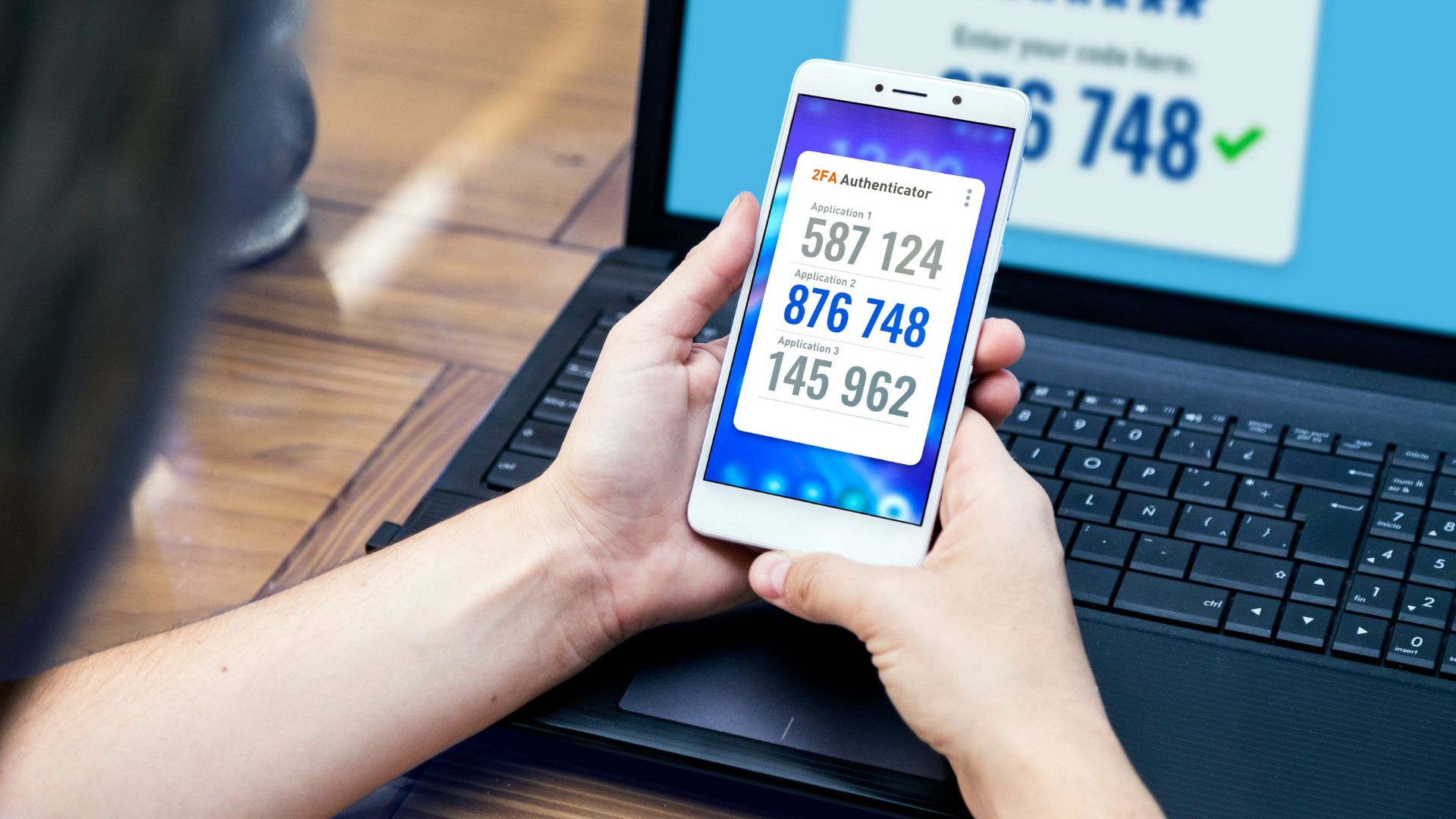
Best for: Adding critical secondary verification layer to all gaming accounts
Pricing from: Free (Authy, Google Authenticator, Microsoft Authenticator)
Key features: Time-based one-time passwords (TOTP), biometric authentication, encrypted cloud backup, multiple account management, offline functionality, cross-device syncing, no SMS vulnerabilities
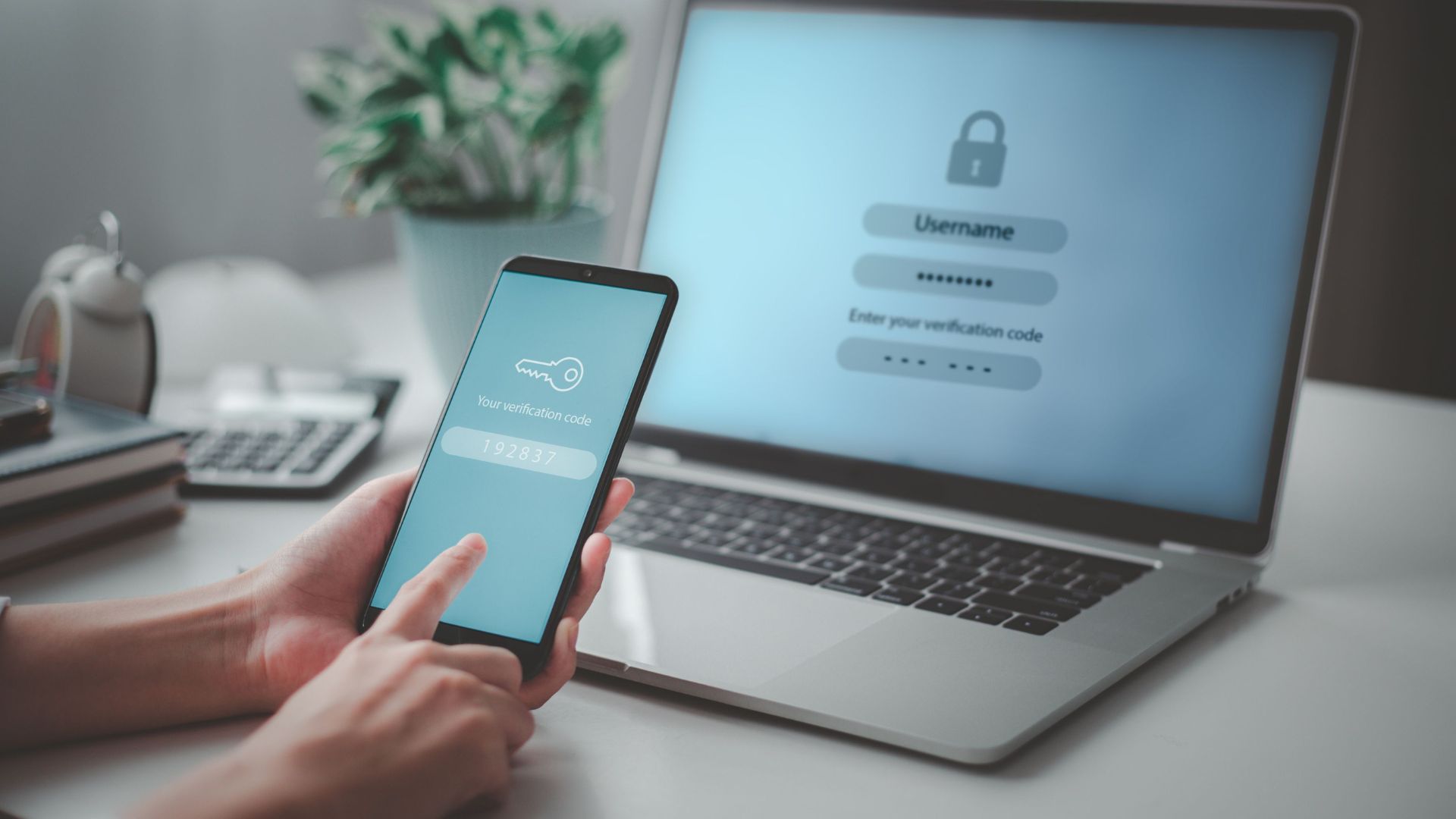
Two-factor authentication represents the single most effective defense against account takeovers, which account for 52% of gaming-related fraud. 2FA apps generate time-sensitive codes that change every 30 seconds, meaning even if scammers obtain your password through phishing or data breaches, they cannot access your account without the second authentication factor. Modern 2FA apps like Authy and Microsoft Authenticator offer encrypted cloud backup, preventing the devastating scenario where losing your phone means losing account access entirely.
The implementation process is straightforward: enable 2FA in your gaming platform's security settings (Steam, Epic, PlayStation, Xbox, etc.), scan the provided QR code with your authenticator app, and save the provided recovery codes in a secure location. Future logins require entering both your password and the current 6-digit code from your authenticator. While this adds approximately 10 seconds to login time, it creates a security barrier that stops 99% of automated account takeover attempts according to Google's security research.
The critical mistake many gamers make is enabling SMS-based 2FA rather than app-based authentication. SMS 2FA is vulnerable to SIM-swapping attacks where scammers convince your phone carrier to transfer your number to their device. App-based 2FA eliminates this vulnerability since codes generate locally on your device. For maximum security, combine 2FA with unique passwords for each gaming account, creating a security posture that renders most common scams ineffective.
Pros:
Blocks 99%+ of automated account takeover attempts
Free options from reputable providers (Google, Microsoft, Authy)
Works offline without cellular connection required
Protects against password breaches and phishing
Encrypted cloud backup prevents device loss catastrophe
Cons:
Adds 10-15 seconds to each login process
Requires keeping phone accessible when gaming
Initial setup requires scanning QR codes for each account
Recovery codes must be stored securely or risk lockout
Some older gaming platforms lack 2FA support
2. Password Managers
Best for: Eliminating password reuse and credential stuffing vulnerabilities
Pricing from: Free tiers (Bitwarden), $2-4/month for premium features
Key features: Military-grade encryption, password generation, automatic form filling, breach monitoring, secure notes storage, cross-device syncing, biometric unlock, family sharing options
Password managers solve gaming's most common security vulnerability: credential reuse. Data breaches at gaming companies, forums, or retailers expose millions of passwords annually—scammers then attempt these exposed credentials across Steam, Epic, PlayStation, and other platforms through automated "credential stuffing" attacks. Using unique passwords for each service makes these attacks useless, but remembering 50+ unique complex passwords is impossible without a password manager.
Modern password managers like Bitwarden, 1Password, and Dashlane generate cryptographically random passwords (e.g., "X7$kN2@pQm9#vLwZ4") impossible to guess or crack through brute force, then store them in encrypted vaults accessible only through your master password and biometric authentication. The auto-fill functionality means you never type passwords manually, protecting against keyloggers that some malware installs. Breach monitoring alerts you when any stored credential appears in known data breaches, prompting immediate password changes before scammers exploit the exposure.
The barrier to adoption is psychological—trusting a single service with all passwords feels risky, though security experts universally recommend password managers as far safer than common alternatives (reused passwords, written notes, browser-saved passwords). Choose established providers with published security audits, enable 2FA on your password manager account itself, and ensure your master password is both strong and memorable. The Bitwarden free tier provides full functionality for individual users, making cost a non-issue.
Pros:
Eliminates password reuse vulnerability completely
Generates uncrackable random passwords automatically
Breach monitoring alerts you to compromised credentials
Auto-fill prevents keylogger password capture
Cross-device syncing keeps credentials accessible everywhere
Cons:
Requires trusting single provider with all credentials
Forgotten master password means losing access to everything
Initial setup requires migrating all existing accounts
Auto-fill occasionally fails on unusual login forms
Premium features require subscription ($2-4/month)
3. Virtual Private Networks (VPNs)
Best for: Protecting connections on public WiFi and hiding IP addresses from DDoS attacks
Pricing from: $3-12/month depending on provider and commitment length
Key features: Military-grade encryption, no-logs policy, kill switch, split tunneling, multi-device support, malware blocking, ad blocking, server location selection
VPNs create encrypted tunnels between your device and the internet, preventing interception of login credentials, payment information, or personal data transmitted over networks. The primary gaming security benefit comes when using public WiFi at hotels, coffee shops, or airports—these networks are notoriously vulnerable to "man-in-the-middle" attacks where scammers intercept unencrypted data. VPNs encrypt all traffic, making intercepted data useless. Additionally, VPNs hide your real IP address, preventing targeted DDoS attacks from competitive gaming opponents or disgruntled players.
Reputable VPN providers like NordVPN, ExpressVPN, and Mullvad operate strict no-logs policies verified through independent audits, ensuring your browsing and gaming activity isn't recorded. Split tunneling allows routing gaming traffic outside the VPN (for lower latency) while protecting web browsing and account logins through the encrypted tunnel. Modern VPN apps include kill switches that block all internet traffic if VPN connection drops, preventing accidental exposure of your real IP address.
The gaming-specific concern with VPNs is latency—routing traffic through VPN servers adds 10-50ms ping depending on server location, potentially affecting competitive performance. However, protection is primarily needed during account logins and store purchases rather than gameplay itself. Use VPNs when logging in on unfamiliar networks, accessing your account from travel locations, or whenever transmitting payment information. For everyday home gaming on secure networks, VPNs are optional unless you face DDoS harassment.
Pros:
Encrypts all traffic preventing interception on public WiFi
Hides real IP address from DDoS attacks and harassment
Malware and ad-blocking features provide additional security
Split tunneling allows selective VPN routing
Multi-device support protects all your gaming devices
Cons:
Adds latency (10-50ms) potentially affecting competitive play
Monthly subscription cost ($3-12) for quality providers
Some gaming services flag VPN traffic as suspicious
Free VPN services often sell user data (avoid these)
Setup complexity varies by device and platform
4. Key Price Verification Sites
Best for: Avoiding fraudulent game key sellers and stolen code scams
Pricing from: Free (IsThereAnyDeal, KeyForSteam)
Key features: Authorized retailer verification, price comparison across legitimate stores, historical pricing data, deal alerts, wishlist tracking, scam site blacklists, user reviews and ratings
Key reseller scams represent one of gaming's most prevalent fraud types—fake websites mimicking legitimate stores, stolen credit card purchases, and user-to-user marketplaces selling fraudulent keys that get revoked after activation. IsThereAnyDeal and similar verification sites maintain curated lists of authorized retailers that work directly with publishers, distinguishing them from gray market resellers and outright scam sites. Purchasing exclusively from authorized retailers (Steam, GOG, Humble, Fanatical, Green Man Gaming, etc.) eliminates key revocation risk and supports developers properly.
These platforms aggregate pricing across dozens of legitimate storefronts, enabling price comparison without visiting each site individually. The historical pricing graphs reveal typical discount patterns, helping you identify genuine sales versus manipulated "fake discount" scams where sites inflate original prices to make sales look better. Deal alerts notify you when wishlist games reach target prices at authorized retailers, eliminating the temptation to take risks with sketchy discount sites offering prices "too good to be true."
The critical distinction is authorized resellers versus gray market versus scam sites. Authorized resellers receive keys directly from publishers and appear on verification sites' safe lists. Gray market sites (CDKeys, some less reputable) source keys through regional arbitrage or bulk purchases—keys usually work but ethical and support concerns exist. Scam sites either never deliver keys, deliver already-activated codes, or sell keys purchased with stolen credit cards that get revoked. Stick to verification site recommendations to avoid all three categories' risks.
Pros:
Free verification of legitimate authorized retailers
Price comparison prevents overpaying even at safe sites
Historical pricing reveals genuine discounts versus manipulation
Deal alerts enable patient waiting for best legitimate prices
Eliminates key revocation risk from fraudulent sources
Cons:
Doesn't prevent voluntary gray market purchases (user decision)
Authorized retailers sometimes have higher prices than gray market
Requires checking before each purchase (adds friction)
Some legitimate regional retailers may not be listed
User reviews can be manipulated on some platforms
5. Anti-Phishing Email Filters

Best for: Blocking fraudulent emails mimicking gaming platforms and services
Pricing from: Included with major email providers (Gmail, Outlook); advanced features $5-15/month
Key features: AI-powered phishing detection, link scanning, sender authentication verification, attachment sandboxing, real-time threat intelligence, domain similarity detection, suspicious attachment blocking
Phishing emails account for 43% of gaming-related scam attempts, with fraudsters creating convincing replicas of Steam, Epic, PlayStation, and other platform communications to steal login credentials. These emails often claim "suspicious activity" requiring immediate login verification, "free game giveaways" needing account confirmation, or "payment issues" demanding credit card updates. Modern email filters use machine learning to identify phishing indicators including sender domain inconsistencies, suspicious link destinations, urgency language patterns, and grammatical anomalies common in fraud attempts.
Gmail and Outlook's built-in filters catch most obvious phishing attempts, but dedicated security services like Barracuda, Proofpoint, or advanced features in premium email providers offer enhanced protection. These advanced filters analyze embedded links in real-time, comparing destination URLs against known phishing databases updated continuously as new threats emerge. Sender authentication verification checks SPF, DKIM, and DMARC records ensuring emails actually originate from claimed platforms rather than spoofed addresses.
Even with advanced filtering, no system catches 100% of phishing attempts—user vigilance remains essential. Verify sender addresses carefully (legitimate Steam emails come from @steampowered.com, not @steam-support.com or similar variations), never click links in unexpected emails (instead visit platforms directly by typing URLs), and enable email security warnings that flag external senders. Major platforms never request passwords via email, making any such request automatically fraudulent regardless of how convincing the message appears.
Pros:
AI-powered detection catches most phishing attempts automatically
Link scanning prevents visiting fraudulent websites
Sender authentication verification identifies spoofed emails
Real-time threat intelligence updates as new scams emerge
Already included free with major email providers
Cons:
No filter catches 100% of sophisticated phishing attempts
False positives occasionally block legitimate gaming emails
Advanced features require premium email subscriptions
User awareness still required as final defense layer
Scammers constantly evolve tactics to bypass filters
6. Virtual Credit Cards
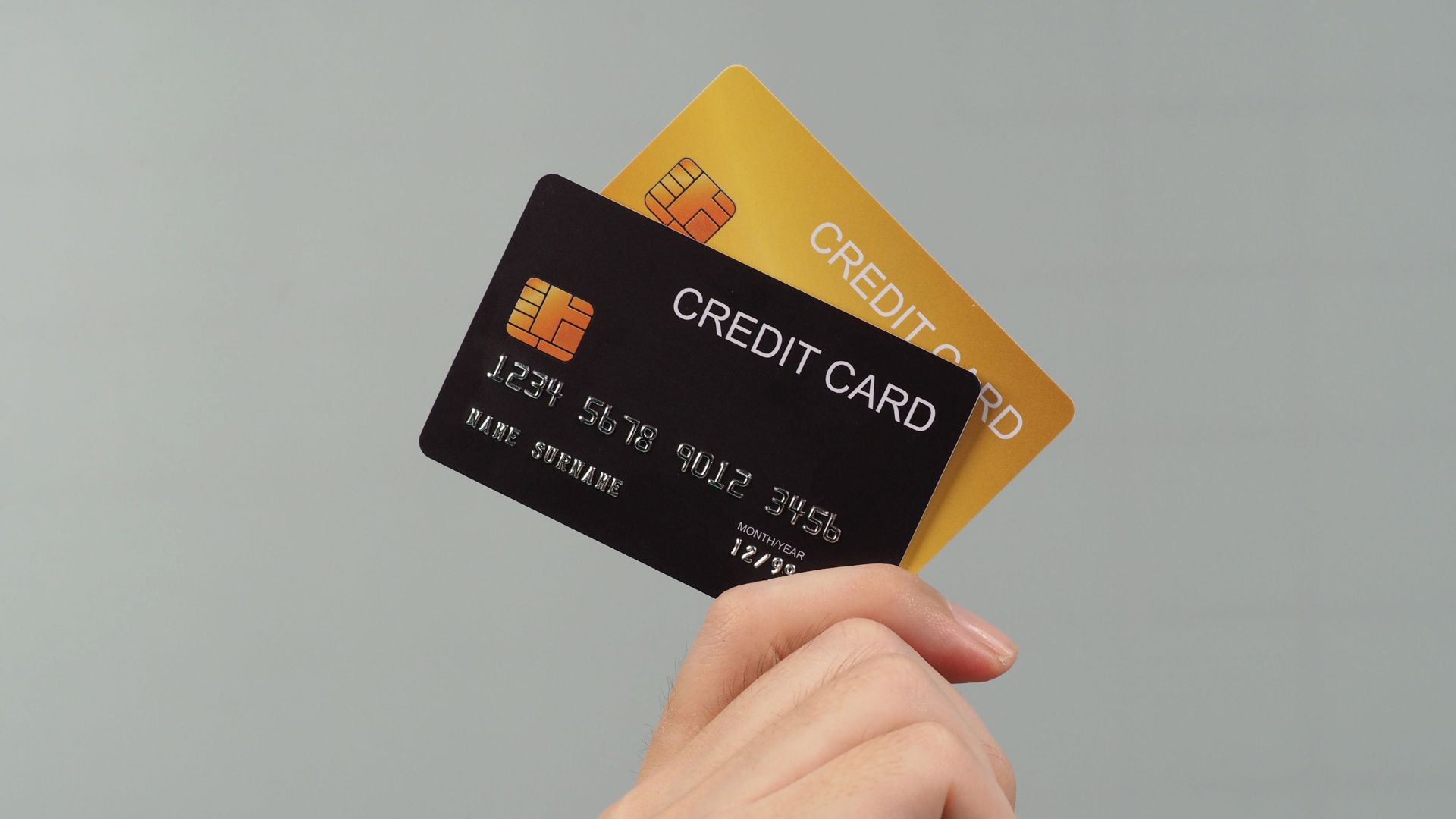
Best for: Limiting financial exposure when purchasing from less-familiar gaming retailers
Pricing from: Free (Privacy.com, Capital One Eno, Citi Virtual Account Numbers)
Key features: Single-use or merchant-locked card numbers, spending limits, instant card creation, automatic card closure, transaction categorization, pause/unpause functionality, no impact on credit score
Virtual credit cards create disposable card numbers linked to your real account but usable only for specific transactions or merchants, dramatically limiting fraud exposure. When purchasing games from a new retailer or any transaction where you feel uncertain about security, generate a virtual card number instead of providing your actual credit card. If that merchant suffers a data breach or proves fraudulent, scammers obtain a useless number that's already been closed or limited to that specific merchant, protecting your real financial information.
Privacy.com and similar services allow setting spending limits per virtual card (e.g., $60 for a single game purchase), creating an additional security layer where fraudulent charges exceeding the limit automatically decline. Merchant-locked cards can only be charged by the specific store where first used, preventing the common scenario where scammers test stolen numbers at multiple retailers. Single-use cards close automatically after first charge, making them perfect for one-time purchases from unfamiliar sellers or suspicious marketplace transactions.
The practical workflow involves creating a virtual card before checkout, setting appropriate spending limits, using it for the purchase, then pausing or closing it immediately after successful transaction. This eliminates the risk of recurring charges, subscription traps, or stored payment information being compromised in future breaches. While major gaming platforms (Steam, PlayStation Store) warrant using standard payment methods for convenience, virtual cards provide essential protection for lesser-known retailers, bundle sites, or any scenario where you're uncertain about legitimacy.
Pros:
Zero fraud risk—compromised virtual cards don't expose real accounts
Free service from multiple reputable providers
Instant card generation for immediate use
Spending limits prevent overcharges
Single-use or merchant-locked options for different scenarios
Cons:
Requires creating account with virtual card provider
Some merchants block virtual card numbers (rare)
Adds extra step to checkout process
May complicate refunds or charge disputes
Not suitable for subscriptions you want to maintain
7. Community Reputation Systems

Best for: Evaluating trustworthiness of traders in player-to-player marketplaces
Pricing from: Free (SteamRep, built-in Steam profiles, Discord verified servers)
Key features: Scammer databases, trade history verification, account age and value checks, trusted trader lists, middleman services, reputation scores, community-reported fraud, automated warning systems
Player-to-player trading for skins, items, and accounts represents massive scam potential—approximately $200 million in CS:GO and Dota 2 skins were stolen through trading scams in 2024 alone. Community reputation systems aggregate scam reports, trade history, and account information to identify fraudulent traders before you initiate exchanges. SteamRep maintains a centralized scammer database with verified reports, while built-in Steam profile features show account age, game library size, and trade ban history—legitimate traders have established accounts while scammers use new accounts they'll abandon after fraud.
The verification process involves checking potential trading partners against multiple sources: SteamRep for scammer tags, their Steam profile for account age (avoid accounts under 6 months old), trade history and inventory patterns (rapid inventory turnover suggests flipping stolen items), and their gaming activity (genuine players have hundreds of hours in games, scammers have barely-played libraries). Discord servers for specific game communities often maintain verified trader roles requiring reputation building and vetting before receiving trusted status.
Middleman services provide third-party escrow for high-value trades, though this introduces trust requirements for the middleman themselves—only use official community middlemen with extensive verified histories. The safest approach is avoiding player-to-player trades entirely when possible, using official marketplaces (Steam Community Market) with buyer/seller protection instead. When direct trading is necessary, never trade first with unverified partners, verify all items carefully during trade windows (scammers swap items last-second), and immediately report fraud attempts to platform and community databases.
Pros:
Free access to extensive scammer databases
Account verification reveals suspicious patterns
Community-maintained ensuring current fraud alerts
Middleman services provide escrow for high-value trades
Multiple verification layers reduce risk significantly
Cons:
Requires checking multiple sources for thorough verification
Scammers create new accounts to evade detection
Reputation can be manipulated through fake positive feedback
No system catches brand-new scam tactics immediately
Time-consuming verification process for each potential trade
8. Security Education Resources

Best for: Recognizing social engineering tactics and manipulation techniques
Pricing from: Free (platform security blogs, YouTube security channels, Reddit communities)
Key features: Scam scenario walkthroughs, psychological manipulation technique education, real fraud case studies, platform-specific advice, phishing email examples, social engineering awareness, red flag identification training
Technical security tools provide excellent protection, but social engineering scams exploit human psychology rather than technical vulnerabilities—no 2FA or password manager prevents you from voluntarily giving scammers your information after they manipulate you into trusting them. Education resources teach recognition of manipulation patterns including urgency creation ("Your account will be banned in 24 hours!"), authority impersonation (fake platform employees), reciprocity exploitation (fake giveaways requiring account information), and fear tactics (alleged security breaches requiring immediate action).
Platform-specific resources from Steam, Epic, PlayStation, and Xbox educate users about their specific scam patterns. Steam's official blog regularly posts about current phishing campaigns, fake employee impersonation, and API scams targeting developers. Reddit communities like r/Steam, r/EpicGamesPC, and r/Scams provide real-time fraud reports where users share recent scam attempts, creating crowdsourced awareness faster than official channels. YouTube security channels like Kitboga demonstrate scams in action, showing the full manipulation process and making viewers far more resistant when targeted themselves.
The critical education involves understanding that legitimate platforms never request passwords via any communication channel, employee verification requires official platform tickets (not Discord DMs or Steam chat), giveaways requiring account logins are always fraudulent, and urgency is the scammer's primary weapon designed to bypass your critical thinking. Internalize the rule: any unexpected contact claiming to be from a gaming platform or requesting immediate action is fraudulent until proven otherwise through independent verification via official channels.
Pros:
Free resources widely available from multiple sources
Education provides lifetime value across all platforms
Teaches critical thinking rather than specific scam patterns
Crowdsourced information reflects current fraud tactics
Empowers users to protect family members and friends
Cons:
Requires time investment to consume and internalize content
Information overload from multiple sources
Scam tactics constantly evolve requiring ongoing education
Some users remain vulnerable despite education
Psychological manipulation still effective against aware users
9. Account Monitoring Services

Best for: Detecting unauthorized access attempts and compromised credentials
Pricing from: Free basic (Have I Been Pwned); $10-20/month for comprehensive monitoring
Key features: Data breach alerts, dark web monitoring, unusual login detection, unauthorized purchase alerts, account activity logs, geolocation anomaly detection, device recognition, credit monitoring integration
Account monitoring services continuously scan for your email addresses, usernames, and associated credentials in data breach databases, alerting you immediately when your information appears in newly discovered leaks. Have I Been Pwned provides free checking against 11+ billion compromised accounts from major breaches, while premium services like Identity Guard and Experian actively monitor dark web forums, paste sites, and criminal marketplaces where stolen credentials are traded. Early breach notification enables password changes before scammers exploit the compromised information.
Platform-native monitoring features like Steam Guard Mobile Authenticator show login history with IP addresses and locations, making unauthorized access attempts immediately visible. Email notifications for unusual login locations (e.g., a Russian IP accessing your California-based account), new device logins, or security setting changes provide real-time alerts to potential compromises. Payment platform features like PayPal and credit card company fraud alerts notify you of suspicious transaction patterns, including the common scam scenario where fraudsters make small test purchases before attempting larger fraud.
Comprehensive monitoring services combine breach alerts with credit monitoring, dark web scanning, and identity theft insurance, providing multiple security layers for $10-20 monthly. For budget-conscious gamers, the free combination of Have I Been Pwned for breach checking plus platform-native security logs provides substantial protection. Enable all available notification options on gaming platforms, email providers, and payment services—the momentary annoyance of security alerts vastly outweighs the catastrophic cost of undetected account compromise.
Pros:
Early breach notification enables proactive password changes
Dark web monitoring catches credential sales before exploitation
Real-time alerts to unauthorized login attempts
Platform-native logs provide free basic monitoring
Credit monitoring integration protects financial identity
Cons:
Premium comprehensive monitoring costs $10-20 monthly
Alert fatigue from excessive notifications
Some services have delayed breach detection
False positives occasionally create unnecessary concern
Doesn't prevent breaches, only detects them after occurrence
10. Official Platform Support Channels

Best for: Verifying promotional offers and reporting scams effectively
Pricing from: Free (platform-provided support services)
Key features: Official communication verification, promotional offer confirmation, scam reporting systems, account recovery assistance, security incident handling, purchase dispute resolution, fraud investigation initiation
The simplest yet most underutilized protection method involves verifying suspicious communications directly through official channels rather than responding to potentially fraudulent messages. When receiving emails claiming to be from Steam, Epic, PlayStation, or any gaming service, never click embedded links or respond directly—instead, manually navigate to the platform's website by typing the URL, log in, and check your account messages or support tickets for legitimate communications. Official platforms duplicate all critical communications within their systems, making email-exclusive messages inherently suspicious.
Official support channels provide authoritative answers to questions like "Is this giveaway real?" or "Did this person actually contact me on behalf of your company?" Support staff can verify whether promotional offers are legitimate, confirm whether specific employees or programs exist, and identify impersonation attempts that seem convincing. The fraud reporting systems within platforms feed into their security teams' investigations, potentially preventing other users from falling victim to the same scams and contributing to scammer account bans or legal action.
Account recovery through official channels represents your last line of defense when scams succeed—platforms maintain recovery processes for compromised accounts, though success rates and timelines vary. Immediate reporting of unauthorized access or fraudulent charges triggers investigation processes that may result in purchase reversals, account restoration, or evidence preservation for law enforcement. Documentation of all scam interactions (screenshots, email headers, transaction records) significantly improves recovery chances and investigation effectiveness.
Pros:
Free access to authoritative verification of communications
Scam reporting contributes to broader community protection
Account recovery processes provide post-compromise recourse
Official channels bypass all impersonation attempts
Documentation and investigation support legal remedies
Cons:
Response times can be slow (24-72 hours typical)
Support quality varies significantly by platform
Some platforms have limited phone support
Language barriers with international support teams
Account recovery success not guaranteed after compromise
Comparison Summary
Implementation Complexity: 2FA apps and password managers require one-time setup (30-60 minutes total) then function automatically. Email filters and monitoring services work passively requiring zero ongoing effort. VPNs and virtual cards add steps to specific transactions. Reputation system verification and education resources require active engagement per transaction. Official support channels involve case-by-case usage.
Cost Structure: Free options (2FA apps, password managers' basic tiers, email filters, key verification sites, reputation systems, education resources, monitoring basics, official support) provide core protection at zero cost. Optional premium services (password manager family plans, VPNs, comprehensive monitoring, virtual card premium features) range $3-20 monthly but aren't strictly necessary. Virtual cards are free but require linked bank accounts.
Protection Scope: Technical tools (2FA, password managers, VPNs, email filters, virtual cards) protect against specific attack vectors. Verification systems (key price sites, reputation systems, official channels) prevent voluntary participation in scams. Education resources protect against social engineering across all scenarios. Monitoring services detect compromises after occurrence. Layered approaches combining multiple methods provide comprehensive protection.
Best for Different Risk Profiles: All gamers need 2FA apps and password managers as baseline protection. Frequent public WiFi users require VPNs. Active traders need reputation system verification. Key purchasers from multiple retailers benefit from verification sites and virtual cards. High-value account owners (expensive skins, large libraries) justify premium monitoring services. Everyone benefits from education resources regardless of specific risks.
Buying Guide
Who Needs Scam Protection: Every gamer faces scam exposure regardless of experience level—beginners fall for obvious scams, while experienced players face sophisticated targeted attacks. Anyone with valuable Steam inventories (CS:GO skins, rare items), large game libraries representing thousands of dollars in purchases, linked payment methods enabling financial fraud, or personal information tied to gaming accounts (real names, addresses, payment details) requires robust protection. The question isn't whether you need protection, but which combination of methods suits your specific usage patterns and risk tolerance.
How It Works: Effective scam protection operates through layered defense (multiple independent security measures) rather than single solutions. Technical barriers (2FA, password managers, VPNs) prevent unauthorized access even when credentials are compromised. Verification systems (price checkers, reputation databases, official channels) stop voluntary participation in scams by revealing fraud before transactions. Education provides psychological resistance to social engineering manipulation. Monitoring detects successful compromises enabling rapid response. No single layer is perfect, but combined approaches create redundant security where scammers must defeat multiple defenses simultaneously.
Essential Features to Consider:
Baseline Protection (Non-Negotiable): Enable 2FA on all gaming accounts immediately—this single action prevents the vast majority of account takeovers. Use a password manager with unique passwords per account to eliminate credential stuffing vulnerability. These two protections are free, easy to implement, and essential regardless of other choices.
Transaction-Specific Protection: Verify game key sellers through IsThereAnyDeal before purchases from unfamiliar retailers. Use virtual credit cards when buying from sites outside major platforms. Check trader reputation extensively before player-to-player exchanges. These methods apply situationally but provide crucial protection during high-risk transactions.
Network Security: Use VPNs when accessing gaming accounts from public WiFi, travel locations, or any untrusted network. Home network security (assuming secured WiFi with WPA3 encryption and updated router firmware) makes VPNs optional for everyday gaming but essential for portable devices used outside home.
Ongoing Vigilance: Monitor Have I Been Pwned quarterly for credential breaches. Review platform account activity logs monthly for unauthorized access. Enable all available security notifications on gaming accounts, email, and payment services. Maintain awareness of current scam tactics through community resources.
Communication Verification: Never trust unexpected emails, messages, or contacts claiming to represent gaming platforms. Always verify through independent access to official websites or support tickets. Treat urgency as a red flag rather than motivation for immediate action.
Pricing Overview
Free Protection (Sufficient for Most Gamers): Implementing 2FA apps (Google Authenticator, Authy), password manager basic tiers (Bitwarden), key verification sites (IsThereAnyDeal), email filters (Gmail/Outlook built-in), reputation systems (SteamRep), education resources (YouTube, Reddit), basic monitoring (Have I Been Pwned), and official support channels costs $0. This free stack provides robust protection covering 90%+ of common scam scenarios.
Budget Protection ($3-5 monthly): Adding Privacy.com's free virtual cards (for transaction protection), or upgrading to Bitwarden's premium password manager features ($1/month), or subscribing to a budget VPN like Mullvad ($5/month) enhances protection minimally while maintaining affordability. This tier suits most gamers prioritizing cost-effectiveness.
Comprehensive Protection ($15-25 monthly): Combining premium password manager family plans ($4-5/month), quality VPN services ($5-12/month depending on commitment length), and comprehensive monitoring services ($10-15/month) provides maximum security. This investment makes sense for high-value accounts with expensive inventories, professional gamers whose accounts represent income sources, or anyone with history of targeted attacks.
DIY Implementation: All protection methods discussed are DIY-friendly with straightforward implementation requiring no technical expertise beyond following setup instructions. YouTube tutorials cover 2FA setup, password manager configuration, and VPN installation with step-by-step guidance. Reading platform security blogs and participating in community forums provides ongoing education. Professional cybersecurity consultations ($100-300 for assessment and setup) are unnecessary for gaming-focused protection.
Cost of Avoiding Protection: Account recovery after compromise often proves impossible with complete loss of libraries, inventories, and digital purchases potentially worth thousands of dollars. Identity theft from stolen personal information costs victims an average of $1,400 and 200+ hours resolving. Credit card fraud from stolen payment information requires card cancellation, dispute processes, and potential liability. Prevention through modest security investments prevents catastrophically expensive consequences.
FAQ
Q: Can I be completely safe from all gaming scams?
No protection method provides 100% security—sophisticated scammers constantly develop new tactics exploiting technical vulnerabilities and human psychology. However, implementing baseline protections (2FA, password managers, verification habits) reduces your risk by over 95%. The goal is making yourself a harder target than other potential victims—scammers typically move to easier targets when encountering robust security rather than investing extraordinary effort to compromise well-protected accounts. Think of scam protection like home security: locks don't make burglary impossible, but they make your home sufficiently difficult that criminals target easier opportunities.
Q: What should I do if I think I've been scammed?
Act immediately to minimize damage: change passwords on all gaming accounts starting with the compromised account, enable 2FA if not already active, contact your bank/credit card company to dispute fraudulent charges and potentially cancel cards, report the scam to the gaming platform's official support with full documentation (screenshots, emails, transaction records), file reports with FBI IC3 (for US residents) or equivalent agencies, and warn your gaming friends list in case scammers use your compromised account to target them. Speed matters—fraudsters often use compromised accounts within hours to scam your contacts while your identity seems trustworthy.
Q: Are free security tools as good as paid versions?
For gaming protection specifically, free tools provide 90%+ of the value paid versions deliver. Free 2FA apps match paid security in effectiveness. Bitwarden's free password manager provides identical security to premium competitors. Gmail's phishing filters rival dedicated security services. The primary paid service worth considering is VPNs, where free versions often sell user data or lack security features—stick with reputable paid VPNs or don't use VPNs at all rather than trusting free alternatives. Premium monitoring services provide convenience and comprehensiveness but aren't strictly necessary if you use free alternatives diligently.
Q: How can I tell if a website or offer is a scam?
Check multiple indicators: verify the URL exactly matches official sites (steampowered.com not steam-support.com), look for HTTPS encryption with valid certificates (though scammers can get these too), search for reviews and scam reports through Google searches like "[site name] + scam," verify offers through official platform channels before participating, and trust your instincts—if something seems too good to be true (70% off brand new releases, free expensive items), it's almost certainly fraudulent. Use IsThereAnyDeal to verify game sellers are authorized retailers. Never enter login credentials from links in emails; always manually navigate to sites.
Q: Should I use different email addresses for gaming accounts?
Using separate email addresses for gaming accounts versus personal/financial accounts provides an additional security layer—if gaming-focused email is compromised in a breach, your bank, work, and personal communications remain protected. Create a dedicated email (Gmail is free) exclusively for gaming platforms, use your password manager to track which accounts use which emails, and enable 2FA on both email accounts. This compartmentalization prevents single breaches from cascading across your entire digital life. However, manage this carefully—forgetting which email links to which account complicates recovery processes, so document your system in your password manager's secure notes.