Every item on this list was chosen because it solves a specific, common frustration, not because it looks impressive in a photo. That's the standard worth holding budget gear to, and every pick here clears it.
Top 10 at a Glance
Wired gaming mouse with adjustable DPI
Mechanical keyboard with hot-swappable switches
Mouse bungee
Extended desk mat and mousepad
Cable management sleeves and clips
USB microphone with a mute button
Controller charging dock
Blue light blocking glasses
Wrist rest for keyboard and mouse
Compact USB hub
1. Wired Gaming Mouse With Adjustable DPI
A quality wired mouse in the $30 to $45 range typically offers better tracking accuracy, a lighter build, and more consistent input than the bundled mouse that comes with most prebuilt computers. Adjustable DPI settings let you fine-tune sensitivity for different games without digging through software menus every time you switch.
Why it stands out: the difference between a bargain-bin mouse and even a modest gaming mouse is immediately noticeable in fast-paced games, where tracking accuracy directly affects your aim and reaction time.
Best for: Anyone still using a mouse that came bundled with their computer or a basic office mouse.
2. Mechanical Keyboard With Hot-Swappable Switches
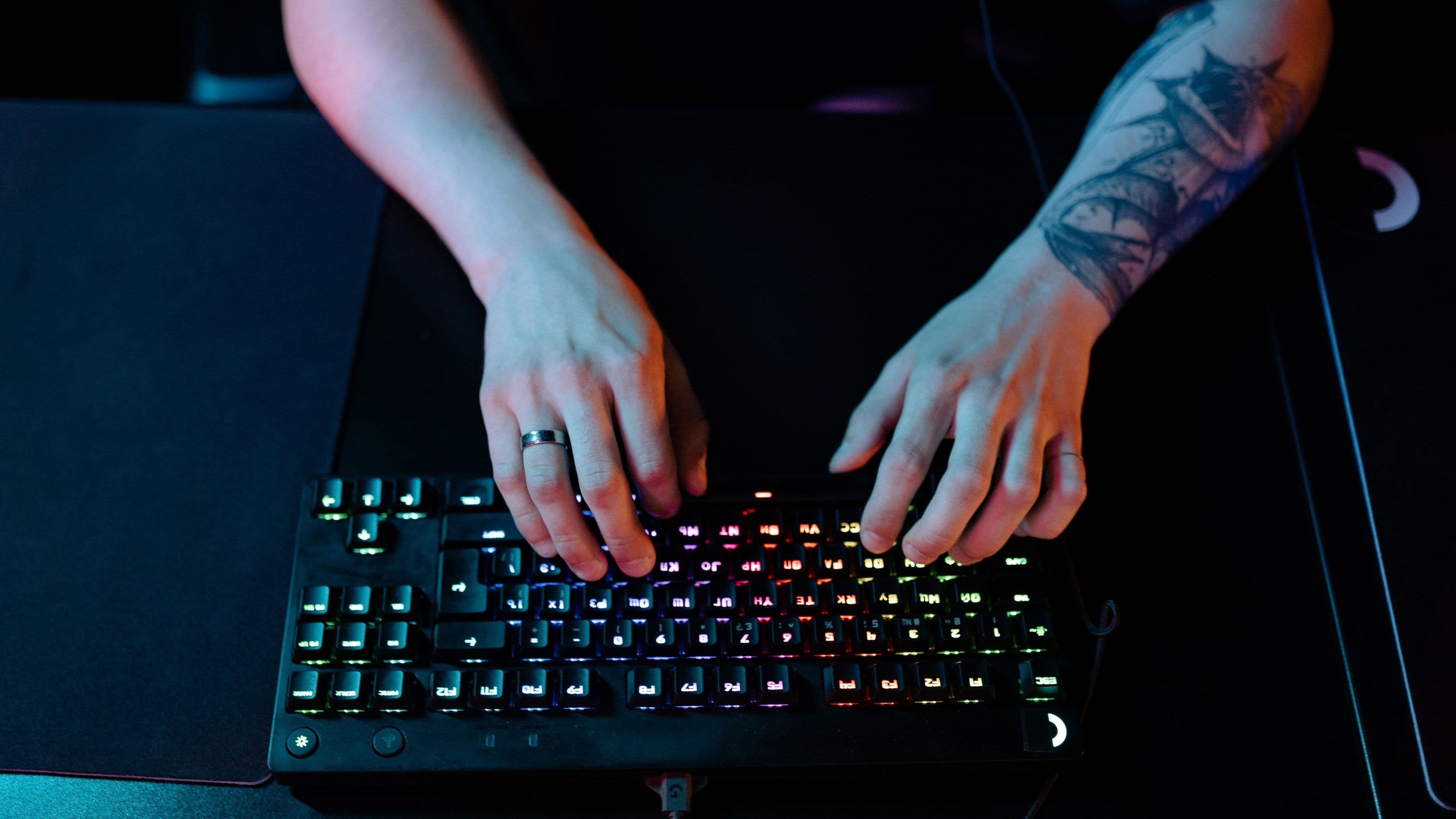
Budget mechanical keyboards have improved dramatically, and models with hot-swappable switches, meaning you can change the key switches without soldering, are widely available under $50 now. This lets you customize the feel and sound of your keyboard over time without buying a new one.
Why it stands out: the tactile feedback and durability of a mechanical keyboard genuinely changes typing and gaming comfort compared to a standard membrane keyboard, and the ability to swap switches means the keyboard can grow with your preferences.
Best for: Gamers and typists who want a noticeably better feel without committing to premium keyboard pricing.
3. Mouse Bungee
A mouse bungee is a small clip that holds your mouse cable up off the desk, preventing drag that can subtly throw off your aim during fast movements. It costs a fraction of the price of most accessories on this list, usually under $15, but the improvement in cable-free movement is immediate.
Why it stands out: it's one of the cheapest upgrades on this list relative to the improvement it delivers, especially for anyone using a wired mouse for the accuracy benefits mentioned above.
Best for: Wired mouse users who notice cable drag affecting quick movements or flick shots.
4. Extended Desk Mat and Mousepad
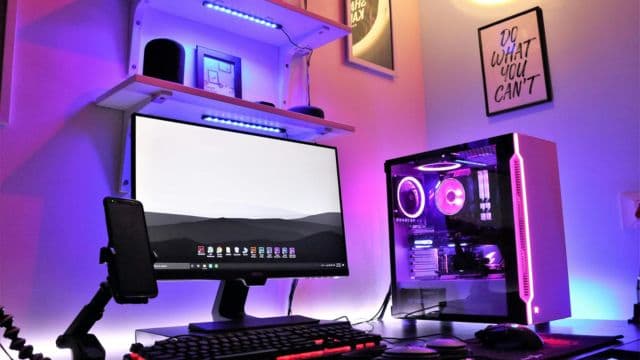
An extended mat that covers your entire desk surface, keyboard and mouse included, gives you consistent mouse tracking across a larger area and protects your desk from wear. Quality options with stitched edges and a smooth, consistent surface are widely available under $30.
Why it stands out: consistent surface friction across your entire mouse range noticeably improves tracking precision compared to a small pad or a bare desk surface, and it's a simple visual upgrade to any setup.
Best for: Anyone using a small mousepad that limits mouse movement range or a bare desk surface that causes inconsistent tracking.
5. Cable Management Sleeves and Clips
A basic cable management kit, including sleeves, adhesive clips, and velcro ties, typically costs under $20 and takes about thirty minutes to apply. Beyond the visual improvement, tidy cables reduce the chance of accidentally unplugging something mid-session and make troubleshooting connection issues far easier.
Why it stands out: it's the single most affordable item on this list, yet it noticeably changes how a setup looks and functions on a daily basis.
Best for: Anyone with a tangle of cables behind their desk who hasn't gotten around to organizing it.
6. USB Microphone With a Mute Button
A dedicated USB microphone under $50 delivers dramatically clearer voice chat quality than a built-in laptop mic or a cheap headset microphone. Models with a physical mute button add convenience for quickly muting during voice chat without digging through software.
Why it stands out: voice clarity has an outsized impact on multiplayer gaming experiences and streaming, and a dedicated microphone in this price range punches well above its cost compared to headset-integrated alternatives.
Best for: Anyone who plays multiplayer games with voice chat regularly or is starting to stream or record content.
7. Controller Charging Dock
For anyone using wireless controllers, a charging dock eliminates the frustration of controllers dying mid-session or hunting for a charging cable. Most quality docks in the $20 to $35 range support two controllers simultaneously and include LED charge indicators.
Why it stands out: it solves a specific, recurring frustration directly, and unlike many accessories, the value is obvious the very first time a controller doesn't die at an inconvenient moment.
Best for: Console gamers or PC gamers using wireless controllers who are tired of dead batteries interrupting play sessions.
8. Blue Light Blocking Glasses
Quality blue light blocking glasses in the $20 to $40 range are a low-cost way to reduce eye strain during long gaming sessions, particularly for evening play. While the science on blue light's effect on sleep is still debated, many users report noticeably reduced eye fatigue during extended screen time.
Why it stands out: for the price, it's a simple comfort upgrade that requires zero setup or learning curve, unlike most accessories on this list.
Best for: Anyone who games for several hours at a stretch, especially in the evening or under artificial lighting.
9. Wrist Rest for Keyboard and Mouse
A padded wrist rest set for your keyboard and mouse typically costs under $25 and reduces strain during long sessions by keeping your wrists in a more neutral position. Memory foam options mold to your hand shape over time for a more personalized fit.
Why it stands out: repetitive strain from gaming and typing is a real long-term concern, and this is one of the cheapest, most direct ways to address ergonomic comfort at your desk.
Best for: Anyone who spends multiple hours a day at a keyboard and mouse, whether gaming or working.
10. Compact USB Hub
A quality USB hub under $30 solves the common problem of running out of ports for a mouse, keyboard, headset, and controller charger all at once, especially on laptops or compact desktops with limited connectivity. Models with a mix of USB-A and USB-C ports offer the most flexibility.
Why it stands out: it's an unglamorous but genuinely useful accessory that eliminates the daily hassle of unplugging one device to plug in another.
Best for: Laptop gamers or anyone with a compact setup that's run out of available ports.
How to Choose
Start with whichever frustration you notice most often during a typical session. If your mouse cable drags during fast movements, the bungee and extended mat pair well together. If your voice chat sounds muffled to teammates, the USB microphone is the clearest upgrade.
If your hands or wrists ache after long sessions, the wrist rest and mechanical keyboard combination addresses that directly. Buying based on an actual recurring annoyance, rather than what looks impressive, is how these budget accessories deliver outsized value.
Best Picks by User Type
For competitive multiplayer gamers: the wired mouse, mouse bungee, and USB microphone make the biggest functional difference to actual gameplay performance and communication.
For long-session comfort: the wrist rest, blue light glasses, and extended desk mat address the physical strain of multi-hour sessions.
For setup organization: the cable management kit and compact USB hub clean up both the look and function of a cluttered desk.
What to Avoid
Don't buy accessories based purely on RGB lighting or aesthetic appeal without checking the underlying quality, since flashy budget products sometimes cut corners on the parts that actually matter, like switch durability or sensor accuracy. Don't assume a higher price always means better quality in this range, since many well-reviewed budget accessories outperform overpriced options with weaker build quality. And don't buy a wireless mouse if tracking accuracy in fast games matters most to you, since wired connections still offer a slight edge in consistency and latency for competitive play.
FAQ
Are budget gaming accessories actually worth it compared to premium brands? Yes, in many cases. The gap between budget and premium options has narrowed significantly, and several accessories in this price range perform close to models costing two or three times as much.
Which single accessory gives the best value for the price? The mouse bungee and cable management kit typically deliver the highest impact relative to their very low cost, since both directly solve common frustrations for under $20.
Should I prioritize a mouse or keyboard upgrade first? If competitive accuracy matters most, prioritize the mouse. If comfort and typing feel matter more to your daily use, prioritize the keyboard.
Conclusion
You don't need a big budget to notice a real improvement in your gaming setup. These ten accessories each solve a specific, common problem, and every one of them delivers value well beyond its price tag. Pick the one or two that match your biggest daily frustration and start there.
📚 Sources
Consumer Reports, "How to Choose Computer Accessories" – https://www.consumerreports.org/electronics-computers/
Wirecutter, "The Best Gaming Accessories" – https://www.nytimes.com/wirecutter/