The good news? You don't need to be a tech expert to protect yourself. You just need the right habits. These 10 cybersecurity practices are practical, proven, and take minutes to implement - but they can save you from months of damage.
Top 10 Cybersecurity Habits at a Glance
Use strong, unique passwords for every account
Enable two-factor authentication (2FA) everywhere
Keep your software and devices updated
Recognize and avoid phishing attacks
Use a VPN on public Wi-Fi
Back up your data regularly
Review app permissions and connected accounts
Use a password manager
Lock your devices and enable remote wipe
Stay informed about new threats
1. Use Strong, Unique Passwords for Every Account
A weak or reused password is the digital equivalent of using the same key for your house, car, and office - if someone gets one, they get everything. "123456," "password," and your pet's name are not passwords; they're invitations. According to Verizon's Data Breach Investigations Report, compromised credentials are involved in over 80% of hacking-related breaches.
A strong password should be at least 12-16 characters long and include a mix of uppercase and lowercase letters, numbers, and symbols. Avoid anything personally identifiable - birthdays, names, or common phrases. The safest approach is to use a randomly generated string for each account, which is where a password manager (covered in Tip 8) becomes essential.
Key benefit: Even if one account is compromised, your other accounts stay protected. Password reuse is one of the easiest ways attackers "credential stuff" their way into multiple platforms at once.
Quick tip: Use a passphrase - a random string of 4-5 unrelated words like "blue-trumpet-lake-seven" - for accounts where you need to type the password manually. It's long, memorable, and hard to crack.
2. Enable Two-Factor Authentication (2FA) Everywhere
Two-factor authentication (2FA) adds a second layer of verification beyond your password - usually a code sent to your phone or generated by an app. Even if a hacker has your exact password, they can't get in without that second factor. Microsoft has reported that 2FA blocks over 99.9% of automated account compromise attacks.
The strongest form of 2FA is an authenticator app like Google Authenticator, Authy, or Microsoft Authenticator. These generate time-sensitive codes that can't be intercepted the way SMS codes sometimes can. SMS-based 2FA is still much better than nothing, but app-based or hardware key options (like a YubiKey) are the gold standard for high-value accounts.
Key benefit: It turns a stolen password into a useless piece of information for the attacker. This single habit dramatically reduces your vulnerability to phishing and credential leaks.
Quick tip: Start by enabling 2FA on your email account first - it's the master key to nearly every other account you own.
3. Keep Your Software and Devices Updated
Software updates are not just about new features - the vast majority include critical security patches that fix vulnerabilities hackers are actively exploiting. The 2017 WannaCry ransomware attack, which affected over 200,000 systems in 150 countries, exploited a Windows vulnerability that had already been patched. The organizations hit simply hadn't updated their systems.
Enable automatic updates wherever possible - for your operating system, browser, apps, and router firmware. Many people ignore update prompts because they're inconvenient, but running outdated software is like leaving a known unlocked window in your house. Attackers specifically scan for devices running outdated versions because the exploits are already published and well-documented.
Key benefit: Patches close the door on vulnerabilities before attackers walk through them. Most successful cyberattacks target known flaws in outdated systems - not cutting-edge exploits.
Quick tip: Check your router's firmware too. It's often forgotten, but an outdated router is a gateway (literally) to your entire home network.
4. Recognize and Avoid Phishing Attacks
Phishing remains the most common entry point for cyberattacks worldwide. It's deceptively simple: an attacker disguises a malicious link or attachment as something legitimate - a bank alert, a package notification, a colleague's request - and tricks you into clicking. According to the Anti-Phishing Working Group (APWG), phishing attacks hit record highs in recent years, with millions of new phishing sites detected every month.
The telltale signs of a phishing attempt include urgent or threatening language ("Your account will be suspended!"), mismatched sender addresses, suspicious links that don't match the organization's real domain, and unexpected attachments. Before clicking any link in an email or text, hover over it to preview the actual URL. When in doubt, navigate directly to the website by typing the address in your browser rather than clicking the link.
Key benefit: Avoiding phishing prevents credential theft, malware installation, and financial fraud - all from one simple habit of pausing before you click.
Quick tip: Treat unexpected urgency in emails as a red flag, not a prompt to act fast. Legitimate organizations will never pressure you to click a link immediately or face consequences.
5. Use a VPN on Public Wi-Fi
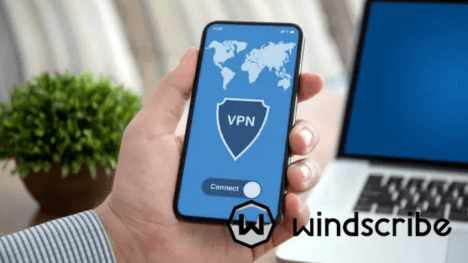
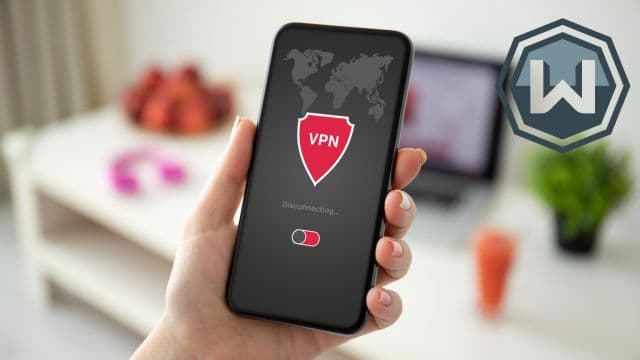
Public Wi-Fi networks - at cafes, airports, hotels, and libraries - are notoriously insecure. Without encryption, anyone on the same network can potentially intercept your traffic using simple tools. This is called a "man-in-the-middle" attack, and it can expose login credentials, financial data, and personal communications without you ever knowing.
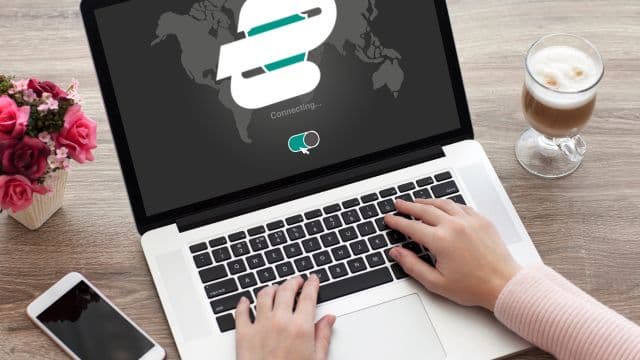
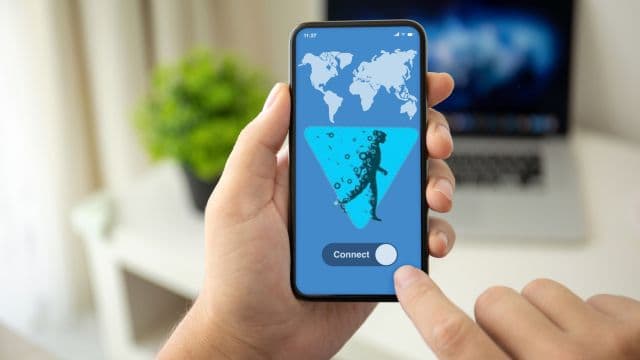
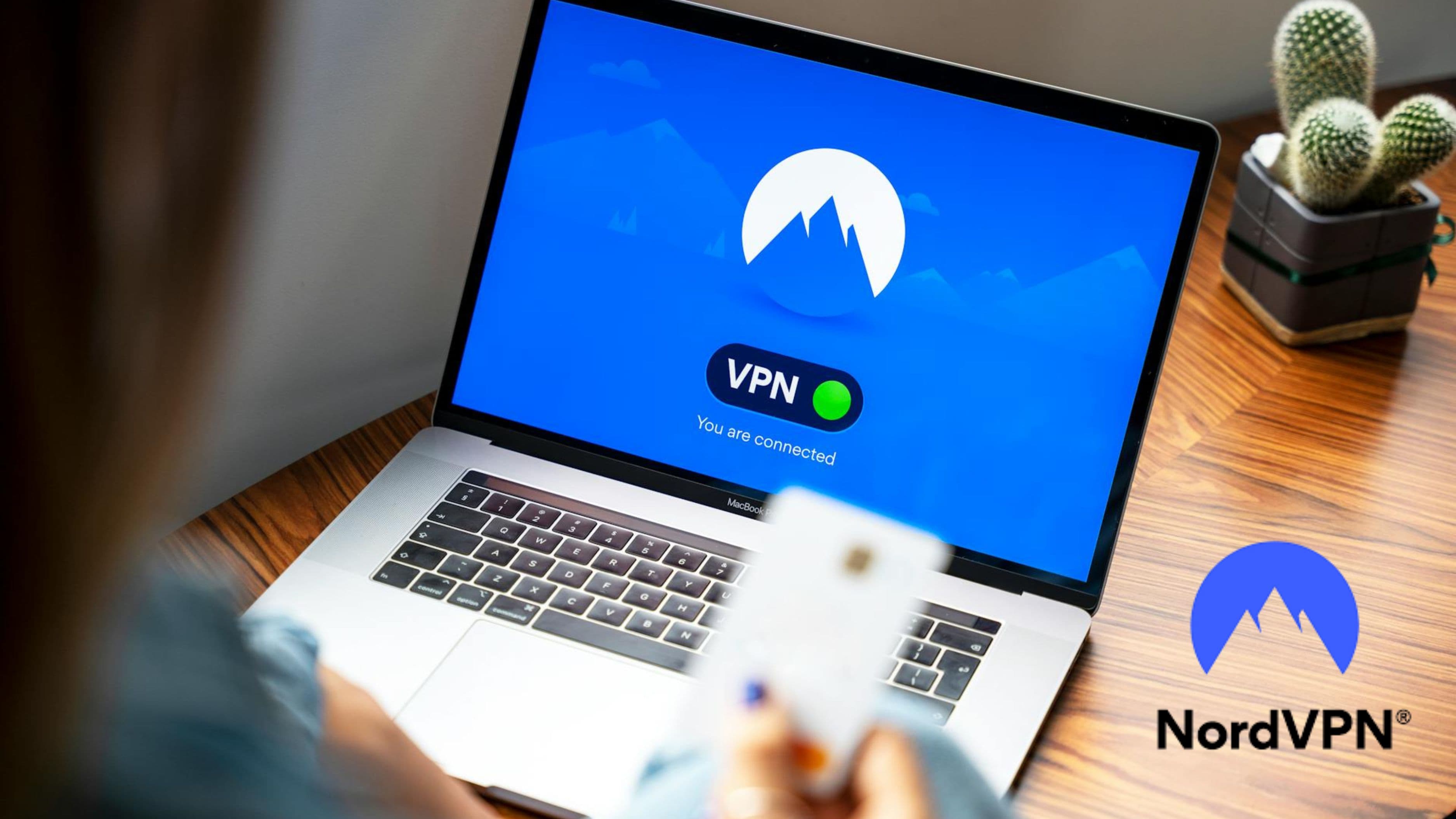
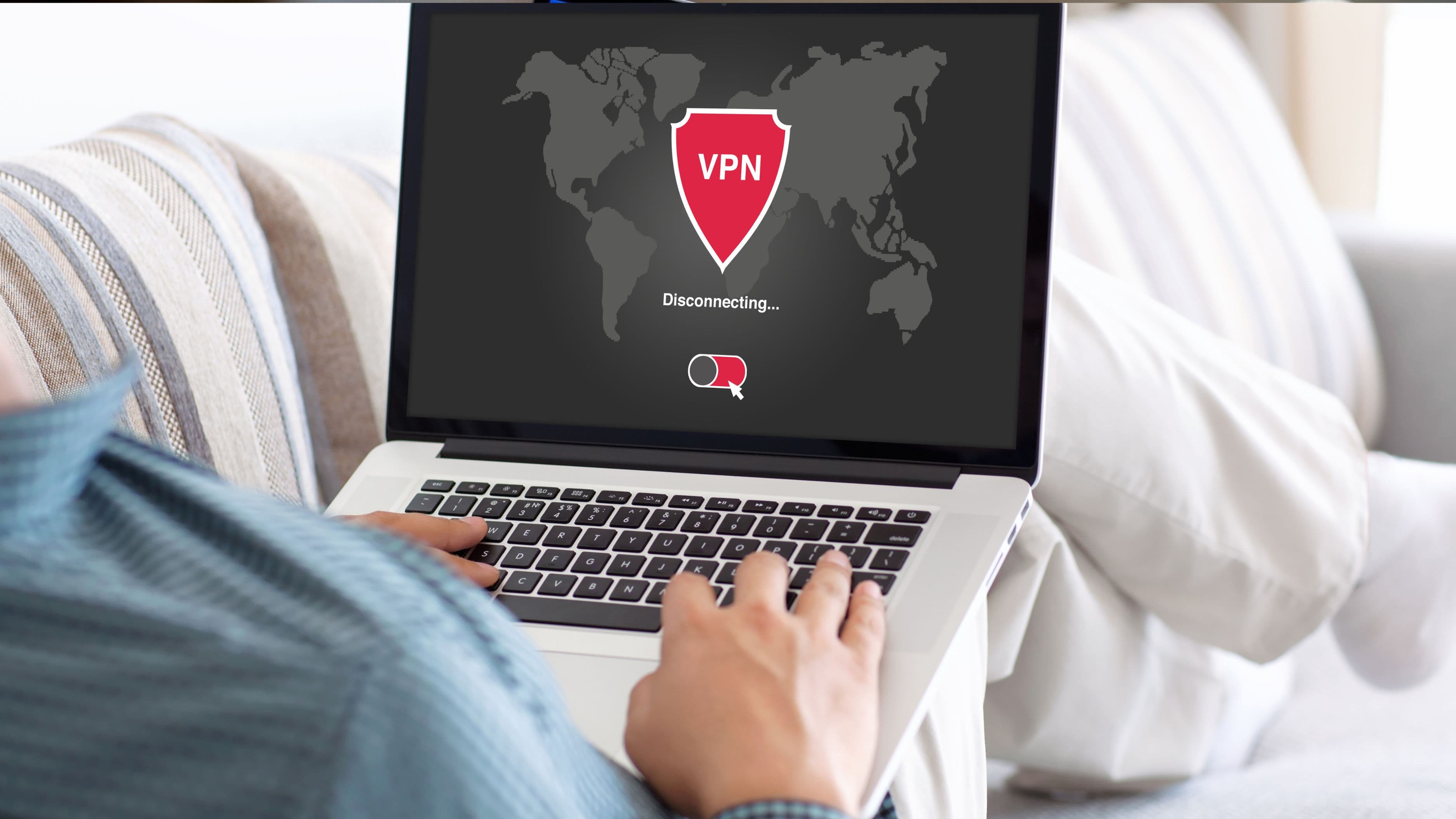
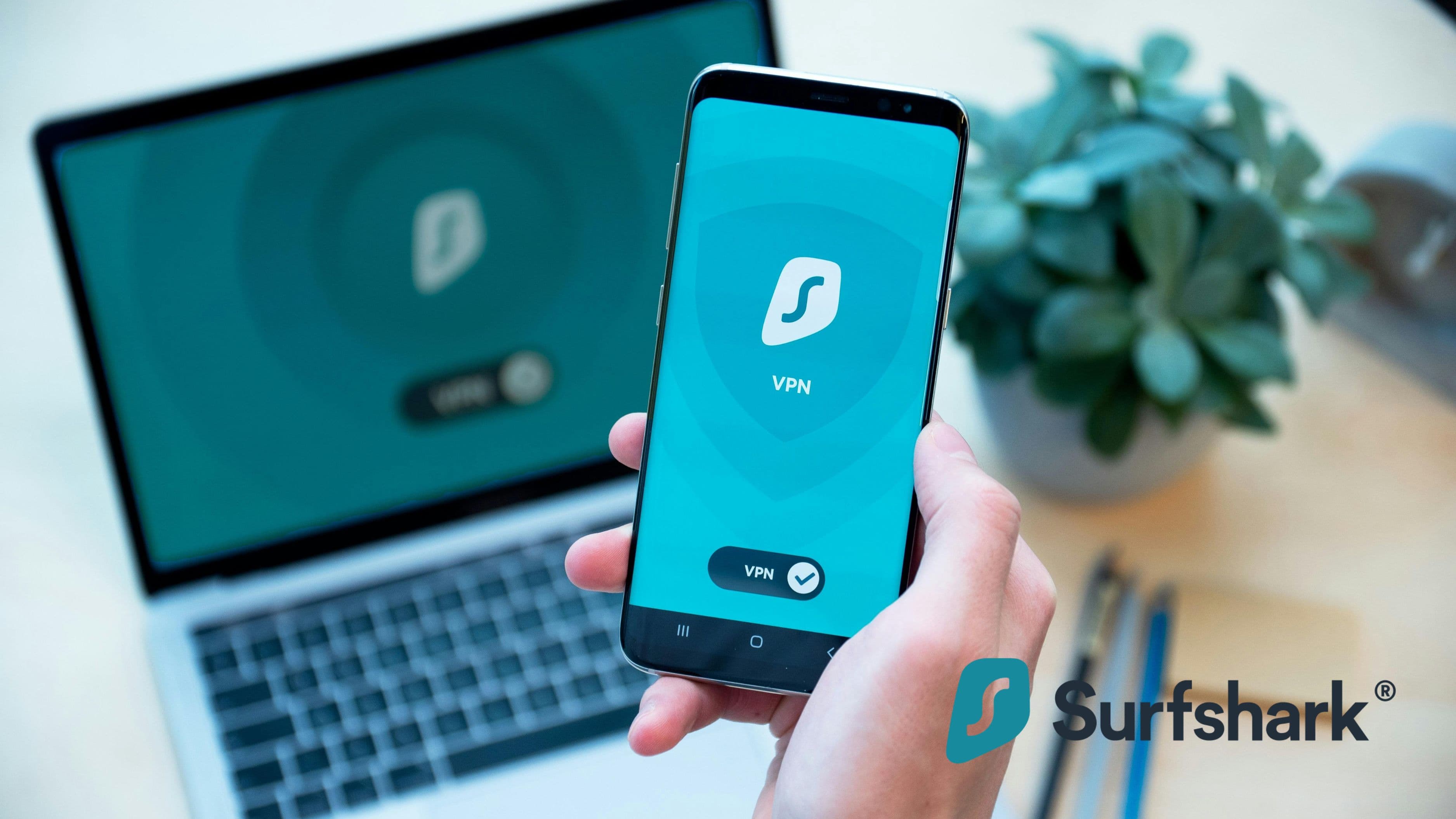
A Virtual Private Network (VPN) encrypts your internet connection and routes it through a secure server, making your activity unreadable to anyone trying to snoop. Reputable VPN providers include NordVPN, ExpressVPN, and Mullvad. Avoid free VPNs - many of them monetize your data, which defeats the entire purpose. If you frequently work in public spaces, a VPN subscription is a small price to pay for serious protection.
Key benefit: A VPN shields your data on untrusted networks, making it exponentially harder for attackers to intercept your activity or steal credentials.
Quick tip: Enable your VPN to connect automatically when joining any unfamiliar network. That way you're protected without having to remember to turn it on.
6. Back Up Your Data Regularly
Backups are your last line of defense against ransomware, hardware failure, accidental deletion, and theft. Ransomware attacks encrypt your files and demand payment to restore access - but if you have a recent backup, you can simply restore your data and refuse to pay. The FBI's official guidance is to never pay ransomware demands, and a solid backup strategy makes that possible.
Follow the 3-2-1 rule: keep 3 copies of your data, on 2 different types of storage, with 1 copy stored offsite (such as in the cloud). For most people, this means combining an external hard drive with a cloud backup service like Backblaze, iCloud, or Google One. Automate your backups so they run without you having to think about it, and periodically test that your backups actually work by restoring a file.
Key benefit: A good backup strategy means a cyberattack or device failure doesn't have to mean permanent data loss. It transforms a catastrophe into a recoverable inconvenience.
Quick tip: Don't store your only backup on a drive that's permanently connected to your computer - ransomware can encrypt connected drives too.
7. Review App Permissions and Connected Accounts
Every app you install asks for permissions - access to your camera, microphone, location, contacts, and more. Many apps request far more access than they actually need to function. A flashlight app has no legitimate reason to access your contacts; a game shouldn't need your microphone. Excessive permissions create unnecessary exposure if that app is ever compromised or sold to a data broker.
Set aside 15 minutes to audit the permissions on both your phone and computer. On iPhones, go to Settings > Privacy; on Android, go to Settings > Apps > Permissions. Remove access for anything that seems excessive or for apps you no longer use. Similarly, check which third-party apps are connected to your Google, Apple, or Facebook account - many people have dozens of forgotten connections that could be exploited.
Key benefit: Reducing app permissions shrinks your attack surface. Fewer apps with sensitive access means fewer pathways an attacker can use to reach your private data.
Quick tip: Delete apps you haven't used in over three months. An unused app that still has permissions is a security liability with zero benefit.
8. Use a Password Manager
If Tip 1 told you to use strong, unique passwords for every account, a password manager is how you actually make that possible without losing your mind. Trying to remember 50-100 different complex passwords is not realistic - which is exactly why so many people reuse passwords, and why breaches cascade across multiple platforms.
Password managers like Bitwarden (free and open-source), 1Password, and Dashlane securely store all your passwords in an encrypted vault, accessible with one strong master password. They also auto-generate secure passwords for new accounts and alert you if any of your saved passwords appear in known data breaches. The only password you truly need to memorize is the one to your vault.
Key benefit: A password manager enables genuinely secure password habits at scale. It removes the trade-off between security and convenience that causes most people to cut corners.
Quick tip: Bitwarden is an excellent free option with full cross-device sync, open-source code that's publicly audited, and no meaningful limitations on the free tier.
9. Lock Your Devices and Enable Remote Wipe
Physical security is part of cybersecurity. A laptop left open in a coffee shop or a phone without a PIN can hand a stranger instant access to your emails, banking apps, saved passwords, and personal files - no hacking required. Yet many people still don't use screen locks, or they use a weak 4-digit PIN that can be guessed in seconds.
Use a strong PIN (6+ digits), a complex alphanumeric passcode, or biometric authentication (Face ID, fingerprint). Set your screen to lock automatically after 30-60 seconds of inactivity. For smartphones and laptops, enable remote wipe capabilities so that if your device is lost or stolen, you can erase it remotely before someone accesses your data. On iPhone, this is managed through iCloud's "Find My" feature; on Android, through Google's Find My Device.
Key benefit: Physical device security prevents opportunistic theft from becoming a full data breach. It's one of the simplest and most overlooked layers of protection.
Quick tip: Enable full-disk encryption on your laptop if it isn't already on. On Windows, this is BitLocker; on Mac, it's FileVault. It ensures data on a stolen drive is unreadable.
10. Stay Informed About New Threats
Cybersecurity isn't a one-time setup - it's an ongoing practice. The threat landscape evolves constantly, with new scams, vulnerabilities, and attack methods emerging regularly. Staying even loosely informed means you'll recognize threats faster and adapt your habits when something new emerges. You don't need to become a security professional - you just need a baseline awareness of what's currently circulating.
Following a few reliable sources goes a long way. The Cybersecurity and Infrastructure Security Agency (CISA) publishes regular alerts at cisa.gov. Krebs on Security is an excellent independent blog covering real-world breaches and threats in accessible language. Even following a tech news outlet like The Verge or Wired for security stories is enough to stay meaningfully aware. When major breaches happen - and they do regularly - you'll know to change a password or watch for related scams.
Key benefit: Awareness is your earliest warning system. Knowing what's happening means you can act before you become a victim, rather than after.
Quick tip: Sign up for Have I Been Pwned (haveibeenpwned.com) alerts. You'll receive an automatic notification if your email appears in a known data breach, so you can act immediately.
Quick Takeaway
You don't need to implement all 10 of these habits at once. Start with the highest-impact ones: enable 2FA on your email, set up a password manager, and make sure your devices are updated. From there, build outward. Each habit you add meaningfully reduces your risk - and together, they create a security posture that makes you a much harder target than the average person.
Cybersecurity is not about paranoia. It's about making smart, simple choices that protect the life you've built online.
FAQ
Do I really need all 10 of these habits? Not all at once - but yes, all 10 are worth having. Start with 2FA and a password manager. Those two alone eliminate the majority of common attack vectors.
Is a free VPN good enough? Generally no. Free VPNs often log and sell your data, which defeats the purpose. Stick to reputable paid options or a well-reviewed free tier like Proton VPN's free plan.
How often should I back up my data? For most people, weekly automated backups are sufficient. If you work with important files daily, consider daily automated backups to the cloud.
What's the safest type of 2FA? A hardware security key (like YubiKey) is the most secure, followed by an authenticator app. SMS-based 2FA is the least secure but still far better than no 2FA at all.
What should I do if I think I've already been hacked? Change your passwords immediately starting with email, run a malware scan, check your bank and credit accounts for unusual activity, and visit haveibeenpwned.com to check for known breaches.
Cybersecurity doesn't have to be complicated. These 10 habits are the difference between being an easy target and being someone attackers move past. Build them in, keep them running, and your digital life stays yours.
📚 Sources
Verizon Data Breach Investigations Report - https://www.verizon.com/business/resources/reports/dbir/
Microsoft Security - How effective is multi-factor authentication at deterring cyberattacks - https://www.microsoft.com/en-us/security/blog/2019/08/20/one-simple-action-you-can-take-to-prevent-99-9-percent-of-account-attacks/
Anti-Phishing Working Group (APWG) Phishing Activity Trends Report - https://apwg.org/trendsreports/
FBI Ransomware Guidance - https://www.fbi.gov/how-we-can-help-you/scams-and-safety/common-frauds-and-scams/ransomware
CISA - Cybersecurity Best Practices - https://www.cisa.gov/topics/cybersecurity-best-practices
Have I Been Pwned - https://haveibeenpwned.com
Krebs on Security - https://krebsonsecurity.com
Bitwarden - Open Source Password Manager - https://bitwarden.com
Google Find My Device - https://www.google.com/android/find
National Cyber Security Centre (NCSC) - Password Guidance - https://www.ncsc.gov.uk/collection/passwords