
That's exactly how they're designed. Subscription businesses thrive on inertia. The good news: you don't have to go scorched earth and cancel everything. A smarter audit, a few strategic swaps, and a couple of firm cancellations will free up real money fast without making your life noticeably worse.
Here are ten ways to cut your subscription spending – starting today.
Top 10 at a Glance
Run a full subscription audit
Cancel anything you haven't used in 30 days
Downgrade before you cancel
Share plans with family or friends
Use free tiers and ad-supported alternatives
Rotate subscriptions instead of stacking them
Negotiate or threaten to cancel for a better rate
Switch to annual billing where it makes sense
Use a subscription tracker app
Set a personal subscription spending cap
1. Run a Full Subscription Audit First
Before you cancel anything, you need to know what you're actually paying for. Most people are surprised – sometimes embarrassed – by what shows up when they do this properly.
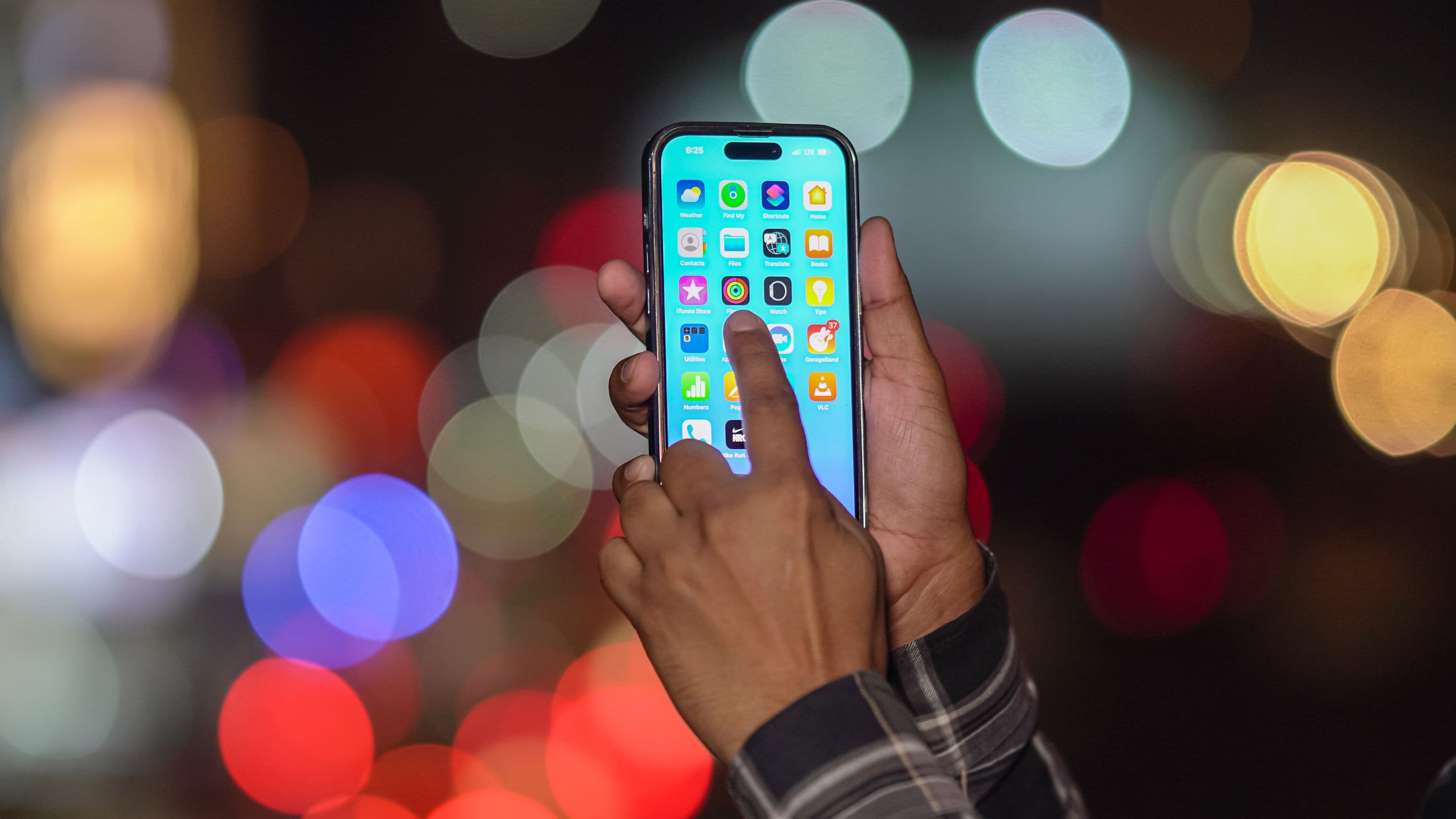
Go through three places: your bank or credit card statements (filter by recurring charges), your email inbox (search "subscription," "receipt," "renewal," and "invoice"), and your phone's app store under subscriptions. List every charge, the amount, and when it renews. Don't trust your memory – you will miss things.
Once everything is on paper (or a spreadsheet), group them by category: entertainment, software, fitness, food, news, cloud storage, miscellaneous. Seeing the full picture by category is usually enough to trigger immediate action. Most people find at least two or three services they had completely forgotten about.
Key benefit: You can't make smart cuts if you don't know the full picture. The audit is the foundation of everything else on this list.
2. Cancel Anything You Haven't Used in 30 Days
This one sounds harsh but it's the right rule. If you haven't opened an app, logged into a platform, or used a service in the past 30 days, cancel it. Not pause it. Cancel it.
People talk themselves out of canceling because they "might use it soon" or they feel like they're wasting the subscription they've already paid for. That's a trap. Keeping a subscription you're not using is the actual waste. If you genuinely need it later, you can always resubscribe – often at the same rate or better, because re-acquisition offers are common.
Apply this rule ruthlessly to fitness apps, meditation apps, meal kit services, software tools, and any streaming platform that you opened twice in the last three months. The discomfort of canceling lasts about thirty seconds. The savings are permanent.
Key benefit: Instant monthly savings with zero impact on your actual daily life.
3. Downgrade Before You Cancel
Before you cut something you do use, check if there's a cheaper tier. Most subscription services have pricing tiers that the majority of users never explore because they signed up on a free trial that auto-upgraded.
Netflix, Spotify, YouTube, Hulu, LinkedIn Premium, Adobe Creative Cloud, and dozens of others have lower-cost plans that give you most of what you actually use. Spotify's individual plan is cheaper than the family plan you don't need. Netflix's standard plan covers most people fine. An ad-supported streaming tier costs $3–5 less per month and the ad interruptions are genuinely tolerable.
Downgrading instead of canceling is the move when you want to keep access but cut the cost. It takes five minutes and can save you $50–$100/year per service. Do this for every subscription before you decide it's too expensive to keep.
Key benefit: Keeps the services you actually value at a fraction of the current cost.
4. Share Plans With Family or Friends
Family plans exist for a reason, and if you're paying for an individual plan when you could be splitting a family plan, you're leaving money on the table every month.
Spotify Premium Family supports up to six accounts for $17.99/month. Split five ways, that's $3.60 per person instead of $11.99. Apple One Family covers Apple Music, Apple TV+, Apple Arcade, and iCloud storage for up to six people – splitting that changes the math dramatically. YouTube Premium Family, Disney+ Premium (with GroupWatch), and Amazon Prime all offer multi-user options.
You don't need to live in the same household for some of these (policies vary by platform and region). At minimum, rope in family members who are already paying separately for the same services. Coordinate one account, split the cost, everyone pays less.
Key benefit: Same service quality, 40–70% less cost per person depending on how many people share.
5. Use Free Tiers and Ad-Supported Alternatives
For a lot of subscriptions, a free or ad-supported alternative does 90% of what the paid version does – and most people's day-to-day usage doesn't require the premium features.
Spotify Free is annoying but functional for casual listeners. Peacock, Tubi, Pluto TV, and The Roku Channel offer massive content libraries completely free with ads. Canva Free covers most design needs without a Pro subscription. Google Docs replaces Microsoft 365 for most personal use cases. Libby (connected to your library card) gives you free ebooks and audiobooks, making Audible and Kindle Unlimited optional rather than necessary.
The test is simple: would you notice the difference in your actual daily use? If the honest answer is "probably not," switch to the free tier. You can always upgrade again later if it bothers you.
Key benefit: Drops recurring costs to zero without losing access to content or tools you regularly use.
6. Rotate Subscriptions Instead of Stacking Them
Here's a habit shift that saves money without requiring you to give up anything permanently: stop subscribing to multiple streaming services simultaneously and start rotating through them one at a time.
Watch everything you want on Netflix, then cancel and switch to HBO Max for a month, then Hulu, then Peacock. Content libraries refresh constantly, and you rarely need all of them at once. By rotating instead of stacking, you pay for one service at a time rather than four concurrently. That's potentially $30–$50/month saved with no real content sacrifice – you just watch things in a different order.
The same logic applies to software tools with overlapping features. You don't need Grammarly and ProWritingAid simultaneously. Pick one, use it, reassess when the subscription renews.
Key benefit: Full access to what you want over time, at a fraction of the stacked cost.
7. Negotiate or Threaten to Cancel for a Better Rate
Most people don't know this works, but it does – consistently. Subscription companies spend significant money acquiring customers and they'd rather keep you at a reduced rate than lose you entirely.
Call or live-chat the retention team (not just general support) and say you're thinking about canceling because of the cost. Then stop talking and wait. In many cases, you'll be offered a discount, a free month, or a downgrade offer before they let you go. This works reliably with cable and internet providers, SiriusXM, newspaper subscriptions, Hulu, and many software tools. It works less predictably with Netflix and Spotify, but it's still worth trying.
If they don't offer anything, cancel anyway. You weren't getting value at the full price. And there's a decent chance you'll get a win-back offer via email within two to four weeks at a better rate.
Key benefit: Saves money on services you want to keep without having to sacrifice access.
8. Switch to Annual Billing Where It Makes Sense
For subscriptions you're confident you'll keep for the next 12 months, annual billing almost always works out cheaper – typically 15–25% less than paying monthly.
NordVPN, ExpressVPN, most project management tools, cloud storage plans, and many fitness apps offer meaningful discounts for annual commitments. If you've been on Dropbox, 1Password, or a similar service for years and have no intention of canceling, switching to annual saves real money. A $12/month plan at $9/month annually saves $36/year on one subscription. Multiply that across a few services and it adds up.
The caveat: only do this for services you're genuinely certain about. Annual billing locks you in, and if you cancel mid-cycle, refunds are often partial or unavailable. Apply this selectively, not automatically.
Key benefit: Meaningful per-year savings on subscriptions you're already committed to long-term.
9. Use a Subscription Tracker App
The reason most people overspend on subscriptions isn't carelessness – it's that subscriptions are designed to be easy to forget. A tracker forces visibility.
Apps like Rocket Money (formerly Truebill), Bobby, Subby, and TrackMySubs automatically detect subscriptions from your bank account or email and give you a dashboard of everything you're paying for, when it renews, and how much it's costing you per month and per year. Some, like Rocket Money, will also negotiate cancellations or lower rates on your behalf (for a fee or a cut of savings).
The ongoing value is in the alerts. Knowing a $79 annual renewal is coming up in two weeks gives you the option to cancel before you're charged. Without a tracker, you find out after the fact and fight for a refund.
Key benefit: Eliminates forgotten subscriptions and gives you early warning on renewals before they hit your account.
10. Set a Personal Subscription Spending Cap
The most sustainable long-term habit is also the simplest: decide in advance how much you're willing to spend on subscriptions each month, and treat it as a hard cap.
Pick a number that feels reasonable for your budget – $50, $75, $100, whatever fits. Then whenever you want to add a new subscription, you have to cancel or downgrade something else to make room. This forces active decisions instead of passive accumulation. New subscription in, old one out.
Review your cap every six months. As your income changes or priorities shift, you might raise or lower it – but the discipline of having a defined limit is what prevents the slow creep of subscriptions that most households experience over time.
Key benefit: Prevents future subscription bloat before it starts, with no ongoing effort required beyond the initial decision.
Quick Takeaway
The goal isn't to cancel everything – it's to spend intentionally on services that genuinely improve your life and eliminate the ones that just quietly drain your account. Most households can cut $50–$150/month from subscriptions without meaningfully changing how they live. That's $600–$1,800 back in your pocket each year.
Start with the audit. Cancel the forgotten ones. Downgrade before you cut. Then set a cap and stick to it.
FAQ
How long does a proper subscription audit take? About 30–60 minutes if you're thorough. Check your bank statements for the past three months, your email inbox, and your phone's app store subscriptions. Set aside an hour the first time you do it.
What's the best app for tracking subscriptions automatically? Rocket Money is the most comprehensive option – it syncs with your bank, flags subscriptions, and can help negotiate cancellations. Bobby is a good manual alternative if you prefer not to link your financial accounts.
Are ad-supported streaming tiers worth it? For most people, yes. The ads are typically 4–5 minutes per hour and content access is the same. If you watch one to two hours of TV per night, the ad interruptions are minor and the savings are real.
Will threatening to cancel actually work with streaming services? It works more reliably with services that have high competition (cable, internet, satellite radio, news subscriptions) and less reliably with dominant players like Netflix or Spotify. That said, it's always worth trying – the worst they can say is no.
How often should I audit my subscriptions? Once a quarter is ideal. New subscriptions accumulate quietly and free trials expire into paid plans without much notice. A 20-minute quarterly check catches those before they compound.
What if I share a subscription account and the person cancels? Always have your own payment method for any service you rely on critically. Shared plans are great for saving money, but don't depend on someone else's account for something you genuinely need daily.
📚 Sources
C+R Research – Subscription Service Survey 2022: https://www.crresearch.com/blog/subscription-service-survey/
Consumer Reports – How to Negotiate Your Bills: https://www.consumerreports.org/money/how-to-negotiate-bills/
NerdWallet – How to Cut Your Subscription Costs: https://www.nerdwallet.com/article/finance/how-to-reduce-subscription-costs
Rocket Money – Subscription Tracker and Bill Negotiation: https://www.rocketmoney.com
Spotify – Pricing Plans Overview: https://www.spotify.com/us/premium/
Apple – Apple One Plans and Pricing: https://www.apple.com/apple-one/