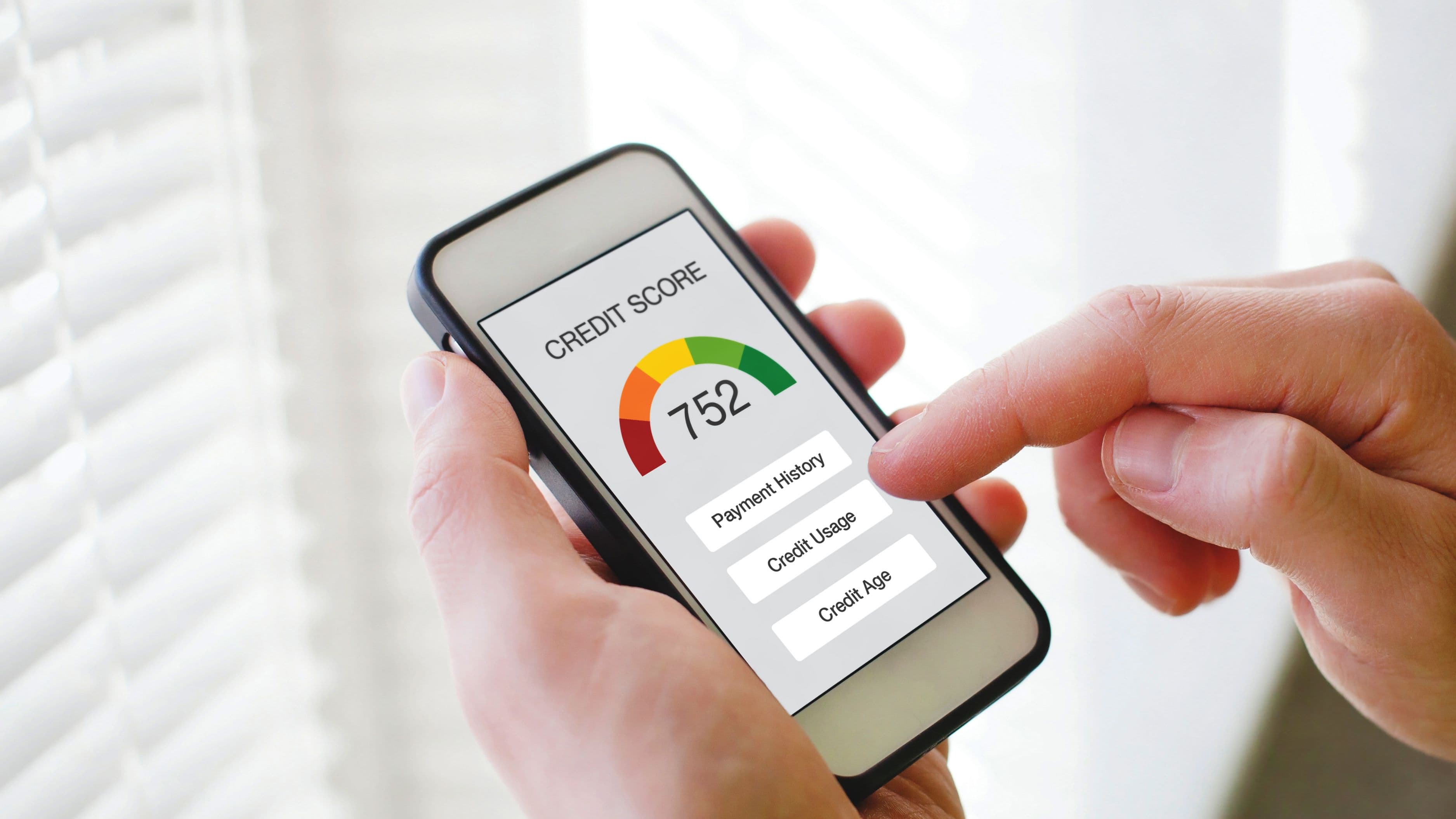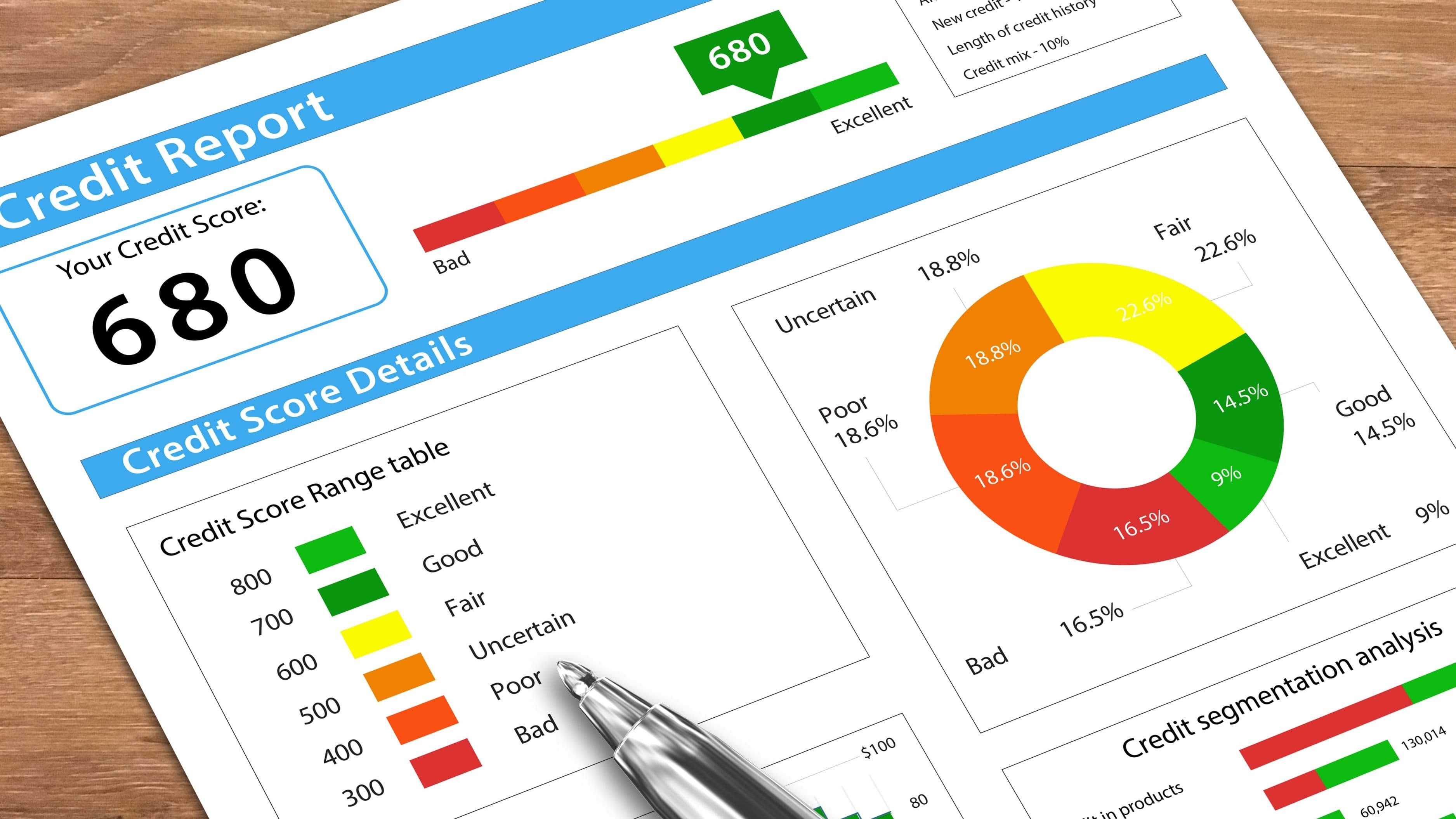

This guide examines the top 10 business banking solutions specifically designed for startups and entrepreneurs, evaluating them based on fees, features, ease of use, integration capabilities, and customer support to help you find the best fit for your business needs.
Top 10 Best Business Banking Solutions
Mercury – Best for tech startups and venture-backed companies
Novo – Best for solopreneurs and freelancers
Brex – Best for startups needing corporate cards and expense management
Bluevine – Best for businesses needing flexible credit lines
Relay – Best for businesses needing multiple accounts
Chase Business Complete Banking – Best for established businesses needing branch access
Bank of America Business Advantage – Best for businesses with complex banking needs
Lili – Best for freelancers wanting built-in tax tools
Found – Best for self-employed professionals managing taxes
Axos Bank Business Checking – Best for high-transaction-volume businesses
Our Methodology
We evaluated these business banking solutions based on five critical criteria that matter most to startups and entrepreneurs. First, we analyzed pricing structures, including monthly fees, transaction limits, and hidden costs that can drain early-stage budgets. Second, we assessed ease of use by examining mobile app functionality, account opening processes, and dashboard intuitiveness. Third, we compared feature sets including payment processing, accounting integrations, invoicing capabilities, and expense management tools.
Fourth, we evaluated customer support availability and quality, recognizing that entrepreneurs need responsive help when financial issues arise. Finally, we reviewed thousands of customer testimonials and ratings across trusted platforms to understand real-world experiences with each solution. Our recommendations reflect a balance of these factors, with particular emphasis on value for early-stage businesses operating on limited budgets.
Detailed Reviews
1. Mercury – Best for Tech Startups and Venture-Backed Companies
Best for: Tech startups, SaaS companies, and venture-backed businesses
Pricing from: $0/month for standard checking
Key features: Multi-currency accounts, venture debt access, treasury management, accounting integrations
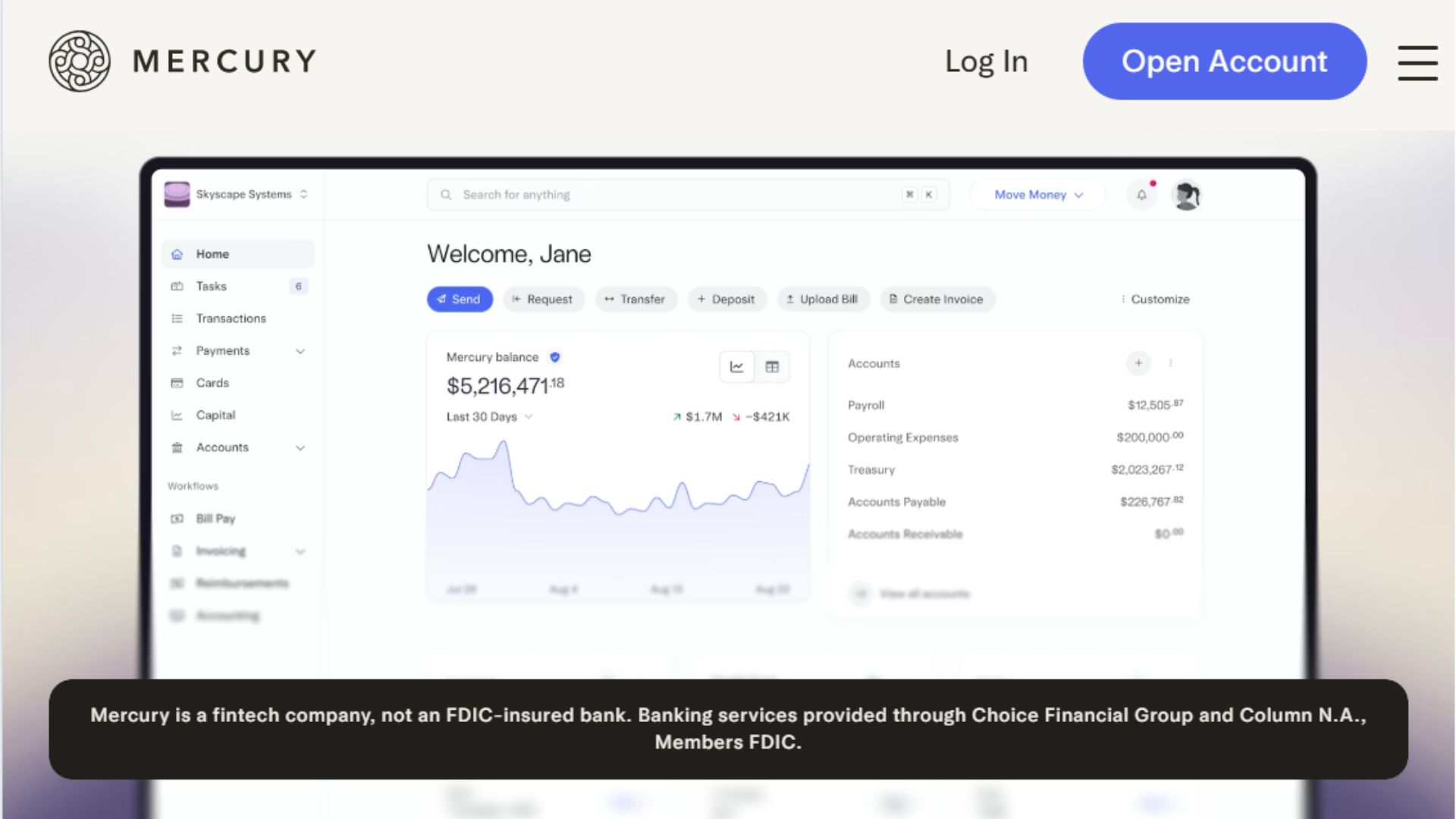
Mercury has become the de facto banking solution for Silicon Valley startups and tech entrepreneurs. Built specifically for high-growth companies, Mercury offers sophisticated features like automated bookkeeping, integration with tools like QuickBooks and Xero, and treasury management for optimizing cash reserves. The platform provides virtual and physical debit cards, domestic and international wire transfers, and detailed transaction categorization that simplifies tax preparation.
What distinguishes Mercury is its understanding of startup financing needs. The bank offers access to venture debt, supports foreign founders, and provides elevated transaction limits suitable for businesses processing significant revenue. Mercury's user interface is exceptionally clean and modern, with powerful API access for developers who want to build custom financial workflows. However, the lack of physical branches means all support is handled digitally, which some business owners may find limiting.
Pros:
No monthly fees or minimum balance requirements
Excellent integration with accounting and business tools
Designed specifically for startups and tech companies
High transaction limits and multi-currency support
Clean, intuitive interface with robust mobile app
Cons:
No physical branch locations
Not ideal for cash-intensive businesses
Limited to U.S.-based businesses or those with U.S. operations
Customer support can be slow during peak times
2. Novo – Best for Solopreneurs and Freelancers
Best for: Freelancers, solopreneurs, and very small businesses
Pricing from: $0/month
Key features: Free checking, integrated invoicing, cashback rewards, no minimum balance
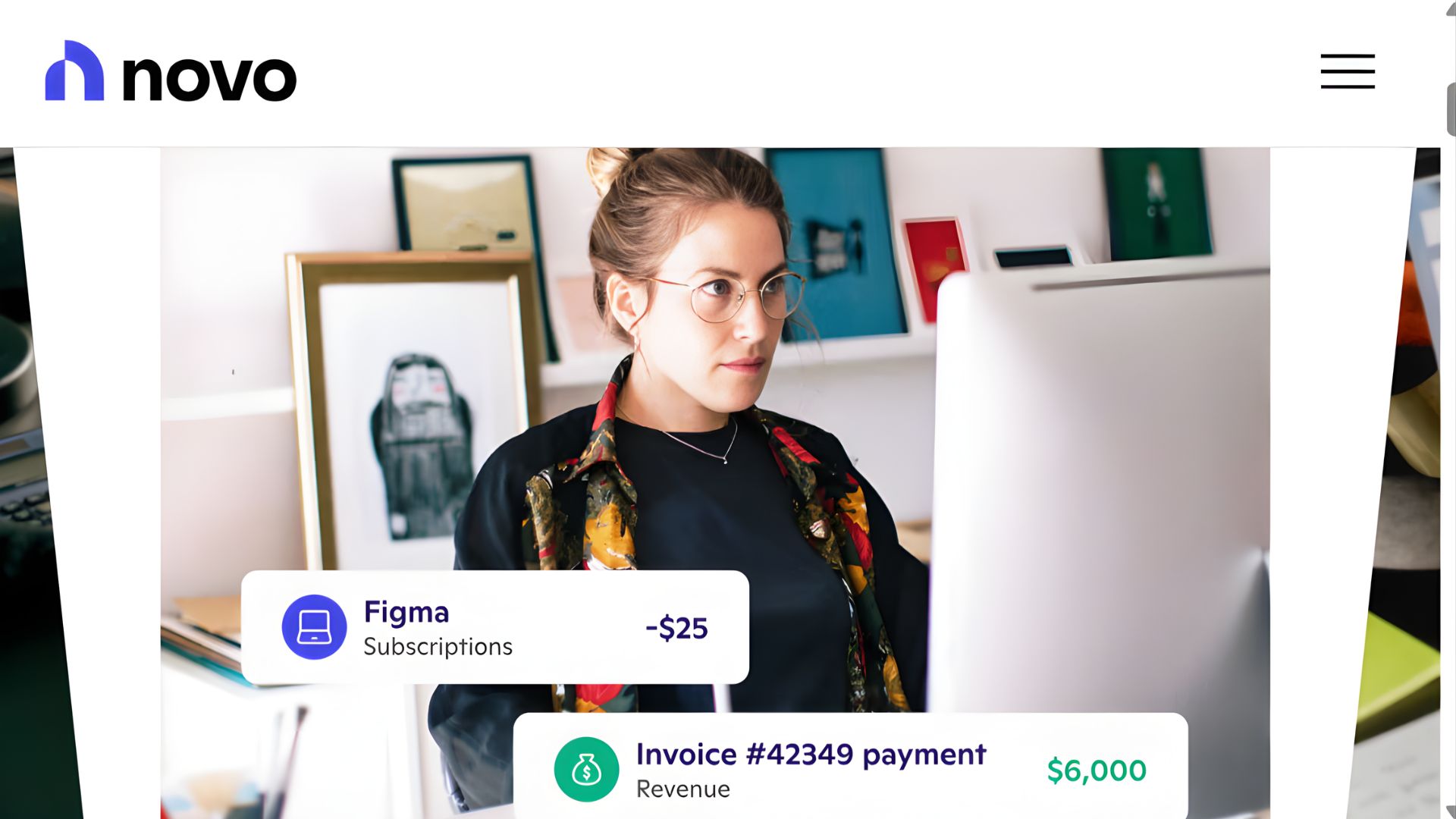
Novo provides streamlined business banking designed for solo entrepreneurs who need simplicity without sacrificing essential features. The platform offers unlimited free transactions, no monthly maintenance fees, and no minimum balance requirements, making it ideal for businesses just starting out or operating with minimal overhead. Novo includes integrated invoicing capabilities, allowing you to bill clients directly from your banking dashboard.
The platform stands out for its partnerships with other small business tools, offering discounts and integrations with services like Shopify, Stripe, and QuickBooks. Novo provides cashback rewards on debit card purchases, effectively giving you a return on business expenses. The account opening process takes minutes and requires minimal documentation. While Novo lacks some advanced features like multi-user access controls or treasury management, its simplicity is actually its greatest strength for freelancers who want straightforward banking without complexity.
Pros:
Completely free with no hidden fees
Quick account opening process
Integrated invoicing and payment collection
Cashback rewards on purchases
Excellent mobile app experience
Cons:
Limited features for growing teams
No physical branch access
Basic reporting compared to enterprise solutions
No built-in payroll services
3. Brex – Best for Startups Needing Corporate Cards and Expense Management
Best for: Venture-backed startups and high-growth companies
Pricing from: $0/month for banking; corporate cards with rewards
Key features: High-limit corporate cards, expense management, rewards points, bill pay automation
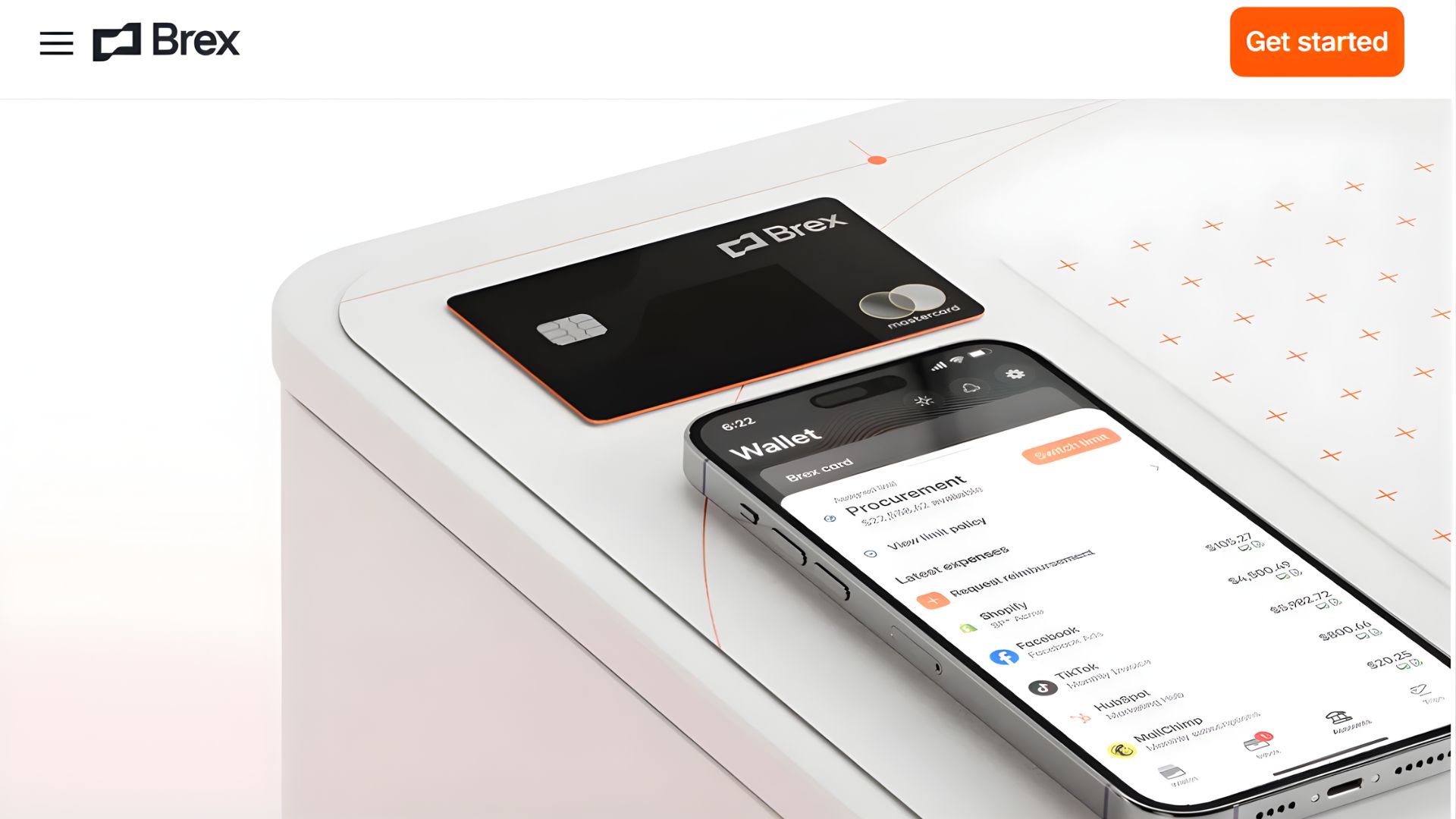
Brex revolutionized business banking by offering corporate cards with significantly higher limits than traditional banks, often without requiring a personal guarantee. The company evaluates creditworthiness based on your business's cash balance and revenue rather than just personal credit scores, making it accessible to founders who haven't established business credit history. Brex offers exceptional rewards, including up to 7x points on rideshares and restaurants, and 4x on recurring software subscriptions.
The expense management platform is sophisticated, featuring automatic receipt matching, real-time spending notifications, and customizable spending controls for team members. Brex integrates seamlessly with accounting software, automatically categorizing expenses and syncing transactions. The company also offers cash management accounts with competitive yields on uninvested cash. However, Brex primarily serves venture-backed or well-funded startups, and businesses without significant cash reserves may find approval challenging.
Pros:
High credit limits without personal guarantees
Generous rewards program for business spending
Advanced expense management and controls
Real-time spending insights and reporting
Excellent integration with accounting platforms
Cons:
Primarily suited for well-funded startups
Minimum cash balance requirements for optimal terms
Limited traditional banking features
Can be complex for very small operations
4. Bluevine – Best for Businesses Needing Flexible Credit Lines
Best for: Small businesses needing working capital and credit access
Pricing from: $0/month checking; credit lines from 4.8% APR
Key features: Business line of credit, high-yield interest on balances, invoicing tools, bill pay
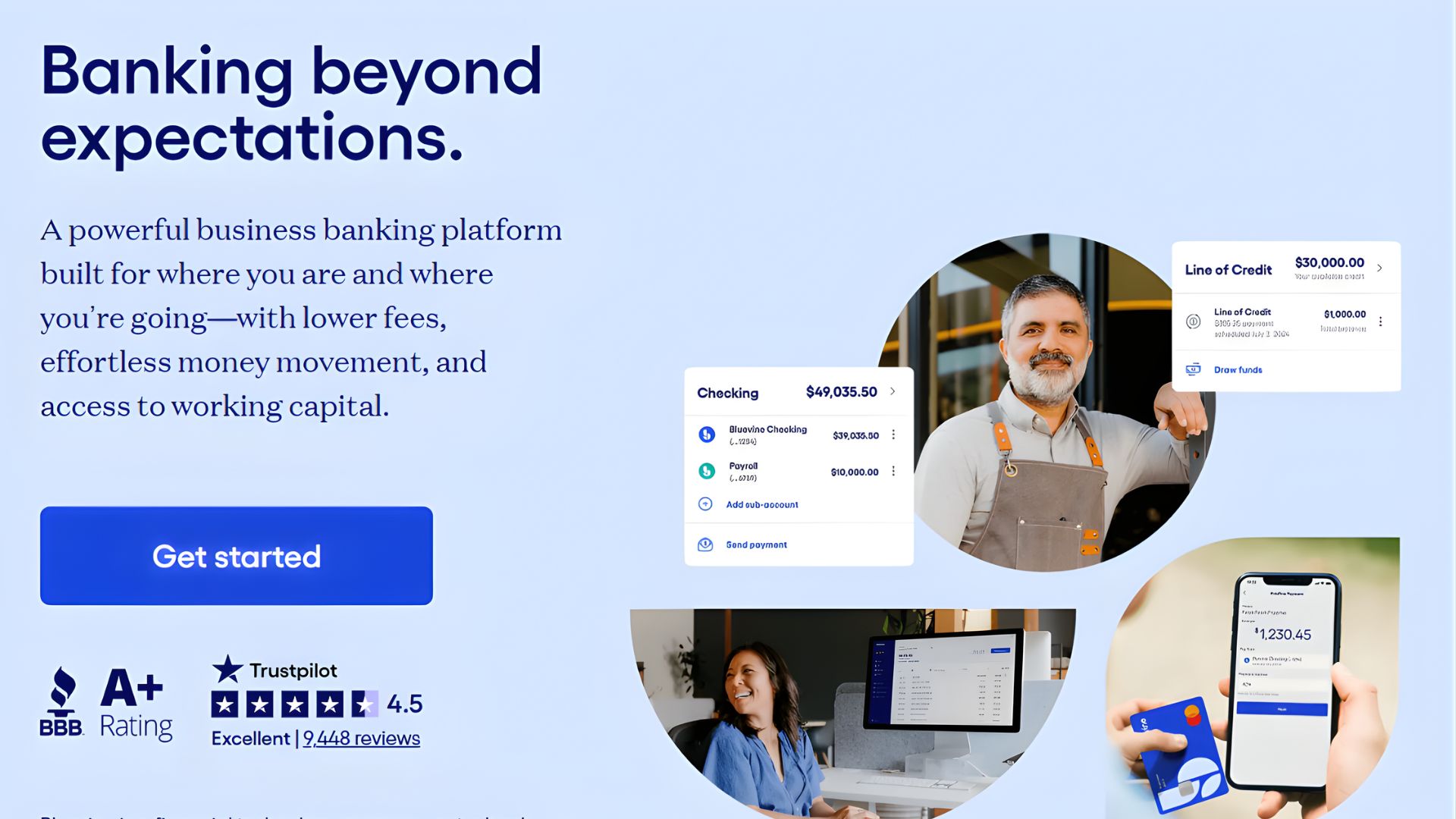
Bluevine combines business checking with access to working capital, offering lines of credit up to $250,000 based on your business revenue and financial health. This makes Bluevine particularly valuable for businesses with seasonal cash flow fluctuations or those needing to bridge gaps between invoicing and payment collection. The checking account pays competitive interest on your balance, helping your cash reserves work for you while maintaining liquidity.
The platform includes integrated invoicing and bill pay features, creating a comprehensive financial hub for your business operations. Bluevine's underwriting process is faster and more flexible than traditional banks, often approving credit lines within 24 hours. The mobile app is robust, allowing you to manage both your checking account and credit line from your phone. While Bluevine charges no monthly fees for checking, the credit line carries interest and fees that should be carefully evaluated before drawing funds.
Pros:
Access to flexible lines of credit up to $250,000
Competitive interest rates on checking balances
Fast approval process for credit
Integrated invoicing and bill pay
No monthly fees on checking accounts
Cons:
Credit lines require revenue history
Interest charges on borrowed funds
Limited physical banking options
Fewer integrations than some competitors
5. Relay – Best for Businesses Needing Multiple Accounts
Best for: Businesses managing multiple projects or revenue streams
Pricing from: $0/month
Key features: Up to 20 checking accounts, unlimited debit cards, team member access, savings accounts
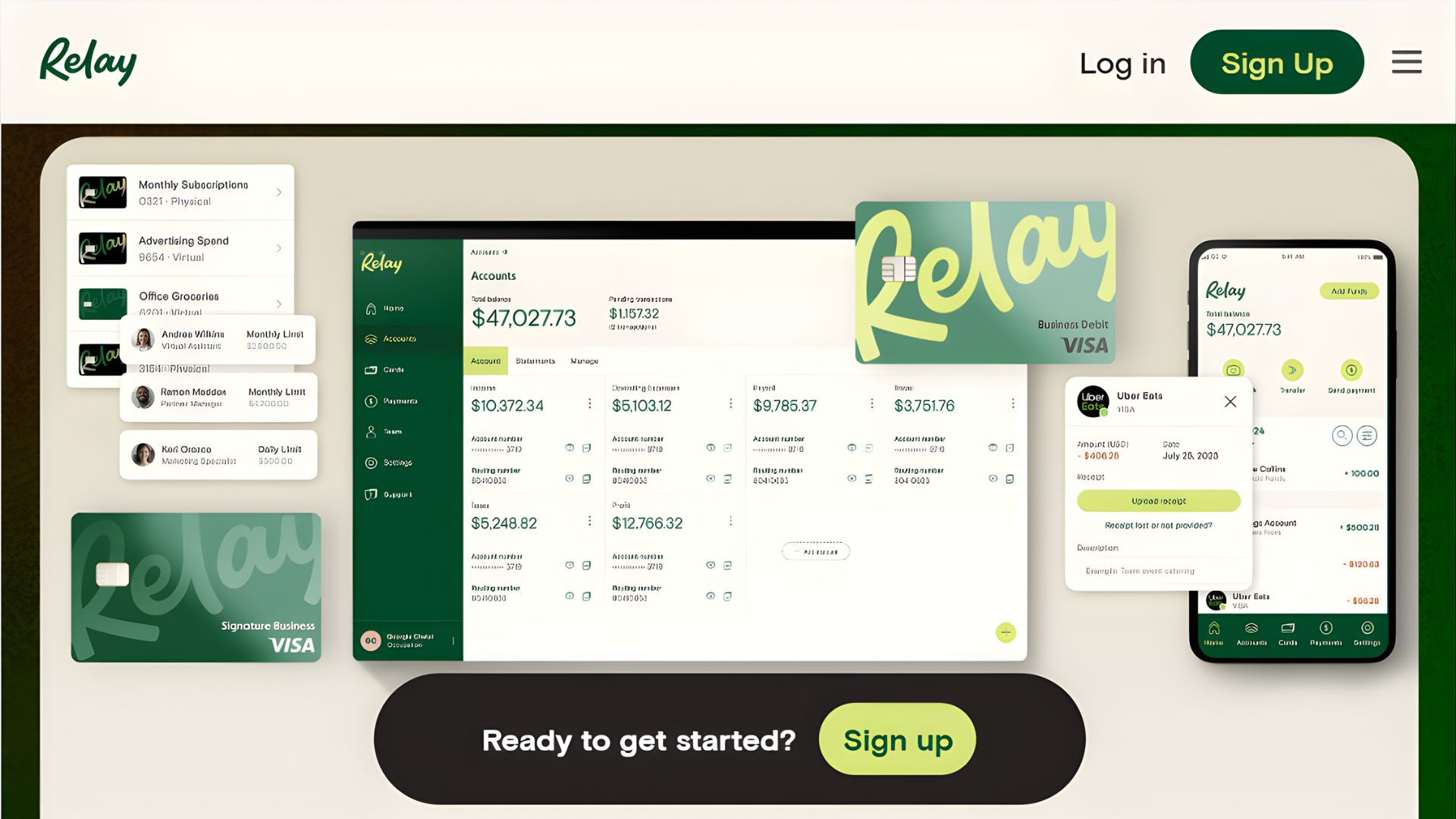
Relay's unique value proposition is allowing you to create up to 20 checking accounts and 50 savings accounts under a single business entity at no additional cost. This structure is perfect for businesses that need to separate funds by project, client, or purpose—such as agencies managing multiple client accounts or e-commerce businesses tracking different product lines. Each account comes with its own account number and debit card, providing complete separation without the hassle of opening multiple bank accounts.
The platform supports unlimited team members with customizable permission levels, making it suitable for growing businesses that need multiple people to access finances. Relay offers no monthly fees, no minimum balance requirements, and unlimited transactions. The interface clearly displays all accounts in a dashboard view, making it easy to monitor cash across different areas of your business. However, Relay lacks some advanced features like built-in accounting software integration and has limited international capabilities.
Pros:
Up to 20 free checking accounts
Unlimited debit cards at no cost
Excellent for managing multiple projects or revenue streams
No fees and no minimum balance
Strong team collaboration features
Cons:
Limited integrations with accounting software
No physical branch access
Basic mobile app compared to competitors
Limited international banking features
6. Chase Business Complete Banking – Best for Established Businesses Needing Branch Access

Best for: Established small businesses needing in-person banking
Pricing from: $15/month (waivable with minimum balance)
Key features: 4,700+ branches, business credit cards, merchant services, comprehensive banking suite
Chase offers the full-service banking experience that many established businesses require, including access to thousands of physical branches where you can deposit cash, speak with bankers, and resolve complex issues face-to-face. This is particularly valuable for retail businesses, restaurants, or any operation handling significant cash transactions. Chase provides a complete suite of business services including merchant processing, payroll services, business credit cards, and loans.
The bank's digital platform is robust and secure, with a well-designed mobile app that handles most banking needs remotely. Chase also offers relationship pricing, meaning if you maintain higher balances or use multiple Chase services, you can reduce or eliminate monthly fees. The brand recognition and stability of Chase provides peace of mind for business owners concerned about banking with newer fintech startups. However, Chase's fee structure is more complex than digital-first banks, and smaller businesses may find the requirements burdensome.
Pros:
Extensive physical branch network nationwide
Full suite of business banking services
Strong fraud protection and security
Access to business loans and credit
Integrated merchant services available
Cons:
Monthly fees unless minimum balances maintained
More paperwork and bureaucracy than fintech options
Limited free transactions depending on account tier
Traditional banking hours for branch access
7. Bank of America Business Advantage – Best for Businesses with Complex Banking Needs
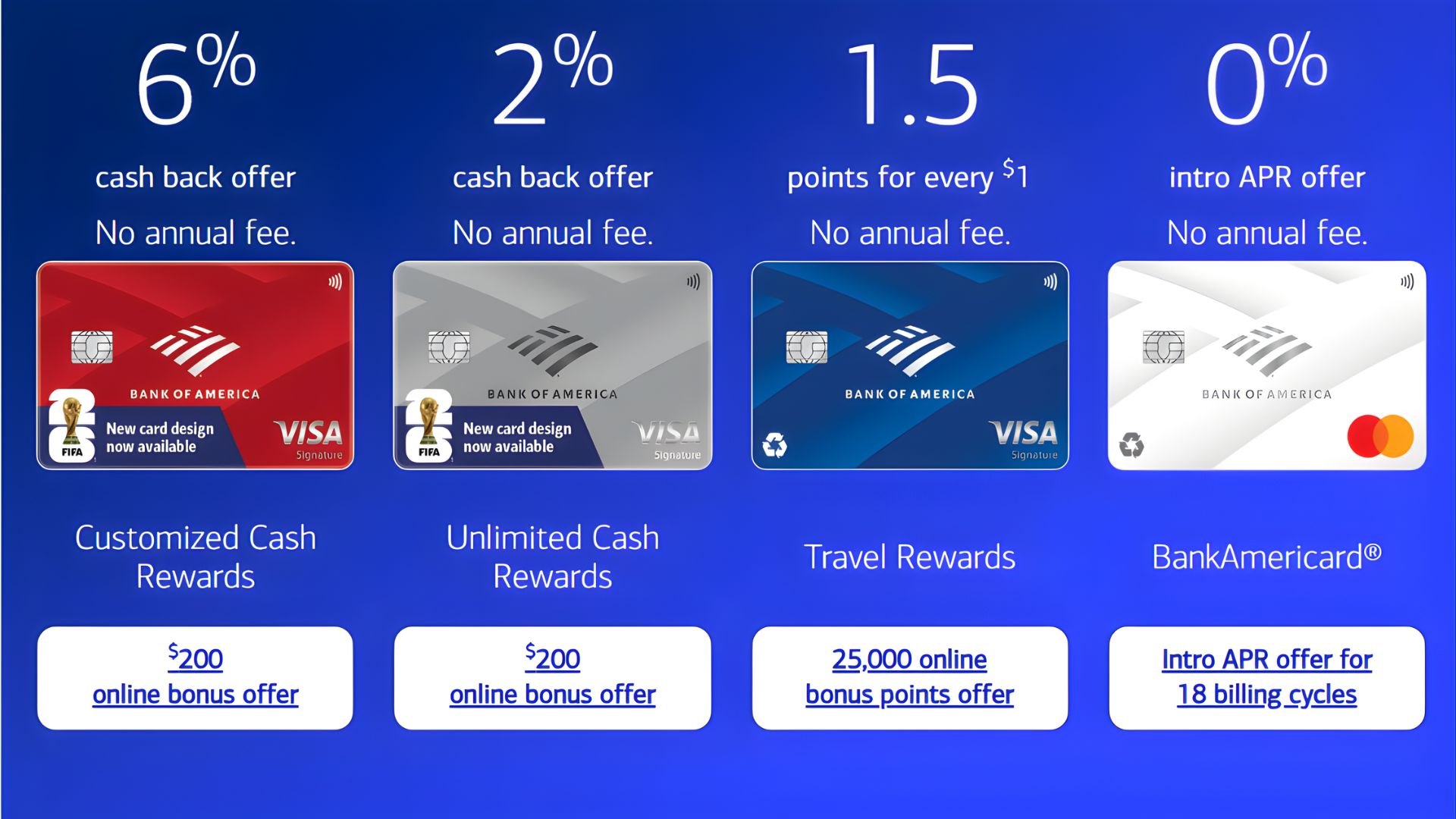
Best for: Growing businesses with diverse financial requirements
Pricing from: $16/month (waivable with qualifying balances)
Key features: Tiered account options, cash flow monitoring tools, merchant services, international capabilities
Bank of America offers three tiers of business checking accounts, allowing you to select the level of services and transaction volumes that match your business size. The Fundamentals account suits very small businesses, while the Preferred and Platinum tiers provide higher transaction limits, interest earnings, and reduced fees for growing companies. Bank of America's cash flow monitoring tools provide insights into spending patterns and help predict future cash needs.
The bank excels at serving businesses with international operations, offering foreign currency accounts, international wire transfers, and multi-currency capabilities. Bank of America also provides robust fraud protection, advanced security features, and FDIC insurance through one of America's largest banks. The mobile app includes mobile check deposit, bill pay, and account alerts. However, the fee structure is complex, and small businesses may struggle to meet balance requirements to waive monthly charges.
Pros:
Multiple account tiers for different business sizes
Strong international banking capabilities
Extensive branch and ATM network
Advanced cash flow and financial management tools
Comprehensive merchant and payroll services
Cons:
Higher monthly fees compared to digital banks
Complex fee structures and requirements
Minimum balance requirements can be substantial
Customer service quality varies by location
8. Lili – Best for Freelancers Wanting Built-In Tax Tools
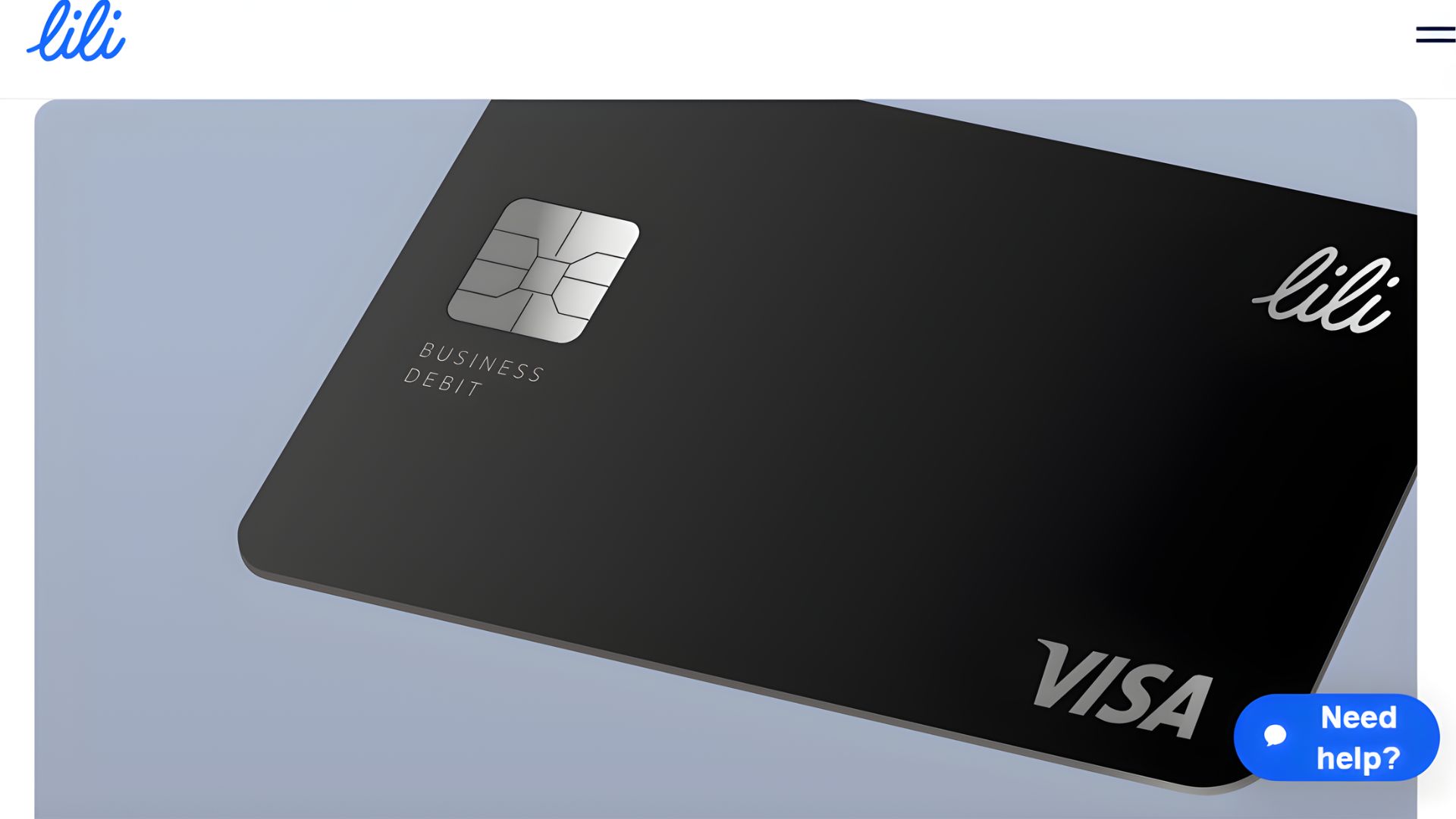
Best for: Freelancers and self-employed individuals
Pricing from: $0/month for basic; $13.99/month for premium
Key features: Automatic tax withholding, expense categorization, tax deduction tracking, real-time notifications
Lili is purpose-built for freelancers and gig economy workers, with features specifically addressing the financial challenges of self-employment. The platform automatically sets aside a percentage of your income for taxes based on your tax bracket, helping prevent the shock of large tax bills. Lili categorizes expenses and tracks potential tax deductions in real-time, simplifying quarterly tax preparation and maximizing write-offs.
The mobile-first experience is streamlined and intuitive, showing your tax savings separately from available spending money. Lili offers invoicing capabilities, allowing you to bill clients and track payment status from the same platform. The premium tier adds features like cashback rewards and higher transaction limits. While Lili is excellent for solo entrepreneurs, it lacks features necessary for businesses with employees or multiple team members, making it unsuitable as you scale beyond self-employment.
Pros:
Automatic tax withholding and tracking
Expense categorization for tax deductions
Completely free basic tier
Simple, clean mobile interface
Integrated invoicing features
Cons:
Limited to sole proprietors
No team member access
Basic compared to full business banking solutions
Premium features require monthly subscription
9. Found – Best for Self-Employed Professionals Managing Taxes
Best for: Self-employed individuals and independent contractors
Pricing from: $0/month; optional paid features available
Key features: Automatic tax calculations, quarterly tax saving, expense tracking, 1099 income management
Found takes tax management for the self-employed to another level, functioning as both a business bank and a tax savings account. The platform analyzes your income and expenses to calculate estimated tax obligations, automatically transferring the appropriate percentage to a separate tax savings account. This prevents the common problem of self-employed individuals spending money they actually owe in taxes.
Found is particularly strong for managing 1099 income from multiple sources, categorizing deposits by client and tracking which payments have been invoiced versus which are still outstanding. The expense tracking feature uses smart categorization to identify tax-deductible expenses, potentially saving you thousands during tax season. Found also offers bookkeeping tools and will generate reports suitable for providing to your accountant. However, like Lili, Found is designed for solo operators and doesn't support team banking or payroll features.
Pros:
Intelligent automatic tax savings
Excellent for managing multiple income streams
Strong expense categorization for tax purposes
Free core features with optional upgrades
Designed specifically for 1099 contractors
Cons:
Not suitable for businesses with employees
Limited integration with other business tools
No physical card in basic tier
Fewer traditional banking features
10. Axos Bank Business Checking – Best for High-Transaction-Volume Businesses
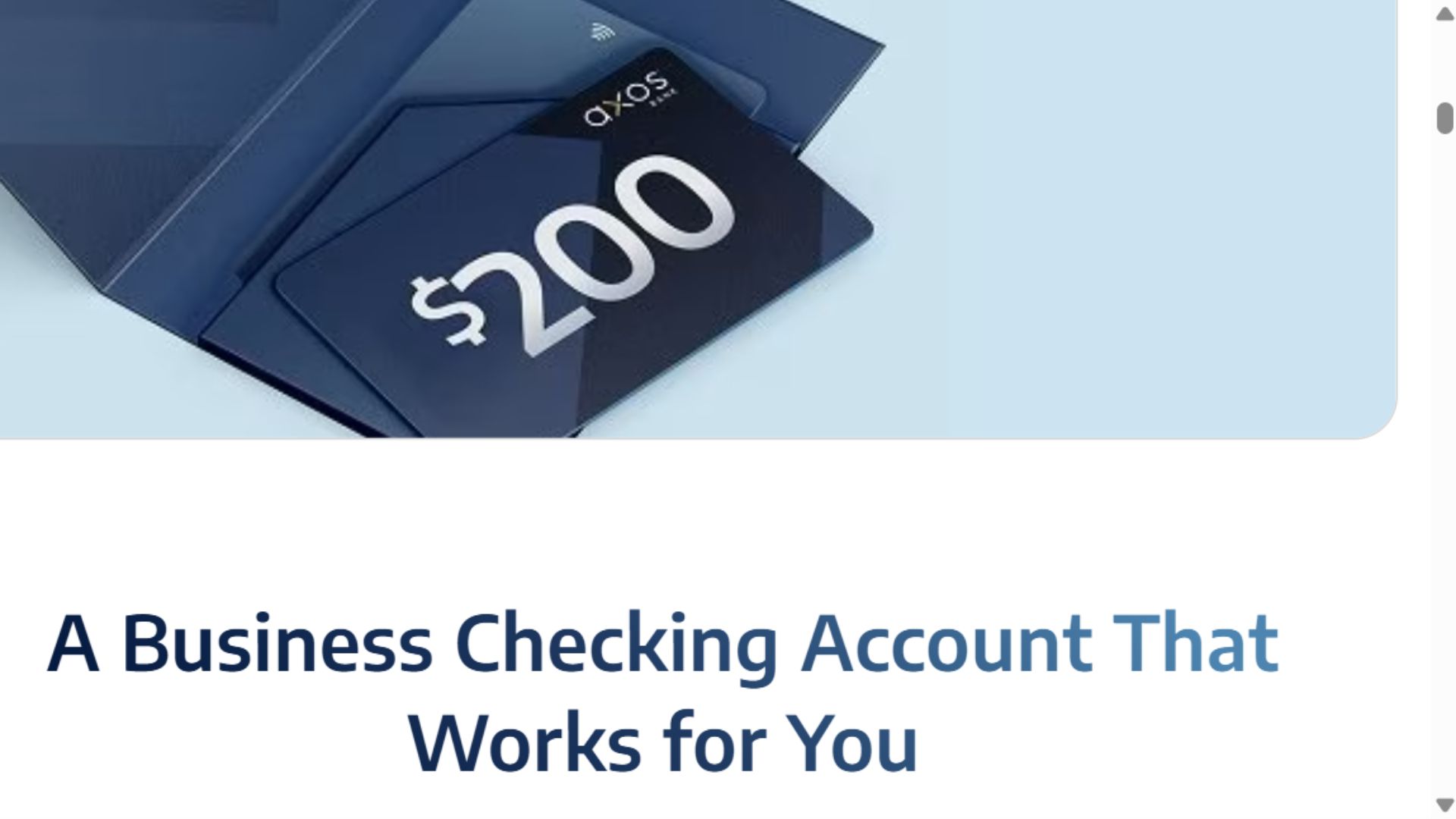
Best for: Businesses processing many transactions monthly
Pricing from: $0/month (with requirements met)
Key features: Unlimited transactions, high deposit limits, cash back on purchases, remote deposit capture
Axos Bank stands out by offering truly unlimited transactions with no monthly fees when you maintain a modest daily balance or meet simple monthly requirements like receiving $2,500 in deposits. This makes Axos ideal for businesses that process hundreds of transactions monthly, such as e-commerce stores, agencies billing multiple clients, or service businesses with numerous customers. Most other free business checking accounts limit transactions to 100-200 per month before charging per-transaction fees.
The account includes unlimited free domestic wire transfers and mobile check deposits up to $50,000 daily, significantly higher than many competitors. Axos offers cashback rewards on debit card purchases, turning routine business spending into a revenue generator. The digital banking platform is comprehensive, with bill pay, account alerts, and detailed transaction history. While Axos lacks physical branches, their customer support is available seven days a week, and the platform includes features that typically require business relationships with traditional banks.
Pros:
Truly unlimited transactions with no fees
High mobile check deposit limits
Cashback rewards on debit purchases
No monthly fees with easy-to-meet requirements
Excellent for high-volume transaction businesses
Cons:
No physical branch locations
Requires maintaining minimum balance or meeting deposit requirements
Less intuitive interface than newer fintech banks
Limited features for very small freelancers
Comparison Summary
When comparing these business banking solutions, several clear distinctions emerge. On pricing, Mercury, Novo, Relay, and Lili offer completely free banking with no catches, while traditional banks like Chase and Bank of America charge monthly fees that can only be waived by maintaining substantial balances. Brex and Bluevine provide free checking but generate revenue through credit products and corporate cards.
For setup and ease of use, digital-first banks like Mercury, Novo, and Lili can have you operational within minutes, requiring minimal documentation and no in-person visits. Traditional banks like Chase and Bank of America involve more paperwork, longer approval times, and potential branch visits. Brex and Bluevine fall somewhere in the middle, with faster processes than traditional banks but more thorough underwriting than simple checking accounts.
Feature differentiation is perhaps most important for selecting the right solution. Tech startups and venture-backed companies should prioritize Mercury or Brex for their sophisticated tools and high limits. Freelancers benefit most from Novo, Lili, or Found with their tax-focused features and simplicity. Businesses handling cash need Chase or Bank of America for branch access. Companies managing multiple projects should consider Relay for its multi-account structure, while those needing credit access should evaluate Bluevine or Brex.
Buying Guide: Choosing Your Business Banking Solution
Who Needs Business Banking
Any business entity—whether an LLC, corporation, S-corp, or sole proprietorship—should maintain separate business banking to protect personal assets, simplify tax preparation, and establish business credit history. Even if you're a freelancer working from home, mixing personal and business finances creates accounting nightmares, complicates tax filing, and can pierce the liability protection that business entities provide. The IRS scrutinizes businesses that don't maintain separate accounts, and commingling funds can result in deductions being disallowed during audits.
Beyond legal and tax considerations, business banking provides tools designed for commercial needs that personal accounts lack, including invoicing, expense categorization, multiple user access, and integration with accounting software. These features save hours of administrative work and provide financial insights that help you make better business decisions. Starting with proper business banking from day one establishes professional credibility with clients, vendors, and potential investors.
How Business Banking Works
Business banking functions similarly to personal banking but with features tailored to commercial needs. You'll open an account using your business entity documentation (such as EIN, articles of incorporation, or DBA certificate), then deposit funds and conduct business transactions separately from personal finances. Most business accounts include checking for daily operations, optional savings for reserves, merchant services for accepting payments, and credit products for managing cash flow.
Modern business banking platforms integrate with your other business tools, automatically syncing transactions with accounting software like QuickBooks or Xero. You can issue debit cards to team members with spending controls, pay vendors through ACH or wire transfers, and collect payments from customers through various methods. Digital banking platforms provide real-time visibility into your cash position, helping you make informed decisions about spending, hiring, and investing in growth.
Key Features to Consider
Prioritize these features based on your business model. Transaction limits matter significantly—if you process many payments monthly, ensure your bank offers unlimited or very high transaction allowances. Integration capabilities with accounting software, payment processors, and other tools you use daily will save hours of manual data entry and reduce errors. Consider whether you need physical branch access for cash deposits or prefer the convenience of entirely digital banking.
Evaluate fee structures carefully, looking beyond monthly maintenance fees to transaction charges, wire transfer costs, and penalties for falling below minimum balances. For growing businesses, multi-user access with permission controls becomes essential for delegating financial tasks while maintaining oversight. Credit access—whether lines of credit, business credit cards, or loans—can be valuable for managing seasonal fluctuations or seizing growth opportunities. Finally, consider your international needs if you work with overseas clients or vendors, as some banks excel at foreign currency transactions while others charge prohibitive fees.
Pricing Overview and Options
Business banking pricing has become increasingly competitive, with many fintech solutions offering completely free checking accounts as loss leaders, monetizing instead through credit products, payment processing, or premium features. Mercury, Novo, Relay, Lili, and Found all offer free business checking with no monthly fees and no minimum balance requirements, making them accessible to even the newest startups. These platforms prove that quality business banking doesn't require paying monthly fees.
Traditional banks like Chase ($15/month) and Bank of America ($16/month) charge maintenance fees but often waive them if you maintain minimum daily balances ranging from $1,500 to $15,000, depending on the account tier. These banks justify their fees through extensive branch networks, comprehensive services, and the stability of established institutions. Axos Bank takes a middle approach, charging $0/month if you meet modest requirements like receiving $2,500 in monthly deposits.
DIY vs Professional Banking Management
Most entrepreneurs can successfully manage their business banking independently using the tools provided by these platforms. Digital banking interfaces are designed for self-service, with intuitive dashboards, mobile apps, and automated features that require no special expertise. Integration with accounting software means transactions categorize automatically, and many platforms generate reports suitable for tax preparation without professional help.
However, as businesses grow more complex, professional support becomes valuable. This might mean hiring a bookkeeper who manages your banking alongside your accounts, working with an accountant who advises on optimal banking structures for tax purposes, or engaging a financial advisor who helps optimize cash management and credit usage. Traditional banks like Chase and Bank of America provide relationship managers for larger accounts, offering personalized guidance on banking products, credit options, and cash management strategies. The decision between DIY and professional support typically depends on your business complexity, time availability, and financial sophistication rather than which bank you choose.
Frequently Asked Questions
Do I legally need a separate business bank account?
While sole proprietors aren't legally required to maintain separate business accounts, it's strongly recommended for all business entities. LLCs and corporations should always maintain separate accounts to preserve liability protection—commingling personal and business funds can "pierce the corporate veil," exposing your personal assets to business liabilities. Beyond legal considerations, separate accounts simplify tax preparation, make accounting dramatically easier, and provide clear documentation if you're ever audited. Most business banking solutions make it so easy and affordable to maintain separate accounts that there's no practical reason not to.
Can I open a business bank account with poor personal credit?
Yes, most business checking accounts don't require credit checks or factor personal credit into approval decisions. Banks like Mercury, Novo, Relay, and Lili focus on verifying your business legitimacy rather than assessing creditworthiness for basic checking accounts. However, if you want access to business credit cards or lines of credit through platforms like Brex or Bluevine, your personal and business credit history will be evaluated. If credit is a concern, start with a simple checking account, establish consistent banking history, and separate your personal and business finances—these steps will help build business credit over time.
What documentation do I need to open a business bank account?
Requirements vary by bank and business structure, but generally expect to provide your Employer Identification Number (EIN) or Social Security Number for sole proprietors, business formation documents (articles of incorporation, LLC operating agreement, or DBA certificate), personal identification like a driver's license, and proof of business address. Digital banks typically require less documentation and can verify much of this information electronically, while traditional banks may request additional paperwork like business licenses or reference letters. The entire process with digital banks often takes under 10 minutes, while traditional banks may require days or weeks for approval.
Should I choose a traditional bank or a fintech solution?
This depends on your specific business needs. Choose traditional banks like Chase or Bank of America if you handle significant cash requiring branch deposits, need in-person banking support, want access to business loans and comprehensive financial services, or prefer the stability of established institutions. Choose fintech solutions like Mercury, Novo, or Brex if you operate primarily digitally, want no monthly fees and modern tools, need quick account opening without bureaucracy, or benefit from features designed specifically for startups and online businesses. Many businesses actually use both, maintaining a traditional bank for certain needs while leveraging fintech solutions for primary operations.
Can I switch business banks easily if I'm not satisfied?
Yes, switching business banks is straightforward, though it requires some planning. Open your new account first, then gradually transition automatic payments, vendor relationships, and customer payment information to the new account. Keep your old account active for 30-60 days to catch any stragglers, then close it once you're confident everything has transferred. Most modern banking platforms make it easy to export transaction history for your records. The biggest hassle is updating payment information with vendors and customers, but this is manageable with a transition checklist. Don't let fear of switching keep you in an unsuitable banking relationship—business banking is competitive precisely because banks know you can leave.