
Top 10 at a Glance
YNAB (You Need A Budget) – Best for hands-on budgeters who want total control
Rocket Money – Best for subscription management and lowering bills
Goodbudget – Best for envelope budgeting enthusiasts
PocketGuard – Best for seeing how much you can safely spend
Simplifi by Quicken – Best for tracking spending trends and financial overview
Empower Personal Dashboard – Best for combining budgeting with investment tracking
EveryDollar – Best for zero-based budgeting beginners
Honeydue – Best for couples managing finances together
Monarch Money – Best premium all-in-one budgeting solution
Mint – Best free comprehensive budgeting tool
1. YNAB (You Need A Budget) – Best for Hands-On Budgeters
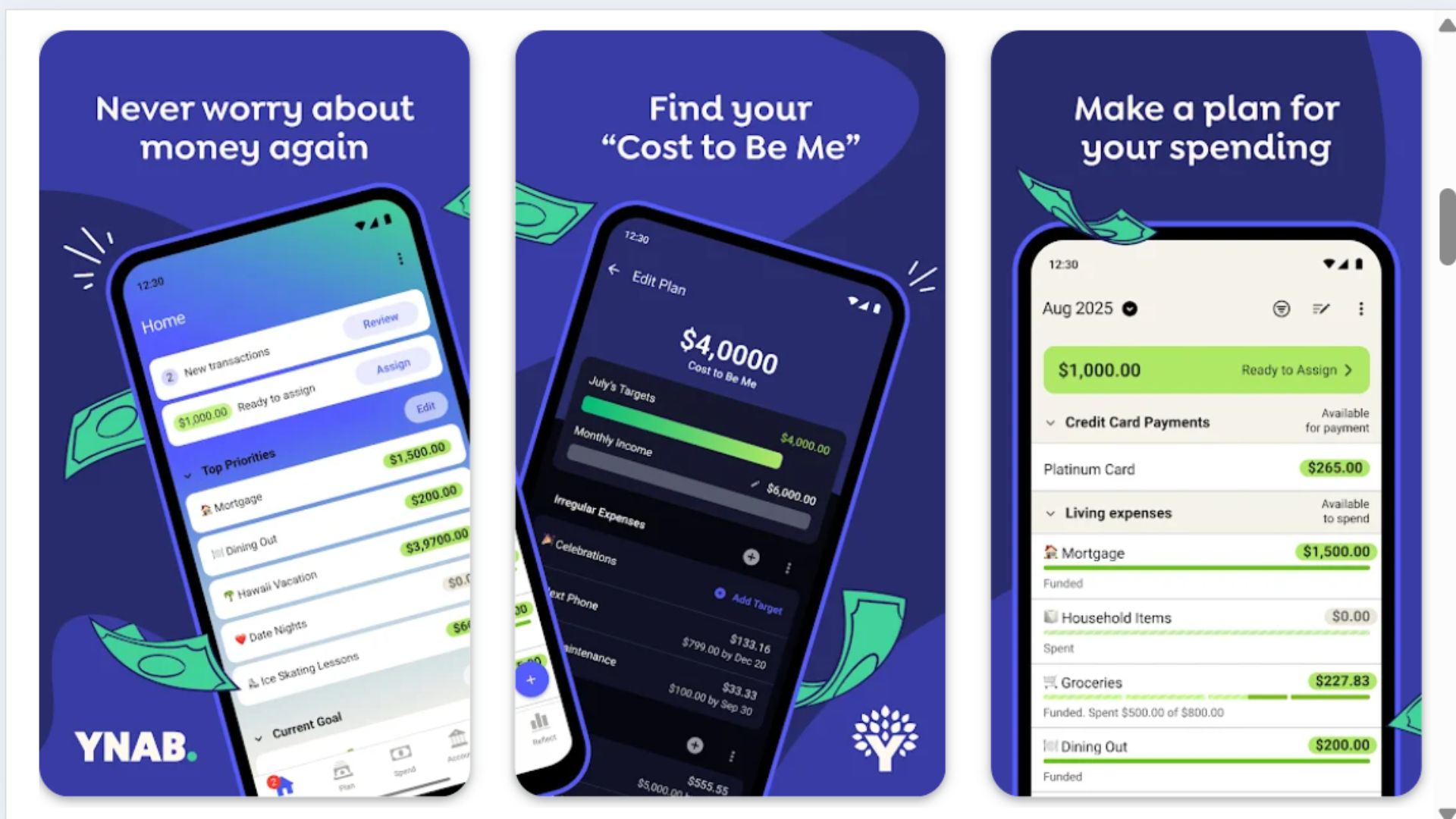
YNAB is for people who are serious about changing their financial habits. This app follows a unique "give every dollar a job" philosophy, meaning you assign your money to specific categories before you spend it. It's proactive rather than reactive, which helps you break the paycheck-to-paycheck cycle.
The learning curve is steeper than other apps, but YNAB offers extensive free workshops, tutorials, and a supportive community. You'll manually connect accounts or import transactions, then allocate funds based on priorities. The app encourages you to live on last month's income, building a buffer that reduces financial stress. Users consistently report saving hundreds of dollars in their first few months.
YNAB costs $14.99/month or $109/year after a 34-day free trial, which is pricier than competitors. However, the company claims users save an average of $600 in their first two months, and many devotees say it's worth every penny.
Pros:
Excellent educational resources and active community
Changes your relationship with money through intentional planning
Great for tackling debt with focused category funding
Real-time syncing across devices
Detailed reports show spending trends
Cons:
More expensive than most budgeting apps
Requires regular time commitment and engagement
Steeper learning curve for budgeting beginners
Manual account connection can feel tedious
2. Rocket Money – Best for Subscription Management
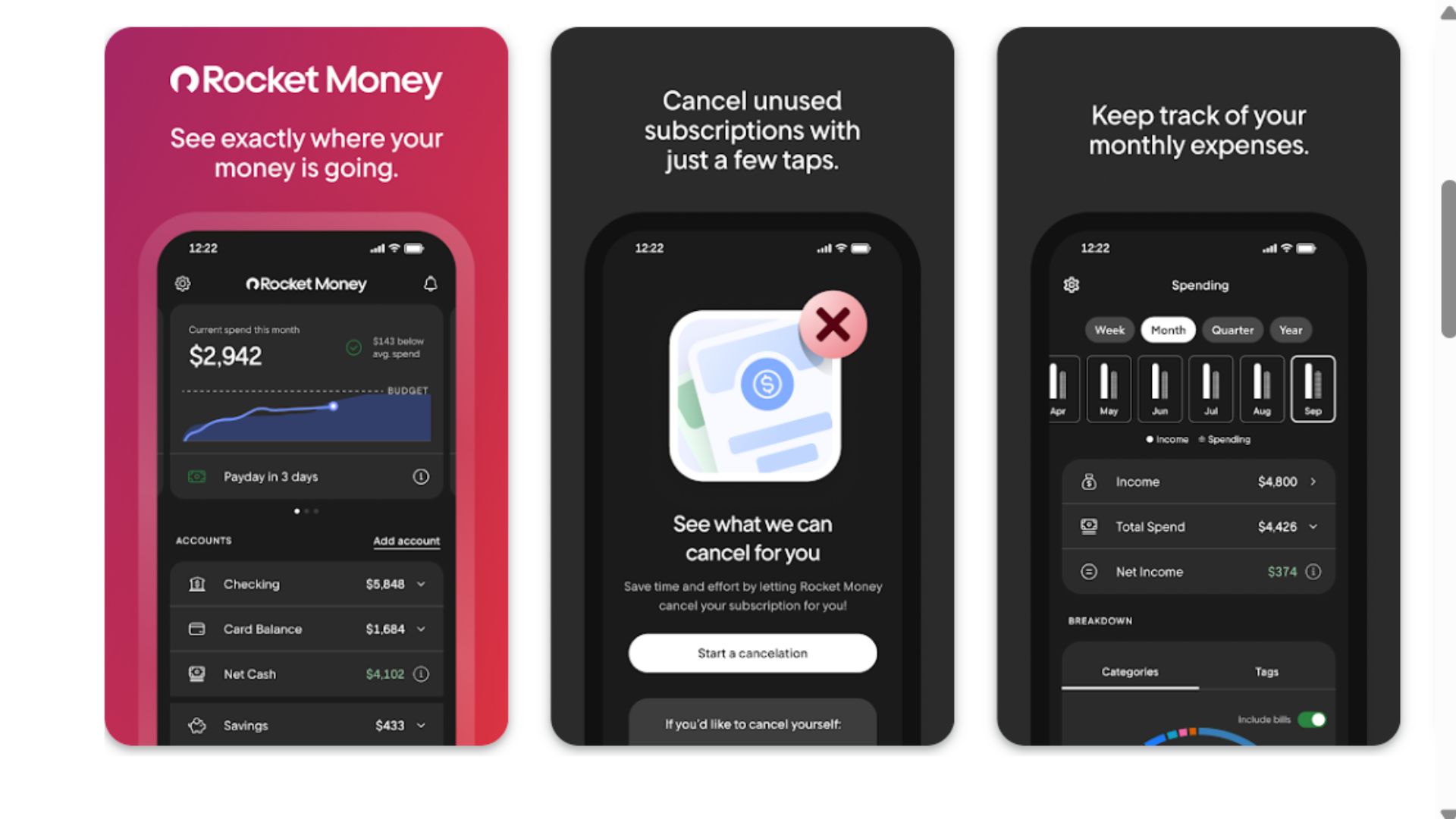
Rocket Money (formerly Truebill) excels at finding money you didn't know you were wasting. The app automatically identifies recurring subscriptions, flags ones you might have forgotten about, and can even negotiate bills on your behalf. If you're the type who signs up for free trials and forgets to cancel, this app pays for itself.
Beyond subscription tracking, Rocket Money offers budgeting tools, spending analysis, and smart savings features. The bill negotiation service is a standout—representatives will contact providers like cable companies, internet services, or phone carriers to get you lower rates. You can also set custom spending limits and receive alerts when you're approaching them
The basic version is free with limited features. Premium costs $6-$12/month depending on what you choose to pay (yes, you set your own price), which includes bill negotiation, smart savings, and credit monitoring.
Pros:
Finds and cancels forgotten subscriptions with one tap
Bill negotiation service can save significant money
You choose your own premium subscription price
Clear visualization of spending by category
Identifies opportunities to save automatically
Cons:
Some features require premium subscription
Bill negotiation takes a percentage of savings
Limited investment tracking capabilities
Interface can feel cluttered with upsell prompts
3. Goodbudget – Best for Envelope Budgeting
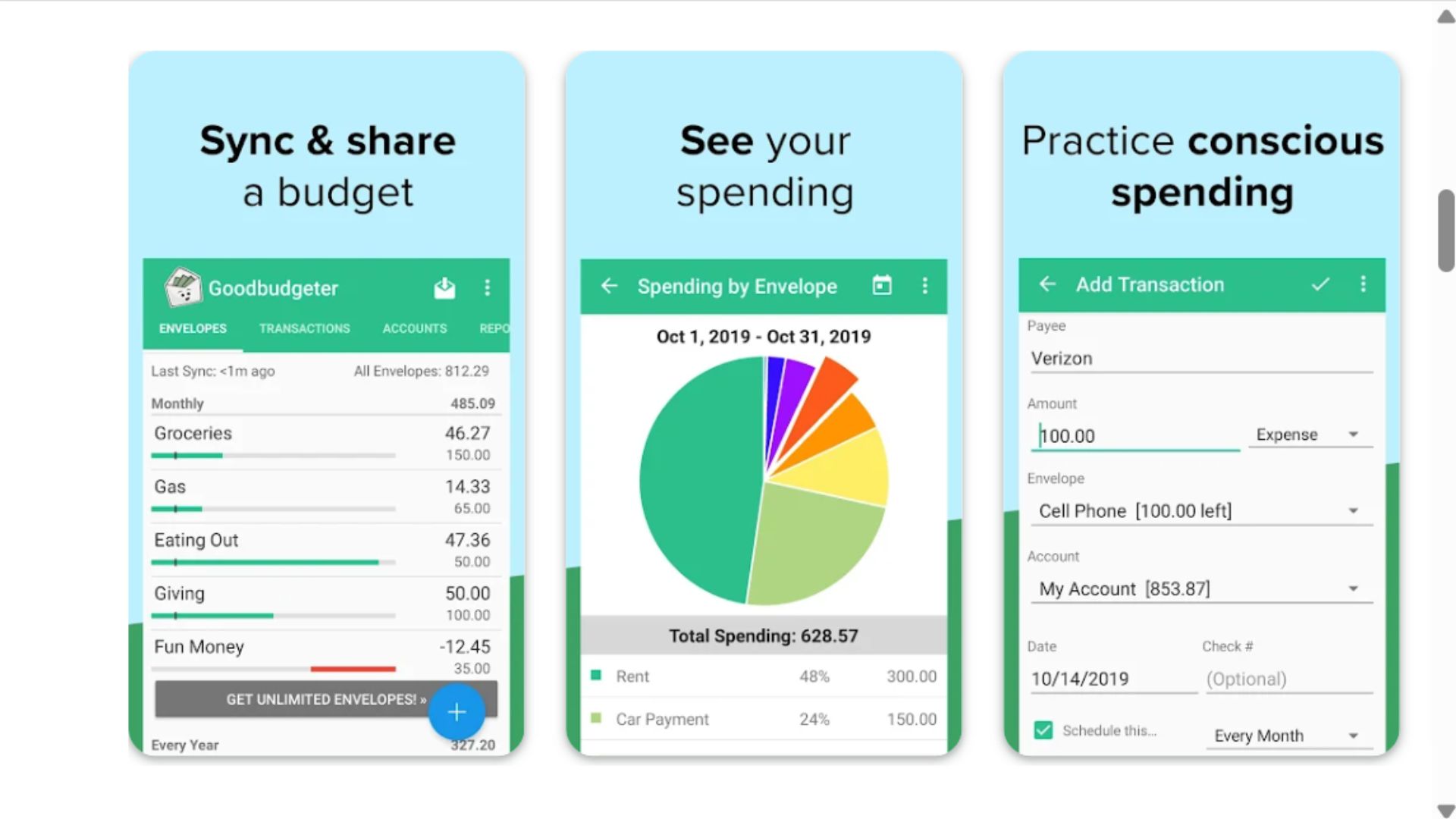
Goodbudget brings the old-school envelope budgeting method into the digital age. If you (or your parents) ever divided cash into physical envelopes labeled "groceries," "gas," and "entertainment," you'll understand this system immediately. You allocate money to virtual envelopes, then track spending as you go.
This app is perfect for people who want a structured approach without connecting bank accounts. You manually enter transactions, which some people find tedious but others appreciate for the awareness it creates. Goodbudget syncs across multiple devices, making it excellent for households where partners want shared visibility into the budget.
The free version includes 20 envelopes and one account. Goodbudget Plus costs $8/month or $70/year and offers unlimited envelopes, accounts, and up to five devices.
Pros:
Simple, intuitive envelope system that's easy to understand
No bank account connection required (great for privacy)
Excellent for couples with shared envelope access
Debt tracking and payoff planning included
Affordable premium option with generous free tier
Cons:
Manual transaction entry is time-consuming
Limited reporting compared to automated apps
Free version restricts number of envelopes
No bill payment or investment tracking features
4. PocketGuard – Best for Seeing Spendable Cash
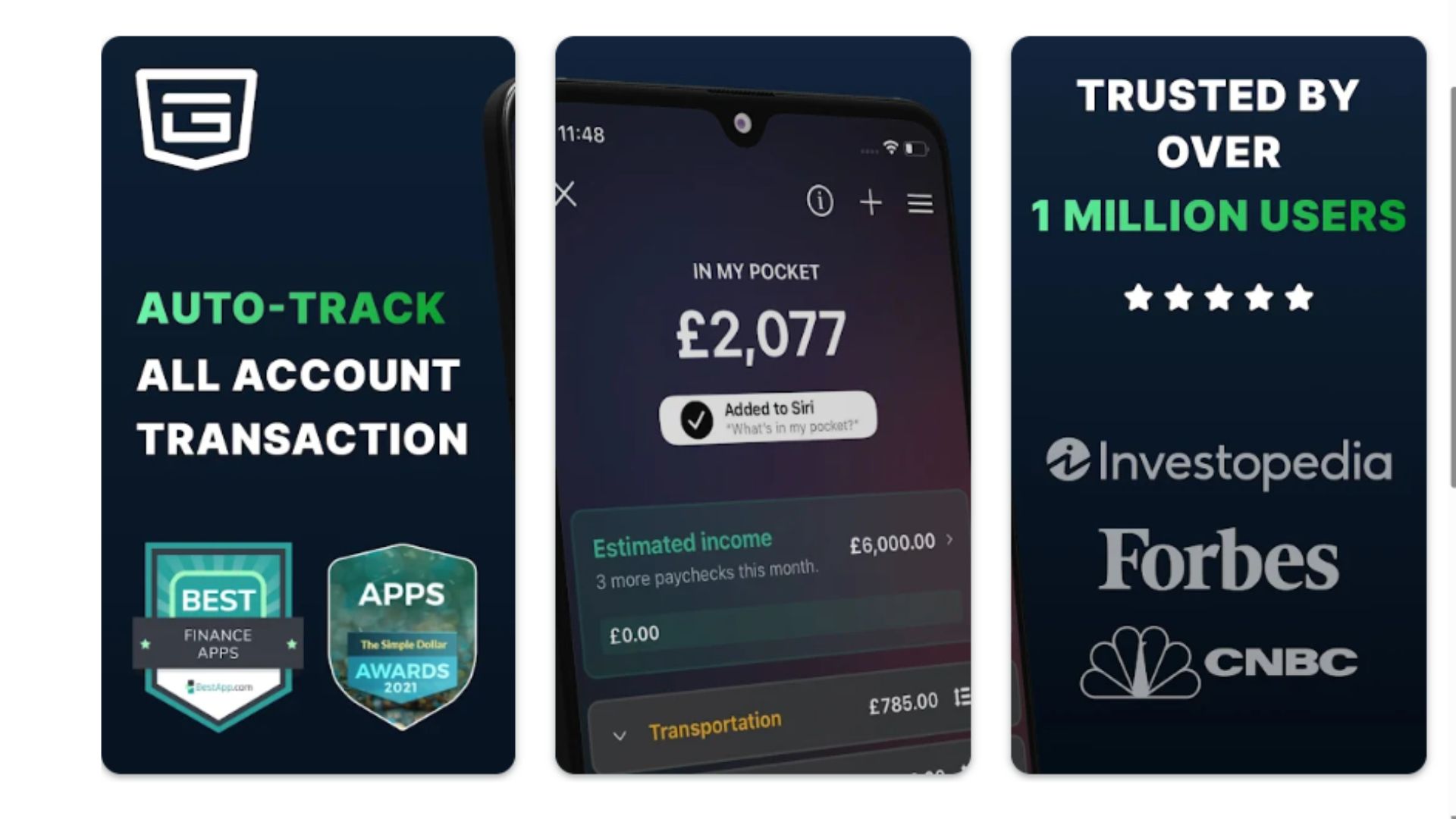
PocketGuard answers the question everyone wants to know: "How much can I actually spend right now?" The app's signature "In My Pocket" feature calculates your available funds after accounting for bills, goals, and necessities. This simple metric helps prevent overspending and makes budgeting feel less restrictive.
The app automatically categorizes transactions, tracks bills, and helps you find opportunities to lower recurring expenses. PocketGuard also identifies income opportunities and suggests ways to optimize your budget. The interface is clean and uncluttered, focusing on actionable information rather than overwhelming you with charts.
PocketGuard is free for basic features. PocketGuard Plus costs $12.99/month, $74.99/year, or a one-time payment of $139.99 for lifetime access, adding features like unlimited accounts, custom categories, and debt payoff plans.
Pros:
"In My Pocket" feature simplifies spending decisions
Automatically finds ways to reduce bills and subscriptions
Clean, user-friendly interface
Customizable categories for spending tracking
Lifetime subscription option available
Cons:
Free version has limited account connections
Investment tracking is minimal
Some users report syncing issues with certain banks
Custom categories only available in paid version
5. Simplifi by Quicken – Best for Spending Trends
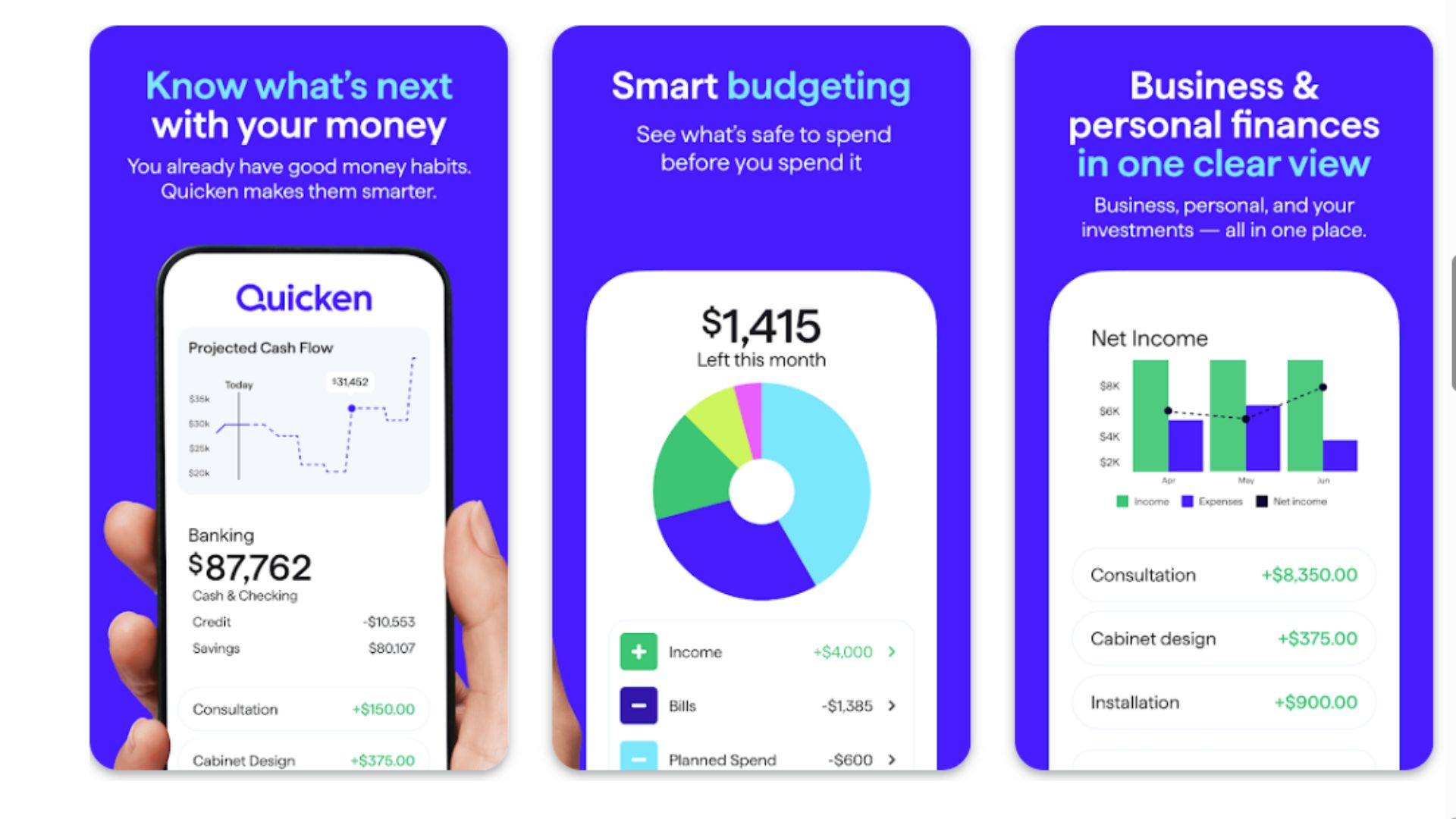
Simplifi offers a modern take on personal finance from the trusted Quicken brand. This app focuses on providing a clear spending plan rather than a rigid budget. You set goals, track bills, monitor subscriptions, and watch your spending trends over time. The watchlist feature lets you keep an eye on specific accounts or categories that matter most to you.
What sets Simplifi apart is its emphasis on trends and patterns. You'll see how your spending fluctuates month-to-month, helping you make realistic adjustments. The projected balance feature shows where your finances are headed, taking the guesswork out of financial planning. Custom reports let you dig into specific questions about your money.
Simplifi costs $5.99/month or $47.99/year, making it competitively priced for the features offered. There's a 30-day free trial to test it out.
Pros:
Flexible spending plan approach feels less restrictive
Excellent data visualization and trend analysis
Customizable reports answer specific financial questions
Clean, modern interface that's easy to navigate
Affordable pricing with robust feature set
Cons:
Less guidance for budgeting beginners
Not ideal if you want strict envelope-style budgeting
Investment tracking is basic
Mobile app has fewer features than desktop version
6. Empower Personal Dashboard – Best for Budget and Investment Combo
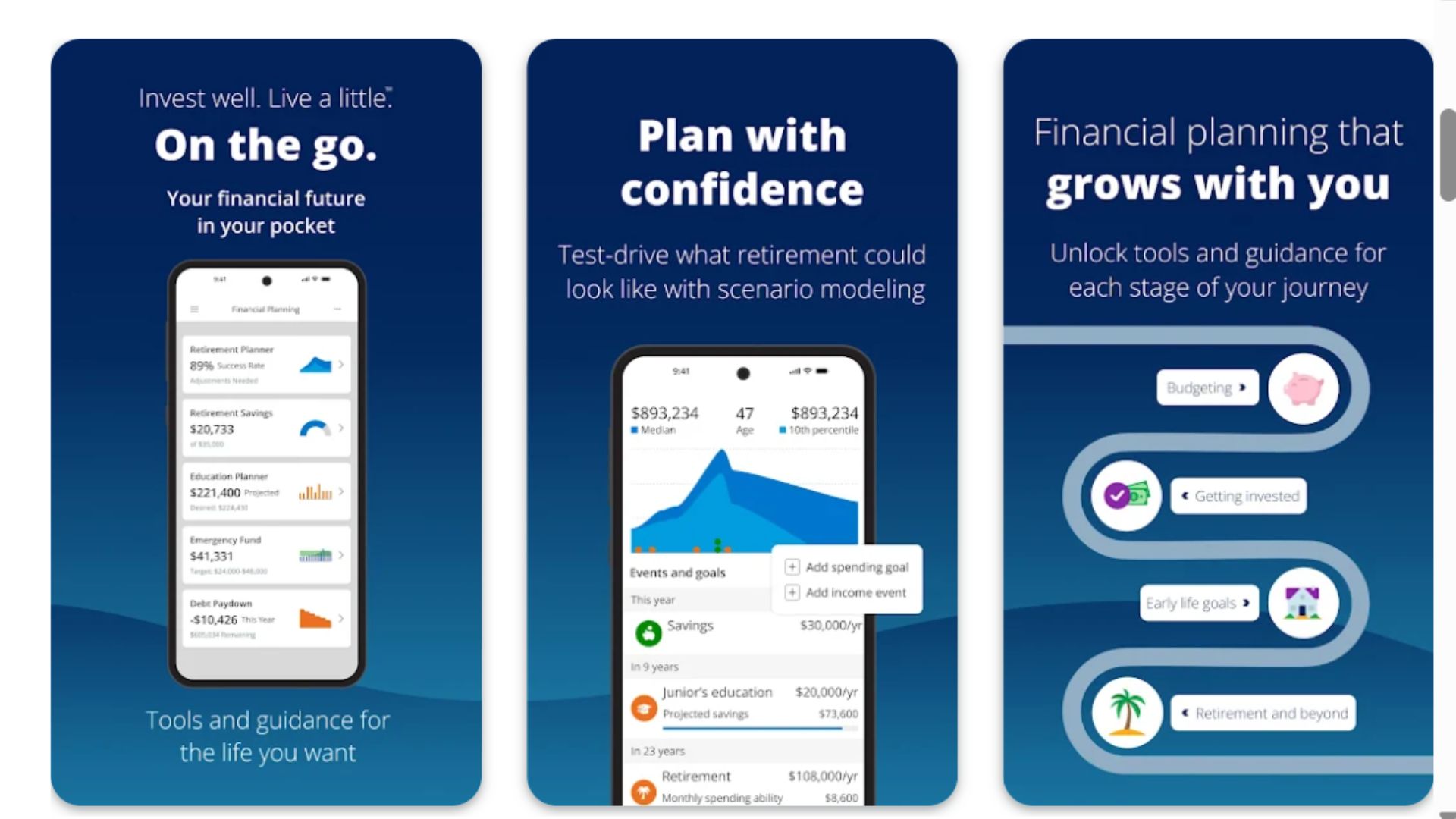
Empower (formerly Personal Capital) started as an investment tracking tool and expanded into budgeting, making it perfect for people who want to see their complete financial picture. The app tracks spending and categorizes transactions, but its real strength is showing how your daily spending affects long-term wealth building.
The dashboard displays your net worth, investment performance, retirement planning progress, and cash flow all in one place. You can analyze investment fees, track asset allocation, and use retirement planning calculators. The budgeting tools are straightforward but secondary to the wealth management features.
Empower Personal Dashboard is completely free for individuals managing their own finances. The company makes money by offering paid wealth management services to high-net-worth clients.
Pros:
Free comprehensive investment tracking
Net worth tracking across all accounts
Retirement planning tools included
Investment fee analyzer helps reduce costs
Great for seeing how spending impacts long-term goals
Cons:
Budgeting features are less robust than dedicated apps
Frequent prompts to use paid advisory services
Overkill if you're only interested in basic budgeting
Interface can feel overwhelming for beginners
7. EveryDollar – Best for Zero-Based Budgeting Beginners
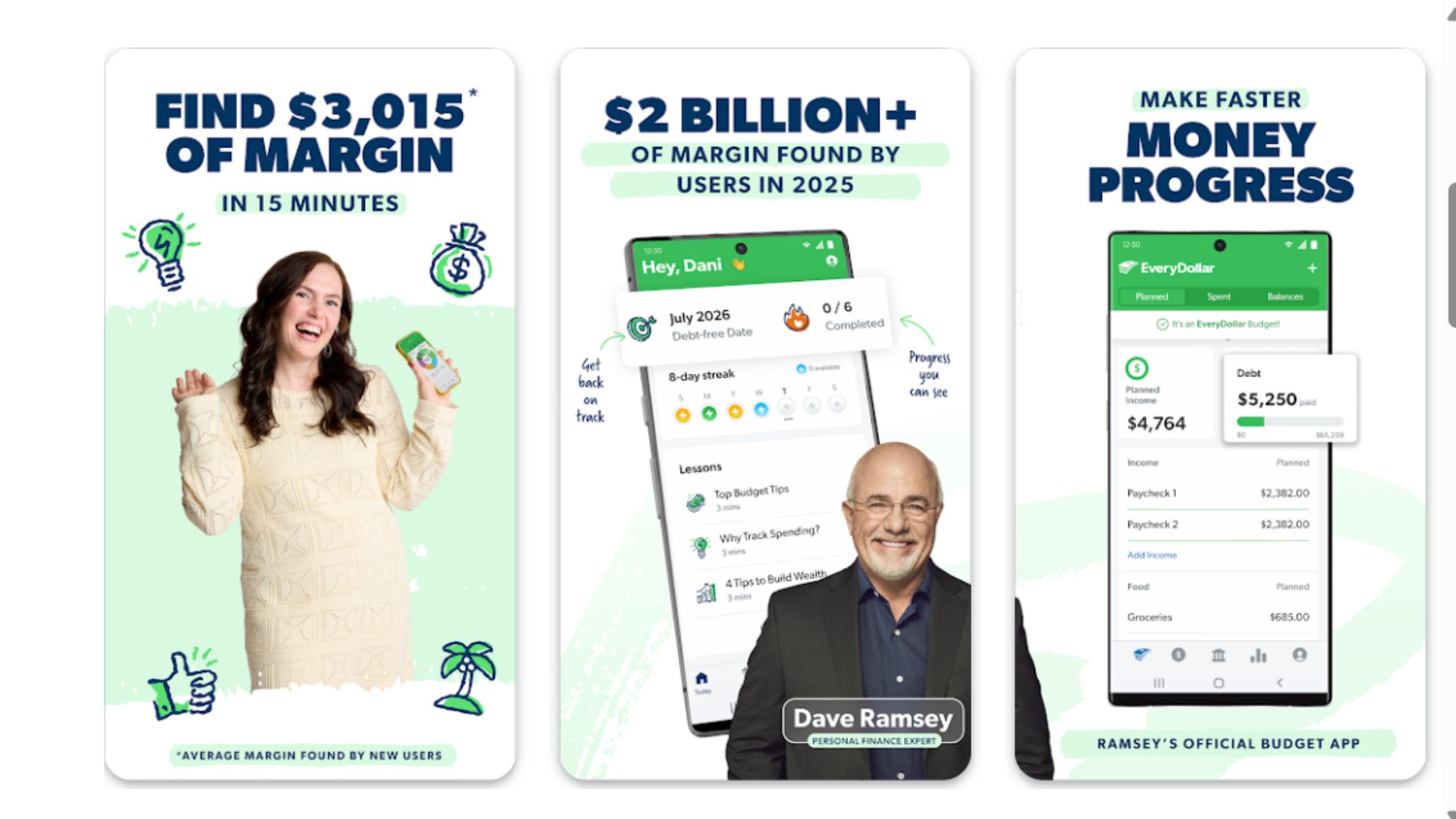
Created by financial guru Dave Ramsey, EveryDollar follows the zero-based budgeting method where every dollar is assigned a purpose. At the beginning of each month, you plan your budget so income minus expenses equals zero. This approach ensures you're intentional about every dollar, whether it goes to bills, savings, or fun money.
The app is remarkably simple and clean, making it approachable for budgeting newbies. You create budget categories, fill in planned amounts, then track actual spending. The free version requires manual transaction entry, while the premium version connects to banks for automatic updates. EveryDollar integrates with Ramsey's "Baby Steps" debt reduction plan.
The basic version is free. EveryDollar Plus costs $79.99/year or $17.99/month and includes bank connectivity, automatic transaction download, and custom reporting.
Pros:
Simple, intuitive interface perfect for beginners
Zero-based budgeting creates spending awareness
Integrates with Dave Ramsey's debt payoff philosophy
Free version is fully functional for manual budgeting
Fast setup with pre-populated categories
Cons:
Basic features compared to competitors
Bank connectivity requires premium subscription
Limited reporting and analytics
Heavily promotes other Ramsey products
No investment or bill negotiation features
8. Honeydue – Best for Couples Managing Finances
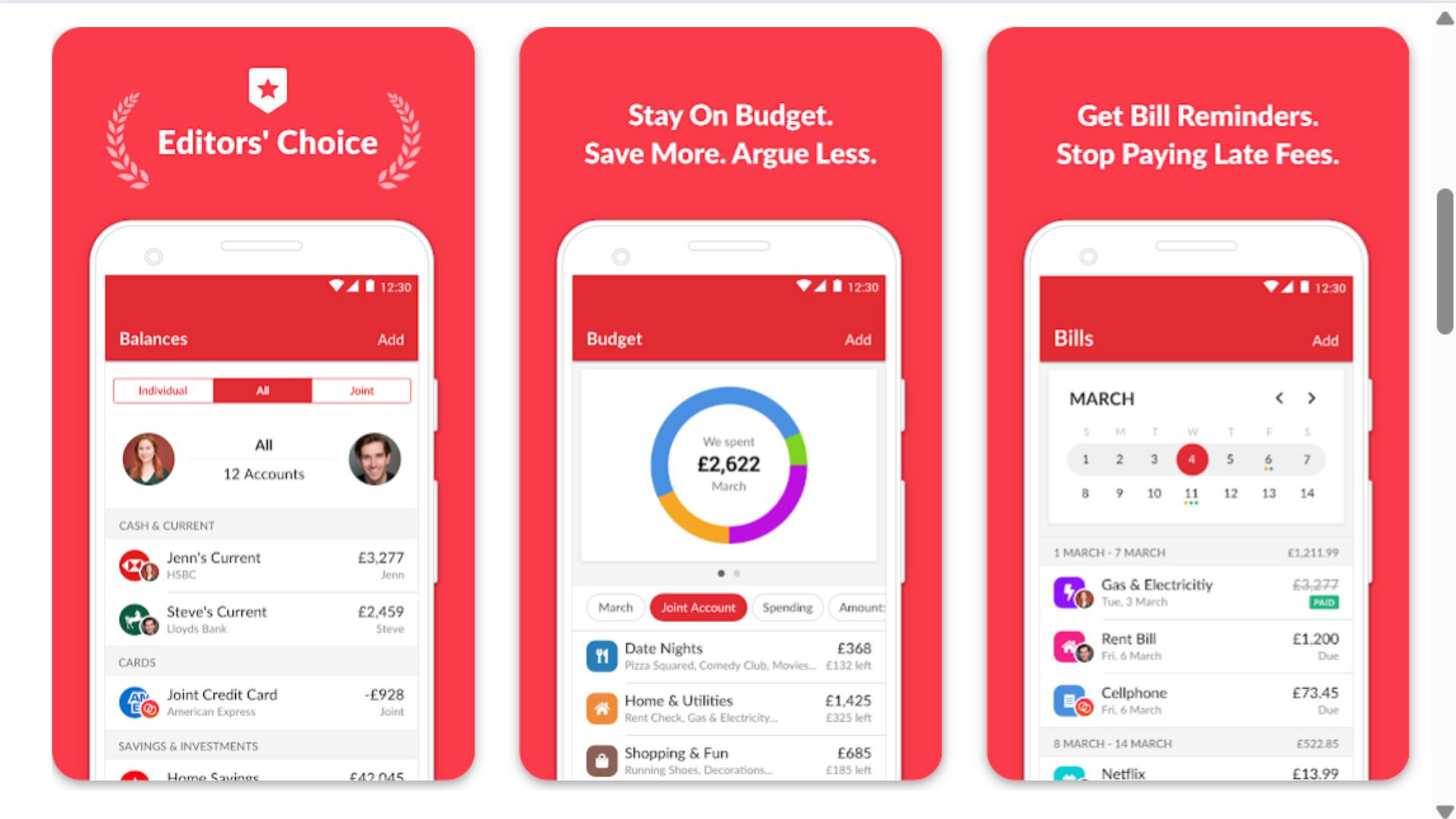
Honeydue is specifically designed for couples who want to manage money together without sacrificing privacy. Each partner can choose which accounts to share, set shared budgets, and see spending updates. The app includes a messaging feature and even lets you send emoji reactions to your partner's transactions (heart for the grocery run, maybe a grimace for that impulse purchase).
You can set spending limits for categories, receive notifications when your partner makes large purchases, and track bills together. Honeydue shows combined balances and individual contributions, making it easier to have productive money conversations. The app helps couples get on the same financial page without awkward spreadsheets.
Honeydue is completely free with no premium tiers, which is refreshing in the budgeting app space.
Pros:
Completely free with no hidden fees
Designed specifically for couples with shared visibility
Choose which accounts to share for privacy balance
In-app messaging for money conversations
Bill reminders keep both partners informed
Cons:
Limited features for individual budgeting
No investment tracking capabilities
Some users report occasional syncing issues
Less robust reporting than other apps
Development updates have slowed recently
9. Monarch Money – Best Premium All-in-One Solution
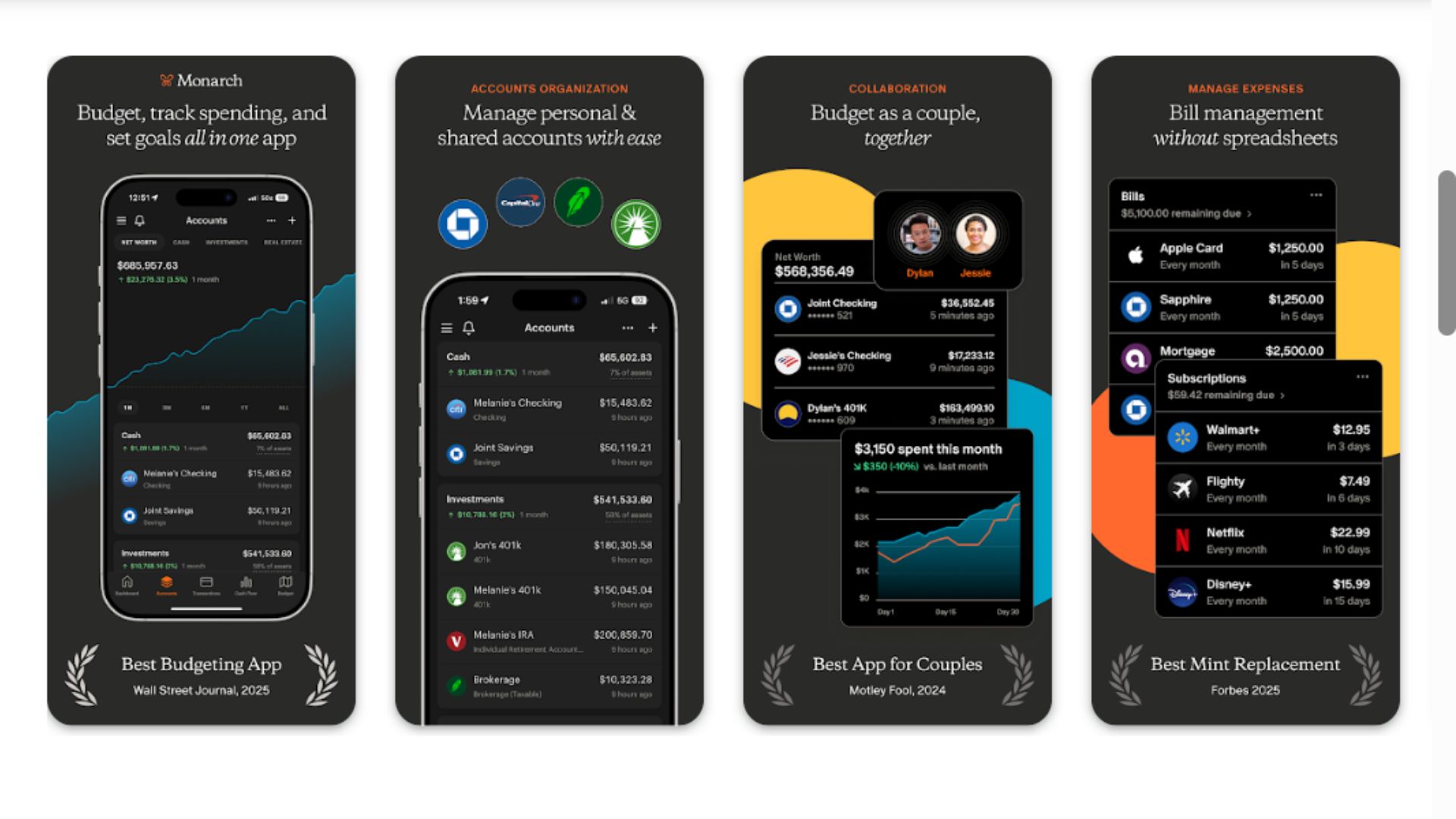
Monarch Money is the comprehensive premium option for people who want every budgeting feature under one roof. The app combines flexible budgeting, investment tracking, goal planning, custom categories, and collaborative tools for partners. You can create multiple budgets, track net worth over time, and generate detailed reports.
The interface is polished and modern, with thoughtful design that makes complex financial data approachable. Monarch offers both the hands-on control of apps like YNAB and the automated convenience of Mint. You can forecast future balances, plan for irregular expenses, and visualize progress toward multiple financial goals simultaneously.
Monarch costs $14.99/month or $99.99/year (often discounted for the annual plan). While not cheap, it's positioned as a complete replacement for multiple financial tools.
Pros:
Beautiful, intuitive interface with powerful features
Excellent for couples with shared planning tools
Robust investment and net worth tracking
Flexible budgeting accommodates different styles
Outstanding customer support and regular updates
Cons:
No free version, only a 7-day trial
Premium pricing may be steep for budget-conscious users
Might be overkill for simple budgeting needs
Smaller user community than established competitors
10. Mint – Best Free Comprehensive Tool
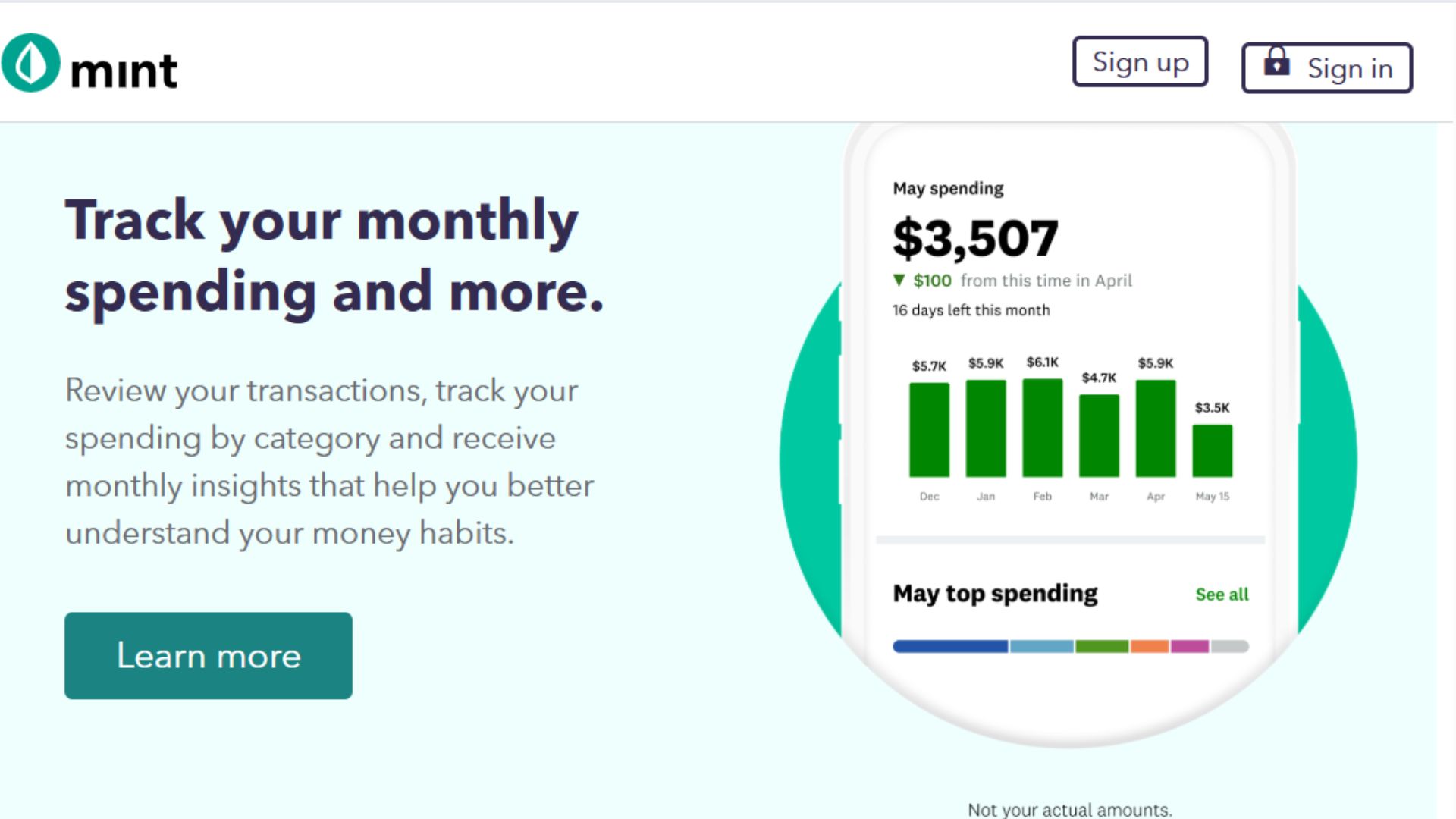
Mint has been the go-to free budgeting app for years, offering an impressive feature set at no cost. The app automatically categorizes transactions, tracks bills, monitors credit scores, and provides budget alerts. You set spending limits for categories, and Mint notifies you when you're approaching them. The app also offers personalized savings tips and identifies opportunities to reduce fees.
While Mint displays ads and suggests financial products (that's how it stays free), the core budgeting functionality is solid. You get a complete financial overview with bank accounts, credit cards, loans, and investments all in one dashboard. Mint's longevity means it connects reliably with most financial institutions.
Mint is completely free, supported by targeted financial product recommendations and advertising.
Pros:
Completely free with comprehensive features
Automatic transaction categorization saves time
Free credit score monitoring included
Connects with wide range of financial institutions
Bill tracking with payment reminders
Cons:
Contains ads and financial product recommendations
Less control over budget customization
Customer support is limited
Some users have privacy concerns about data usage
Mobile app experience varies by device
Your Guide to Budgeting Apps
What Is a Budgeting App?
A budgeting app is a digital tool that helps you track income, monitor spending, and plan for financial goals. Most apps connect to your bank accounts and credit cards to automatically categorize transactions, showing you where your money goes each month. Some apps take a hands-on approach, requiring you to manually allocate funds and track expenses, while others work automatically in the background. The best budgeting apps don't just show you where your money went—they help you plan where it should go and identify opportunities to save.
Benefits of Using a Budgeting App
Using a budgeting app transforms abstract numbers in bank accounts into clear financial insight. You'll quickly spot spending patterns you didn't realize existed, like how those "small" daily purchases add up to hundreds monthly. Apps send alerts before you overdraft, remind you about upcoming bills, and show progress toward savings goals, which motivates continued good behavior. Many people find that simply seeing their spending in categories makes them more conscious of purchases, leading to natural cutbacks without feeling deprived. For couples or families, these apps provide shared visibility that reduces money-related conflicts. Perhaps most importantly, budgeting apps help you feel in control of your finances rather than constantly wondering where your money disappeared.
What to Look For When Choosing a Budgeting App
Start by identifying your primary goal. Are you trying to eliminate debt, save for something specific, or simply stop overspending? Different apps excel at different objectives. Consider your budgeting style—do you want strict category limits or flexible spending plans? Do you prefer automatic tracking or hands-on transaction entry? Check which financial institutions the app connects with, as some banks aren't compatible with all apps. Privacy matters too: understand how your financial data is used and whether the app sells information to third parties. Look at the true cost, including whether "free" apps have meaningful limitations that push you toward paid versions. Finally, read recent reviews to check for reliability issues like syncing problems or poor customer support that could turn budgeting into a frustrating chore.
FAQs
Are budgeting apps safe to use with my bank accounts?
Reputable budgeting apps use bank-level encryption and read-only access, meaning they can view your transactions but cannot move money or make changes to your accounts. Look for apps that use multi-factor authentication and are backed by established companies. Never share your banking passwords directly—legitimate apps use secure third-party services like Plaid to connect accounts. Still, research any app's privacy policy to understand how they use and protect your financial data.
Can I really save money using a budgeting app, or do they just track spending?
The best budgeting apps actively help you save by identifying forgotten subscriptions, finding opportunities to negotiate bills, preventing overdraft fees with balance alerts, and making you aware of spending patterns that drain your account. Studies show that people who actively track spending with these tools save an average of 10-15% of their income simply by becoming more conscious of where money goes. The app itself doesn't save money—your changed behavior does—but the tools make it much easier to implement money-saving habits.
Do I need to pay for a budgeting app, or are free versions good enough?
Free apps like Mint and Honeydue offer genuinely useful features that work well for many people, especially if you want basic transaction tracking and spending categories. Paid apps generally offer more customization, better customer support, advanced features like bill negotiation or investment tracking, and often have cleaner interfaces without ads. If you're managing complex finances, trying to tackle serious debt, or want deeper insights, a paid app might save you more money than it costs. Start with free options and upgrade if you hit their limitations.
How much time do I need to spend on a budgeting app?
This depends on the app and your approach. Automated apps like Mint or PocketGuard require just a few minutes weekly to review categorized transactions and check your spending against limits. Hands-on apps like YNAB or Goodbudget need 15-30 minutes weekly to allocate money and reconcile accounts, plus a few minutes daily to enter or approve transactions. Most people find that after the initial setup week, maintenance becomes quick and routine. The time investment typically pays off in money saved and reduced financial stress.